Waived when the approved repair proceeds.
Fix My Gadget · Johannesburg
MacBook repairs.
Back to work.
A broken screen. A battery that will not last. A MacBook that will not start. Get a clear repair path from our Johannesburg South workshop. We also repair laptops, televisions and monitors.
- Quote before repair
- Kibler Park workshop
- Paid pickup available
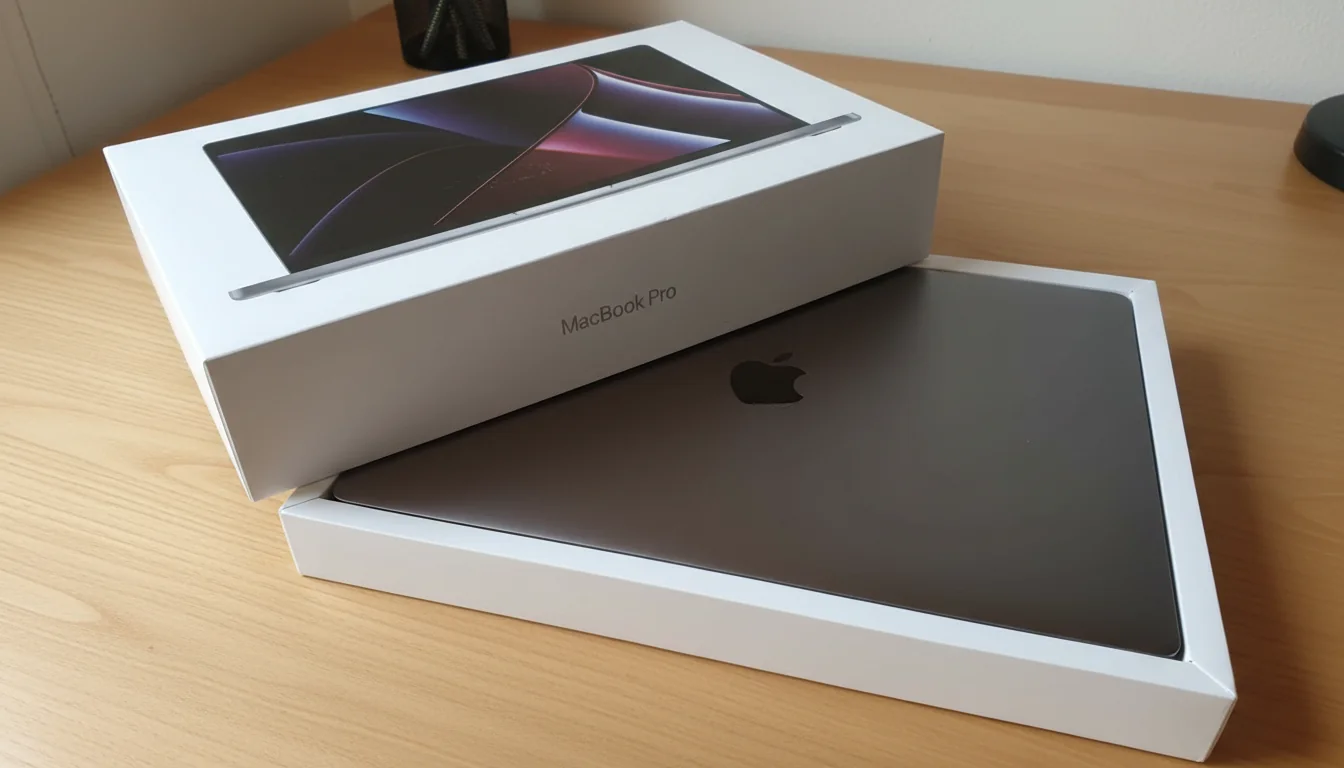
MacBook repair Johannesburg
Keep the MacBook.
Fix what’s holding it back.
01
Screen repair & replacement
Cracks, lines, flicker and black screens. Confirm the model and display condition.
Explore screen repair 02Battery replacement
Short runtime, battery warnings and unexpected shutdowns. Check the charging path too.
Explore battery replacement 03Motherboard repair
No power, liquid damage and charging-circuit faults. Assessment before board replacement.
Explore board repairLaptop & computer repairs
Your everyday workhorse.
Worth another look.
01
Laptop motherboard repair
No power and charging faults. Compare component repair with compatible board replacement.
Explore motherboard repair 02Laptop battery replacement
Battery, charger and charging-path checks for HP, Dell, Lenovo and other models.
Explore battery replacement 03Laptop screen replacement
Cracked panels, lines and display faults. Match the model and part before fitting.
Explore screen repairTV repair Johannesburg
A second chance
for your TV.
01
TV & monitor repairs
No power, picture and input faults. Model-specific assessment before parts.
Explore TV repair 02Local TV repair & pickup
Kibler Park workshop. Confirm transport, panel condition and paid pickup arrangements.
Plan your TV enquiry 03Power & backlight faults
Standby-only, shutdowns or sound without a picture. Understand the assessment route.
Read the fault guideOne clear next step
What needs repairing?
Choose the device and the closest symptom. Then add the exact model, photos and your area in Repair Hub.
- Keep one repair request
- Review the assessment and proposed quote
- Follow workshop updates with your private ticket
How it works
Clear from the first message.
- 01
Send the model and fault
Add the device model, symptoms, photos and your area.
- 02
Review the assessment
We check the fault and explain the proposed repair options.
- 03
Approve the quote
Confirm the part option, price and arrangements before work proceeds.
- 04
Collect or arrange delivery
Follow your repair ticket and confirm collection or paid delivery.
A clear quote
Know the next step before spending.
The fault, exact part and availability determine the price. Approve the written quote before repair.
Send your area and device size. Pickup is paid and arranged before collection.
Johannesburg South workshop
Bring the model.
We’ll guide the next step.
Find Fix My Gadget at 32 Murray Rd, Kibler Park, Johannesburg South. Send the model and fault before travelling so we can confirm the right assessment.
For pickup, tell us your area and device size. Collection and delivery are paid and arranged upfront.
Useful repair guidance
Make a better repair decision.
Before you book
A few useful answers.
Do I approve the repair price first?
Yes. We explain the proposed repair and quote before work begins. Confirm the part option, fitting and any deposit requirement before payment.
What does the diagnostic cost?
The diagnostic fee is R400 and is waived when the approved repair proceeds. Parts and labour are quoted for the model and assessed fault.
Can you collect my device?
Paid pickup and delivery may be arranged. Send your area, device type and size so we can confirm the collection window and transport quote.
Is there a repair warranty?
A 3-month warranty applies to most part replacements such as screens, batteries and keyboards. Confirm the warranty that applies to your quoted repair.
Do you also handle website design and SEO?
Website design, SEO and digital marketing enquiries go to Mani Digital. Fix My Gadget focuses on device repairs and business device support.
More from Fix My Gadget
Support beyond one repair.
Your next step
Send the model.
Get a clear repair path.
Tell us what happened and where you are. We’ll advise on assessment, the proposed repair and the quote.
Prefer to call? 075 046 1725Repair enquiries across Johannesburg
Find your area for MacBook, laptop and television repair. Send the model, fault and area; paid collection and delivery are arranged upfront.