Laptop Repair
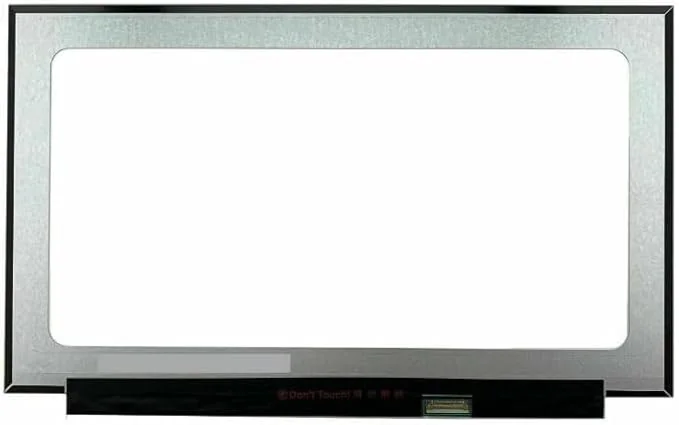
Laptop Screen Repair Prices South Africa 2026
15.6-inch 30-pin, 40-pin, 14-inch, touch, gaming and OLED laptop screen price factors explained before booking repair.
Read guide →
Repair advice archive
Laptop, MacBook, iPhone, PC, TV and buying guides from the Fix My Gadget Johannesburg repair workshop.
Blog hub
This blog hub brings together Fix My Gadget repair guides, buying guides and practical Johannesburg repair content. It is updated as new customer questions and repair patterns appear in the workshop.
15.6-inch 30-pin, 40-pin, 14-inch, touch, gaming and OLED laptop screen price factors explained before booking repair.
Read guide →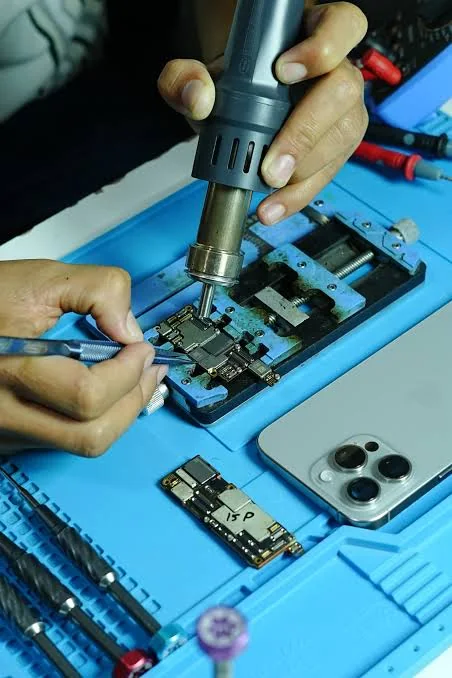
Battery health, charging faults, model factors and quote-first repair advice before replacing an iPhone battery.
Read guide →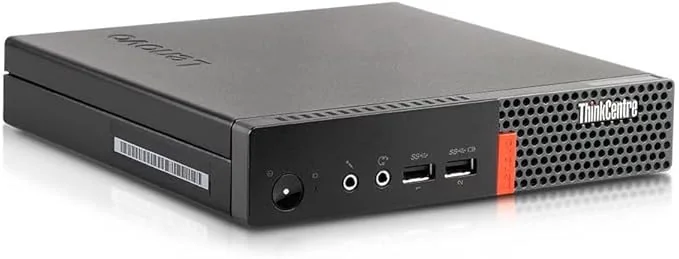
Power supply, motherboard, RAM, SSD and Windows boot symptoms explained before buying parts or replacing the computer.
Read guide →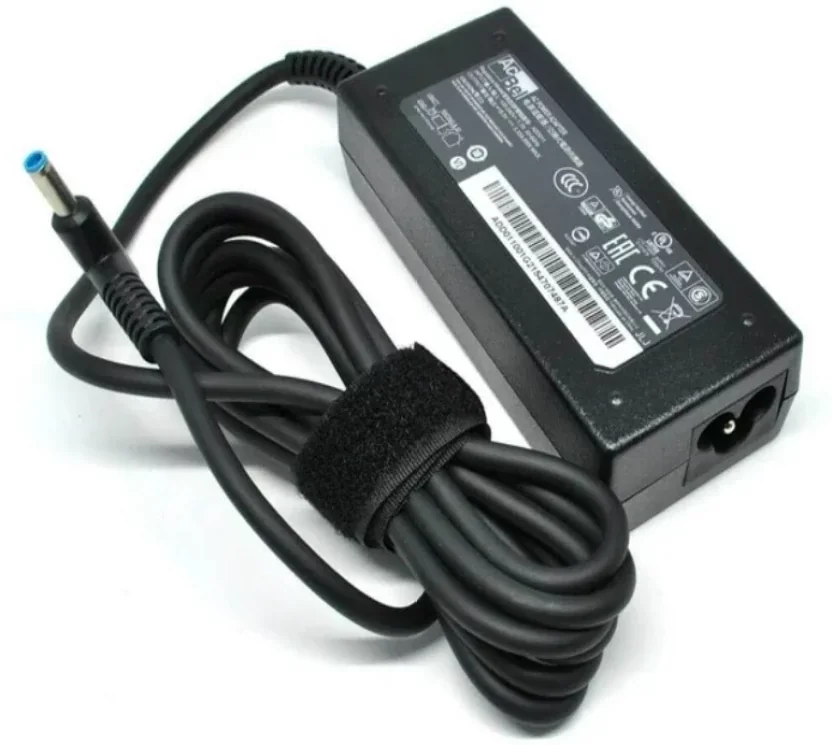
USB-C, DC jack, charger and battery symptoms explained before you buy the wrong part or force a damaged port.
Read guide →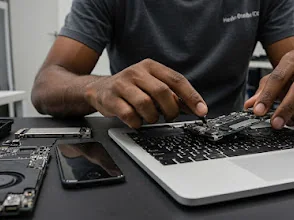
Understand what affects MacBook Air and MacBook Pro screen replacement prices before approving a repair.
Read guide →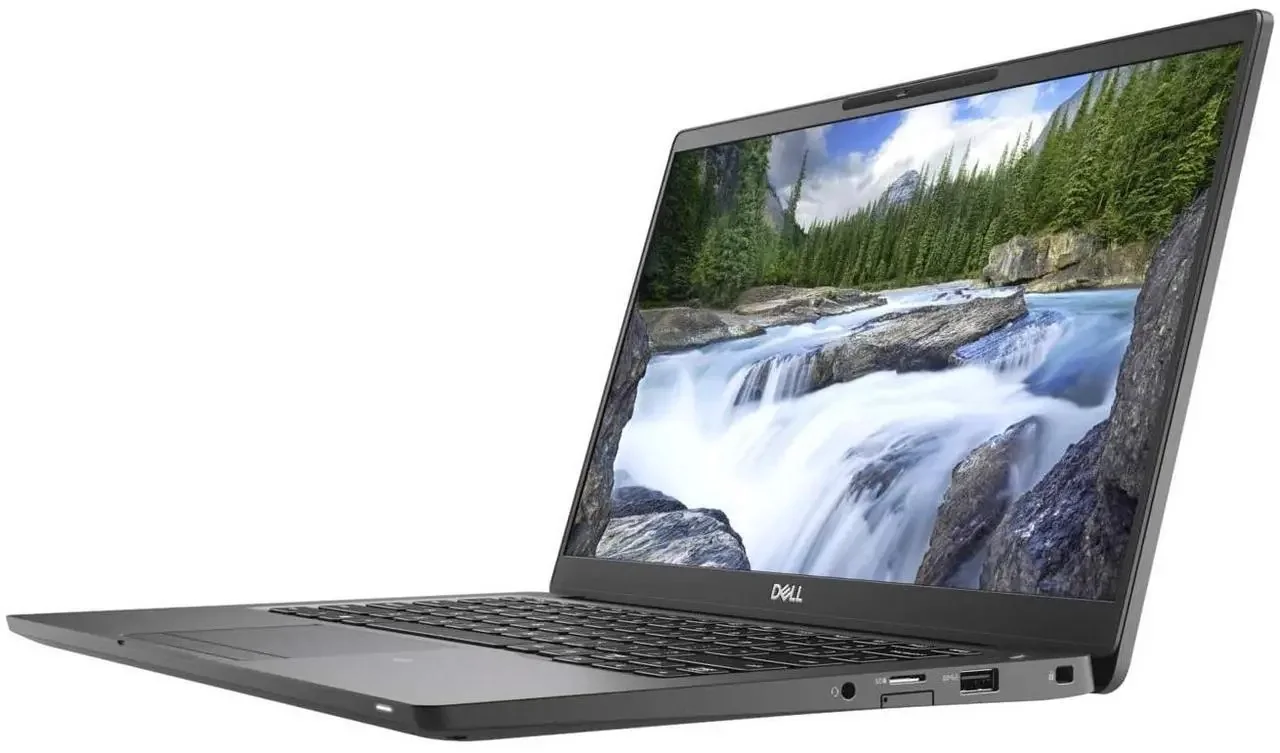 PC Repair
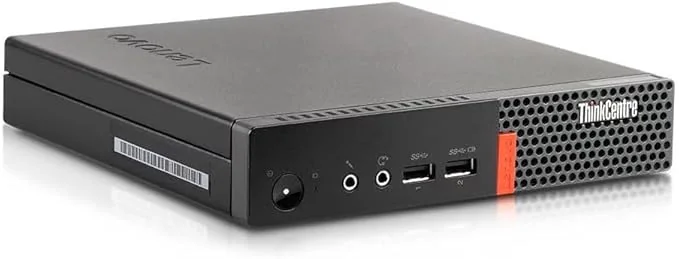
Safe checks, data-safety steps and repair paths before booking PC or laptop repair in Johannesburg.
 Laptop Repair
Board-level symptoms, cost factors, liquid damage warnings and repair-versus-replace advice.
Laptop repair is not guesswork. Learn why proper diagnosis, patience, and precision matter before replacing parts or writing off a device.
Read guide →Best laptops for students South Africa 2026: affordable, study, coding, business and gaming options with repairability and upgrade advice.
Read guide →iPhone battery replacement Johannesburg South: fast drain, swelling, not charging, cost factors, model advice and quote-first repair from Fix My Gadget.
Read guide →Laptop repairs Johannesburg for screen, hinge, battery, keyboard, overheating and no-power faults. Kibler Park workshop and paid pickup quoted upfront.
Read guide →Laptop hinge repair Johannesburg guide: why glue fails, what structural hinge repair needs, cost factors and when screen damage risk increases.
Read guide →MacBook won’t turn on? Safe checks for charger, battery, display and logic-board faults before repair. Johannesburg quote-first diagnostic.
Read guide →iPhone repairs Johannesburg South for screens, batteries, charging, water damage and no-power faults. Clear diagnostic and quote-first repair.
Read guide →TV and monitor repair Johannesburg for no power, backlight, HDMI, board and display faults. Honest screen replacement advice and quote-first inspection.
Read guide →TV repairs near me Johannesburg for smart TV no power, sound but no picture, backlight, HDMI and screen damage advice. Paid pickup quoted upfront.
Read guide →Business IT support Johannesburg for office laptops, upgrades, repairs, backups and maintenance with clear quotes and paid pickup options.
Read guide →Lost Business Data The Guide To Professional Data Recovery Johannesburg by Fix My Gadget in Johannesburg. R400 diagnostic waived when repair proceeds, qual
Read guide →Why SSD Upgrades Save Businesses Money by Fix My Gadget in Johannesburg. R400 diagnostic waived when repair proceeds, quality parts and clear quotes upfron
Read guide →Archive purpose
The Fix My Gadget blog is not a random news section. It is a repair knowledge base built around the questions Johannesburg customers already ask before booking a diagnostic. Some people arrive because their laptop screen is cracked. Others search for iPhone battery replacement cost, MacBook screen repair, TV repairs near me, laptop hinge glue, best student laptops or computer repair near me. The blog helps those visitors understand the fault, compare repair versus replacement, and move into the correct service page without confusion.
Use the repair guides to understand symptoms, diagnostic questions, cost factors and the next step. Use the buying guides to compare machines for study, business and gaming. Each guide includes relevant repair or enquiry options when you need practical help.
Browse laptop, MacBook, iPhone, television and PC guidance, together with buying advice for South Africa. Choose the topic that matches your device and the decision you need to make.
Start with the topic that matches the problem. If the device is physically damaged, open the screen, hinge, keyboard, charging or battery article. If the device still works but feels slow, open the upgrade, SSD, overheating or buying guide. If the question is about replacing a device, open the budget laptop, student laptop, Dell versus HP or refurbished laptop guides. Each article should help the reader make a better decision and then link to the correct Fix My Gadget service page.
After reading, choose the relevant laptop, MacBook, iPhone, TV, monitor or PC repair service. For business devices, use the business support options. Send the model, fault and area when you are ready to discuss an assessment.
Helpful repair guidance
Laptop repair should begin with careful observation, not guesswork. A fault that looks simple from the outside can have several possible causes inside the device. A black screen can be a screen fault, cable fault, backlight fault, RAM fault or motherboard issue. A laptop that does not charge can involve the charger, port, battery, charging circuit or board.
The repair becomes safer when the technician confirms the model, checks the symptoms, inspects for impact or liquid damage, and explains the likely route before parts are ordered. That protects the customer from unnecessary spending and gives the device the best chance of a proper repair.
At Fix My Gadget, the practical approach is simple: identify the real fault, explain the options, quote before repair, and only proceed after approval. The diagnostic fee is R400 and is waived when the approved repair proceeds. Pickup and delivery is available as a paid service quoted upfront.
Safe first checks
These checks are safe for most customers. Do not open the device, force connectors, keep charging after liquid exposure, or continue using a machine that is overheating, swelling, sparking or smelling burnt.
Repair decision table
| What we check | Why it matters | Possible next step |
|---|---|---|
| Visible damage | Cracks, liquid marks, broken hinges or loose ports can point to the fault area. | Part replacement, cleaning, structural repair or board inspection. |
| Power and charging behaviour | No power, random shutdowns or charging only at an angle can involve more than one component. | Battery, charger, port, power circuit or motherboard diagnosis. |
| Display and performance symptoms | Lines, flicker, freezing and slow startup can come from screen, storage, RAM, heat or board faults. | Screen test, external display test, SSD/RAM test or cooling service. |
| Repair economics | Some repairs are excellent value; others may not make sense on an old or badly damaged device. | Repair, upgrade, data recovery, replacement advice or recycling. |
Related help
Use these guides to move from the symptom you see to the repair or buying decision that matches your device.
Repair knowledge base
The Fix My Gadget blog helps visitors move from a confusing symptom to a practical next step. Some guides explain laptop screen repair, hinges, batteries and motherboard faults. Others help with iPhone batteries, TV repairs, slow computers, data recovery and laptop buying decisions.
Each guide connects education to the right service page so customers can learn first, then contact the workshop when the problem needs professional inspection.
Content quality promise
Fix My Gadget repair guides are written from real workshop patterns: cracked screens, failed batteries, liquid damage, no-power faults, slow laptops, data risk and replacement decisions. The goal is to help you understand the likely repair path before you spend money.
We avoid pretending that every device can be diagnosed online. When a fault needs testing, we say so clearly and invite you to send the model, photos and symptoms before booking.