
Should You Buy a Second Hand Mac in South Africa?
The Honest 2026 Guide
Used Macs can be incredible value — or a very expensive mistake. Here’s exactly what to check, what to pay, and when repairing beats buying second hand.
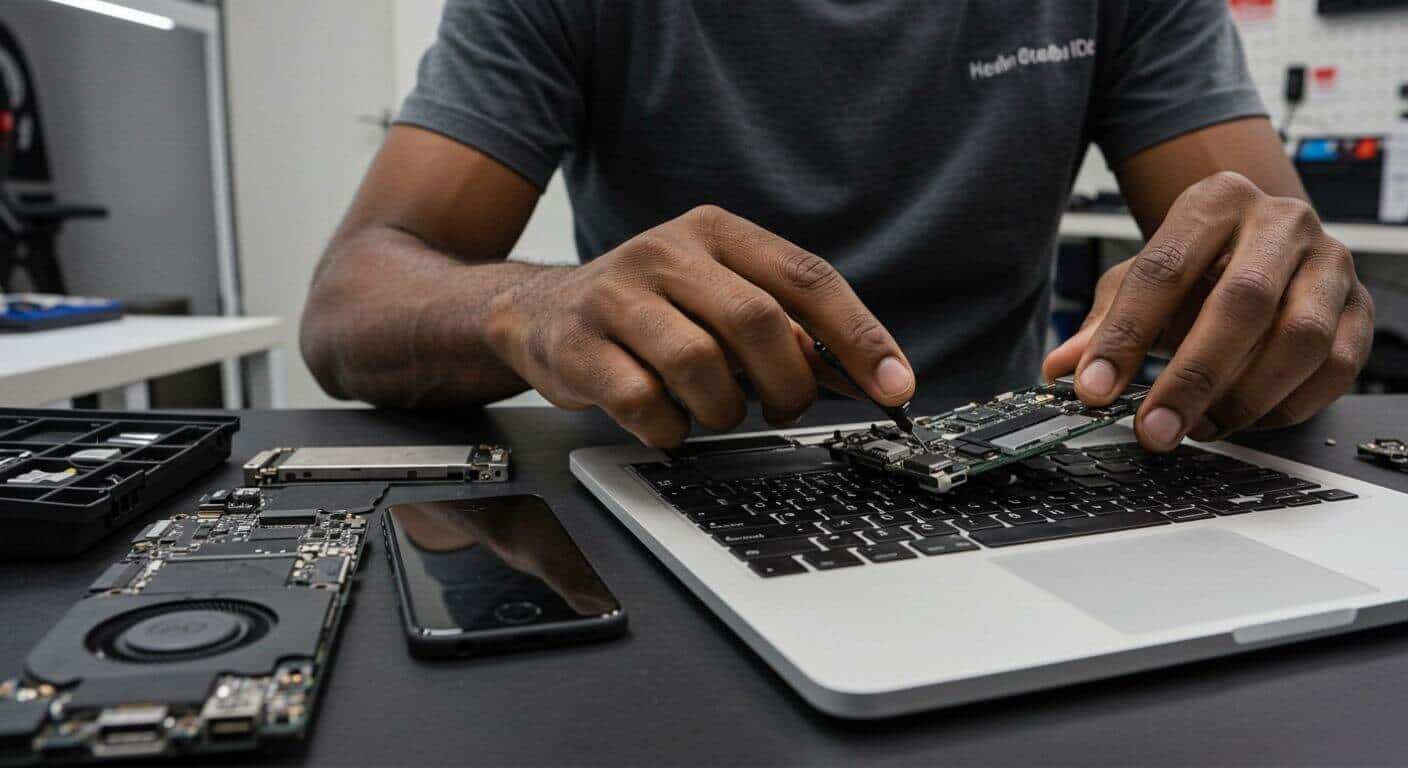
A brand new MacBook Air M2 starts at around R22,000 in South Africa. A second hand version of the same model? You might find one for R12,000–R15,000. That’s a meaningful saving — but only if the Mac you’re buying is actually in good condition.
As a repair workshop that sees hundreds of Macs every year, we know exactly what problems hide inside second hand Macs that sellers won’t tell you about. This guide is our honest advice — no fluff, no sales pitch. Just what you actually need to know before handing over your money.
🔧 Who wrote this? Fix My Gadget is a professional MacBook repair workshop based in Kibler Park, Johannesburg South. We repair MacBooks daily and have seen every common fault that second hand Macs develop. This guide is based on real workshop experience, not generic internet advice.
Is Buying a Second Hand Mac Worth It in South Africa?
The short answer is: yes — if you know what you’re buying. South Africa’s used Mac market is actually quite good because Apple hardware holds its value and lasts a long time when maintained properly. A well-kept MacBook Air from 2020 can still run everything you need in 2026.
The problem is that South Africa also has a lot of damaged Macs being sold as “fully functional” — devices with hidden water damage, failing batteries, swollen cells, worn keyboards, or logic board issues that only show up weeks after you buy them.
✅ When second hand makes sense
- Budget under R18,000 for a MacBook
- You’re buying from someone you can verify
- The Mac is 3 years old or less
- You can inspect it in person before paying
- Battery health is above 80%
- Apple chip (M1, M2, M3) model
🚩 When to buy new instead
- Seller won’t let you inspect it first
- Price seems too good to be true
- Mac is more than 5 years old
- No original charger included
- Seller is vague about history or usage
- No serial number to verify
What to Check Before Buying a Second Hand Mac
This is the most important section. Before you pay anything, run through this checklist in person. If the seller won’t let you do these checks — walk away.
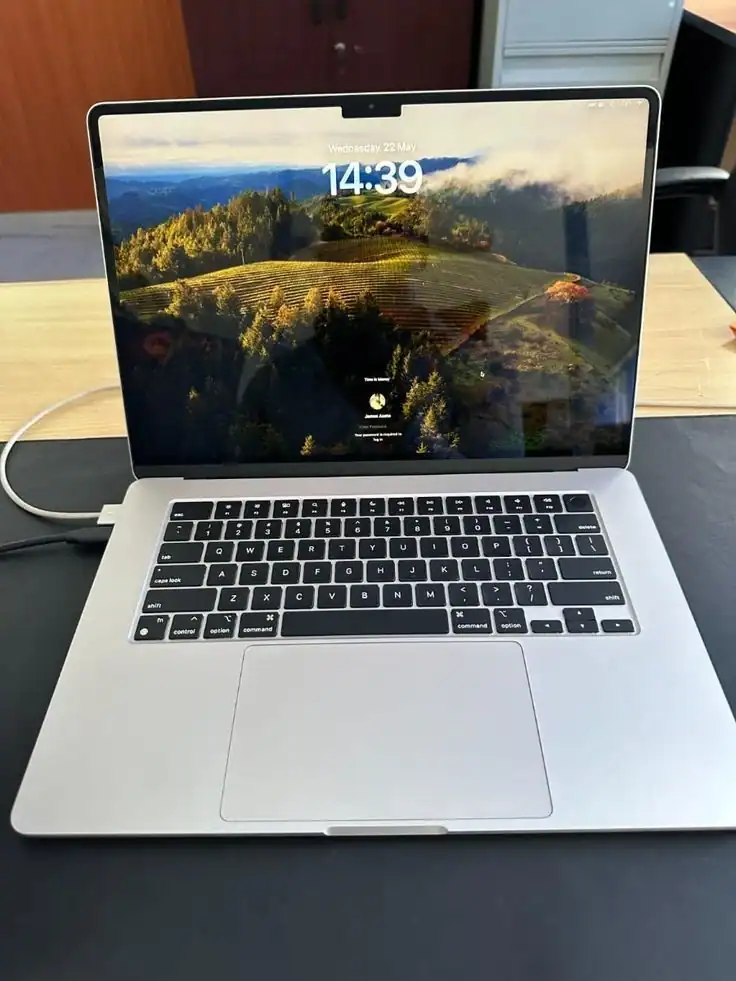
1. Check the Battery Health
Click the Apple logo → About This Mac → System Report → Power. Look at Cycle Count and Condition. A healthy Mac should have a cycle count below 500 and condition showing “Normal”. Anything above 800 cycles or showing “Service Recommended” means the battery needs replacing soon — factor that cost in.
⚠️ Battery replacement cost: A MacBook Air battery replacement in Johannesburg costs around R1,200–R2,500 depending on the model. If the battery is on its way out, deduct that from your offer price or budget for it immediately.
2. Verify the Serial Number
Go to appleid.apple.com or checkcoverage.apple.com and enter the serial number. This confirms the Mac is real, not stolen, and shows the original purchase date and warranty status. A seller who won’t share the serial number is a serious red flag.
3. Test the Screen Thoroughly
Open a white background (Google Chrome with a blank tab works perfectly) and look for dead pixels, pressure marks, dark blotches, or backlight bleeding at the bottom edges. MacBook screen replacements in South Africa cost R2,500–R8,000+ depending on the model — a hidden screen fault is expensive.
4. Check for Water Damage
Look inside the charging port and headphone jack with a torch. Water damage indicators turn pink or red if the Mac has been exposed to liquid. Also look at the keyboard — sticking keys or discoloured keys often indicate a past liquid spill. We see MacBook water damage constantly in our workshop — often on devices sold as “fully working.”
5. Run the Mac for 30 Minutes Under Load
Open a YouTube video at 1080p and a few browser tabs simultaneously. Watch for excessive fan noise, overheating, or unexpected shutdowns. These indicate thermal paste issues or failing components that are costly to fix.
- Battery cycle count below 500 — condition shows “Normal”
- Serial number verified on Apple’s website — no activation lock
- Screen has no dead pixels, blotches, or Flexgate symptoms
- No water damage indicators in ports or on keyboard
- All ports work — USB-C, headphone, MagSafe if applicable
- Keyboard and trackpad fully responsive with no sticky keys
- Webcam and microphone functional
- Mac runs without overheating under 30 minutes of use
- macOS is genuine and activates normally
- Original charger included or budgeted separately
Already Bought a Second Hand Mac with Issues?
We diagnose and repair all MacBook faults across Johannesburg. Free diagnosis — you only pay if you proceed.
Which Mac Processor Should You Look For? (Computer Processor Guide)
One of the most important things to understand when buying a second hand Mac is the processor (chip) inside it. This determines how fast it is, how long it will be supported by Apple, and how much you should pay.
In South Africa’s second hand market you’ll mainly encounter three generations of Mac processors — here’s a plain-English breakdown of what each means for you as a buyer:
Intel Core i5 / i7
Approach with cautionMacBooks from 2016–2020. Still functional but Apple has stopped macOS updates for older Intel models. Battery and thermal paste often degraded. Only buy if the price reflects this.
Apple M1
Good value buyReleased 2020. Excellent performance, great battery life, still fully supported by Apple. A used M1 MacBook Air is one of the best value buys in the SA second hand market right now.
Apple M2
Best sweet spotReleased 2022–2023. Outstanding performance and efficiency. M2 MacBook Air or Pro second hand is the ideal balance of price, power, and longevity. Will be supported by Apple for years.
Apple M3 / M4
Latest generation2023–2024 models. Rarely available second hand at a real discount yet. If you find one significantly cheaper than new, verify it carefully — too-good-to-be-true pricing is a theft warning sign.
💡 Our recommendation: For most South Africans buying second hand, an Apple M1 MacBook Air in good condition (battery above 80%, no damage) for R10,000–R13,000 is the sweet spot. It’s fast, efficient, and will serve you well for another 4–5 years minimum.
Second Hand Mac Prices in South Africa — 2026 Guide
Here’s a realistic guide to what second hand Macs are actually selling for in South Africa in 2026. These are market ranges — condition, location, and negotiation all affect the final price.
| Model | Year | Expected Price Range | Verdict |
|---|---|---|---|
| MacBook Air (Intel) | 2017–2019 | R4,000–R7,000 | Caution |
| MacBook Air (Intel Retina) | 2019–2020 | R7,000–R11,000 | Acceptable |
| MacBook Air M1 | 2020–2021 | R10,000–R14,000 | Best value |
| MacBook Air M2 | 2022–2023 | R14,000–R18,000 | Excellent |
| MacBook Pro 13″ M1/M2 | 2020–2022 | R14,000–R20,000 | Strong buy |
| MacBook Pro 14″/16″ M1 Pro/Max | 2021–2022 | R22,000–R32,000 | Premium segment |
⚠️ Prices shift fast. Rand/Dollar exchange rate fluctuations affect new Mac prices, which in turn affect used prices. These are May 2026 estimates — check current Gumtree and OLX listings for real-time pricing in your area.
Should You Repair Your Current Mac or Buy Second Hand?
This is the question we get asked most at our workshop. Someone has an older MacBook with a cracked screen or dying battery — and they’re wondering whether to fix it or sell it and buy a second hand replacement.
Here’s our honest framework:
| Situation | Our Recommendation |
|---|---|
| Mac is M1 or newer + one fault (screen or battery) | Repair it — the rest of the machine has years left |
| Mac is Intel 2019 or newer + one fault | Repair it — still worth fixing if the rest runs well |
| Mac is Intel pre-2018 + screen or logic board fault | Consider buying used — repair cost may exceed value |
| Mac has multiple faults (water damage + screen + battery) | Buy second hand — cumulative repair cost not justified |
| Mac runs fine but you want more speed or storage | Upgrade it — SSD and RAM upgrades are often cheaper than buying used |
Not sure which category you fall into? WhatsApp us your Mac’s model and fault — we’ll give you an honest assessment at no cost. We’ll tell you if repair isn’t worth it, even if that means losing the job.
Where to Buy a Second Hand Mac in South Africa
There are several places to find used Macs in South Africa — each with different risk levels:
Gumtree & OLX — High volume, higher risk
The biggest selection, but also the most scams and undisclosed damage. Always insist on in-person inspection. Never pay upfront before seeing the device. Pay cash on collection or use a trusted payment method with recourse.
Facebook Marketplace — Similar to Gumtree
Good for local deals. Check the seller’s profile age and activity. Prefer sellers with history and mutual connections.
Certified Refurbishers & IT Liquidators
Some South African businesses sell professionally refurbished Macs with short warranties. More expensive than private sales, but significantly lower risk. Worth the premium for peace of mind.
Friends, family, and colleagues
Still the best source. You know the history, you can verify the condition over time, and there’s accountability if something goes wrong.
🚨 Never buy a second hand Mac sight unseen. No matter how good the photos look or how convincing the seller’s story is, if you can’t inspect it in person before paying — don’t buy it. This applies to courier deals, “I’m overseas” sellers, and anyone who won’t do a video call showing the Mac powered on.
Get a Pre-Purchase Mac Inspection in Johannesburg
Here’s something most people don’t know: you can bring a second hand Mac to us before you buy it and we’ll inspect it for hidden faults. For a small diagnostic fee we’ll check the battery health, screen condition, logic board status, water damage indicators, and overall condition — giving you a proper report before you hand over your money.
This service has saved many Johannesburg buyers from expensive mistakes. A R450 inspection that reveals a dying battery or hidden water damage could save you thousands.
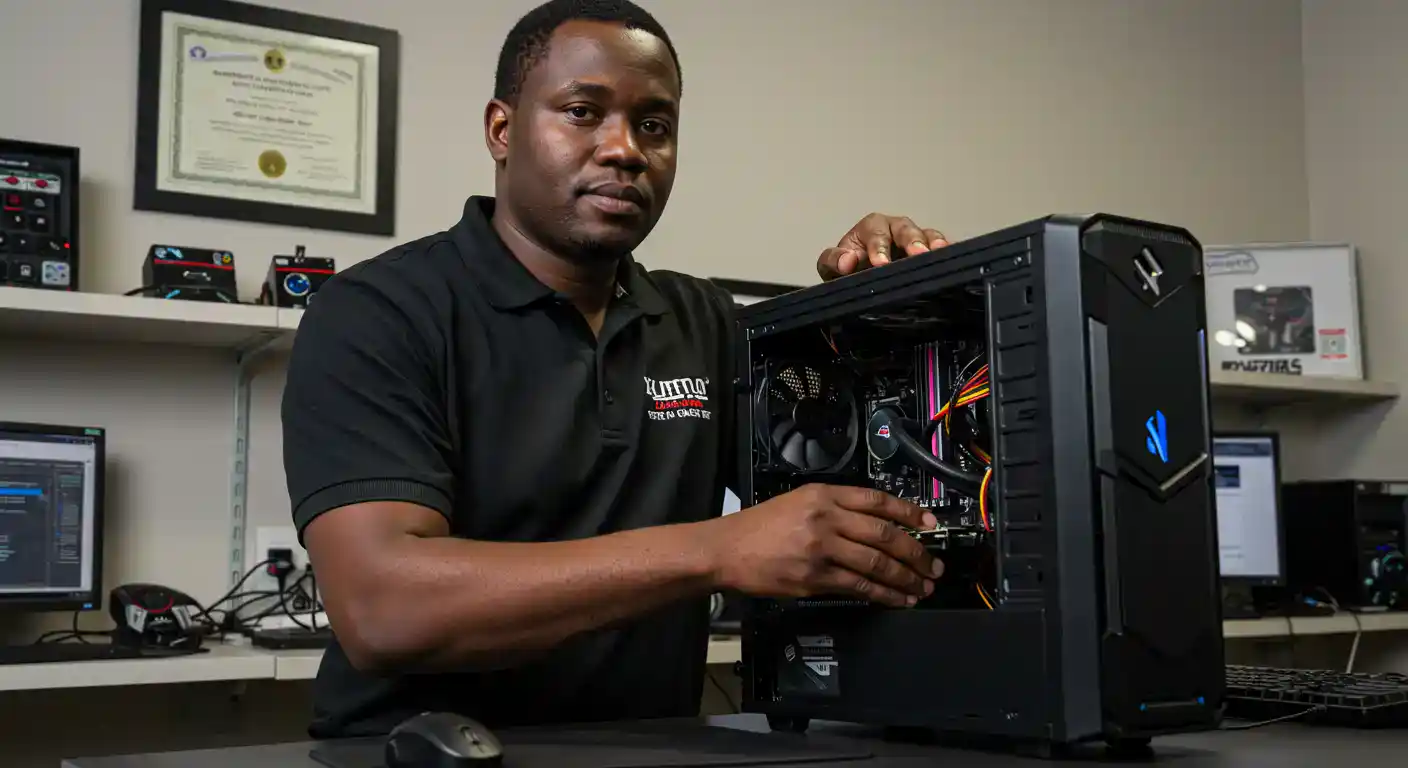
✅ Pre-purchase inspection includes: Battery health & cycle count check, screen inspection (dead pixels, backlight, pressure damage), water damage indicators, logic board diagnostics, all ports and keyboard test, serial number verification, and an honest written report.
We also repair whatever issues we find — MacBook screen replacements, battery replacements, water damage repairs and more — all with a 3-month warranty.
Need a Mac Inspection or Repair in Johannesburg?
Free diagnosis. Honest advice. No obligation. Based in Kibler Park — pickup & delivery across all of JHB.