

MacBook Charger South Africa — The Complete 2026 Guide
Which charger does your MacBook need? What does it cost in SA? And when is it the charging port — not the charger — that’s actually broken? Everything you need to know.
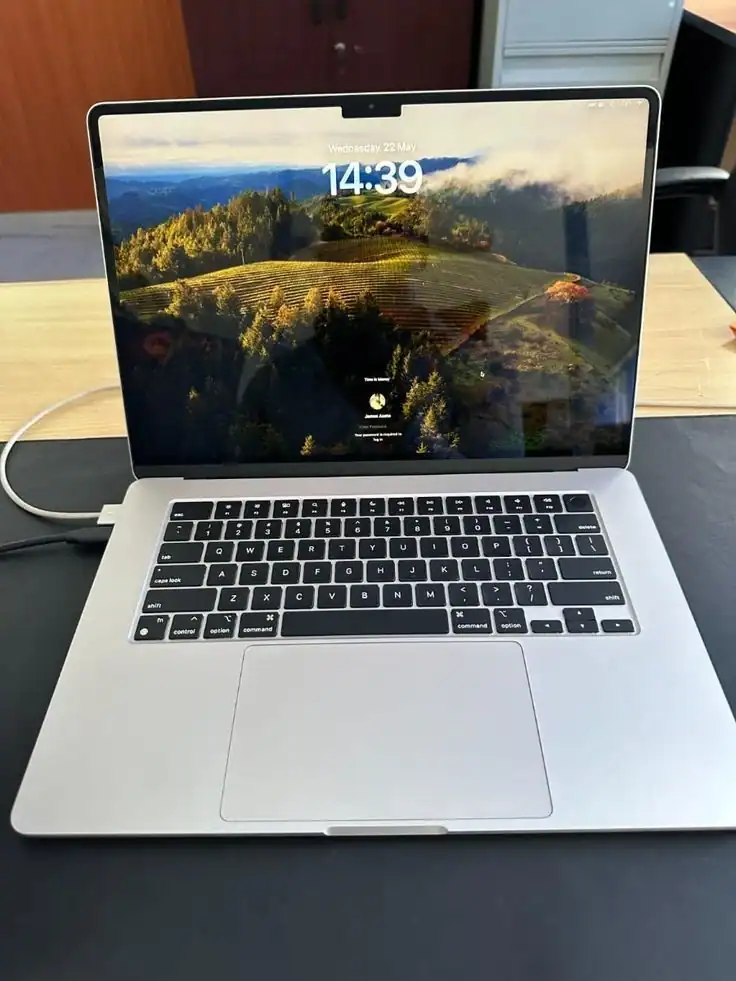
A MacBook charger in South Africa costs between R800 and R2,500 depending on your model and where you buy it. But before you spend money on a new charger, it’s worth understanding exactly which charger your MacBook needs — and whether the problem is actually the charger, the port, the cable, or the battery.
At Fix My Gadget we diagnose MacBook charging problems daily. About half the time the charger isn’t the problem at all — it’s the USB-C or MagSafe port that’s damaged. Buying a new charger when the port is broken wastes your money. This guide helps you figure out exactly what’s wrong before spending anything.
⚡ Quick answer: 2012–2021 MacBooks use MagSafe (1 or 2) or USB-C. 2020 onwards (M-series) use MagSafe 3 or USB-C. Check your MacBook’s year before buying. Wrong charger = won’t charge at all.
Every MacBook Charger Type Explained
Apple has used four different charging standards across MacBook generations. Getting the wrong one is a common and expensive mistake in South Africa:
MagSafe 1
L-shaped or T-shaped magnetic connector
MagSafe 2
Slimmer magnetic connector — thinner profile
USB-C / Thunderbolt
Universal USB-C — charges via any port
MagSafe 3
New magnetic connector — M-series MacBooks
MacBook Charger Prices in South Africa 2026
Genuine Apple chargers are the most expensive option — compatible third-party chargers from reputable brands work well and cost significantly less. Here’s what you’re looking at across all MacBook models:
| MacBook Model | Charger Type | Genuine Apple (SA) | Quality Compatible (SA) |
|---|---|---|---|
| MacBook Air (2018–2020, Intel) | USB-C 30W | ~R1,200 | R600–R900 |
| MacBook Air M1 (2020) | USB-C 30W or MagSafe 3 30W | ~R1,400 | R700–R1,000 |
| MacBook Air M2/M3 (2022–2024) | MagSafe 3 30W/35W | ~R1,600 | R900–R1,400 |
| MacBook Pro 13″ (Intel/M1/M2) | USB-C 61W or MagSafe 3 67W | ~R1,800 | R1,000–R1,500 |
| MacBook Pro 14″ M1/M2/M3 | MagSafe 3 96W | ~R2,200 | R1,200–R1,800 |
| MacBook Pro 16″ M1/M2/M3/M4 | MagSafe 3 140W | ~R2,500 | R1,400–R2,000 |
| MacBook Pro (2016–2019, Intel) | USB-C 87W/96W | ~R1,800 | R900–R1,400 |
Prices approximate — check iStore, Takealot, Digicape and Incredible Connection for current pricing. Compatible charger prices vary by brand quality — avoid the cheapest no-brand options.
MacBook Not Charging? Diagnose It Before You Buy a New Charger
This is the most important section of this guide. Half the MacBooks that arrive at our workshop with “charging problems” don’t need a new charger at all. Here’s how to tell what’s actually wrong:
Likely the Charger
Cable is frayed or bent near the connector. Brick feels unusually hot. Charger light doesn’t come on at all. Works intermittently depending on angle.
Likely the Port
Charger works on another MacBook but not yours. Connector feels loose or has no resistance. Debris or liquid visible in port. MacBook only charges at certain angles.
Likely the Battery
MacBook charges to 100% then drops fast. “Service Battery” warning in menu bar. Battery percentage jumps suddenly. Only works when plugged in.
Likely Software / SMC
Charger light is on but percentage doesn’t increase. Problem appeared after macOS update. Charging stopped working suddenly with no physical damage.
💡 Free test before buying anything: If you have a friend with the same MacBook model, try their charger on your MacBook and your charger on theirs. This tells you in 60 seconds whether it’s the charger or the port. If it’s the port — don’t spend money on a new charger.
Charging Port Repair — When the Port is the Problem
USB-C and MagSafe 3 ports on modern MacBooks are more vulnerable than older MagSafe designs. USB-C ports in particular are used for both charging and data transfer — and the constant plugging and unplugging causes wear over 2–3 years of daily use.
Liquid damage is the other major cause — a small coffee spill that dries around the charging pins causes corrosion that blocks charging without visibly damaging anything else.
- USB-C charging port repair from R900
- MagSafe 3 port repair from R1,200
- Liquid damage cleaning + port repair from R1,500
- Free diagnostic to confirm port vs charger
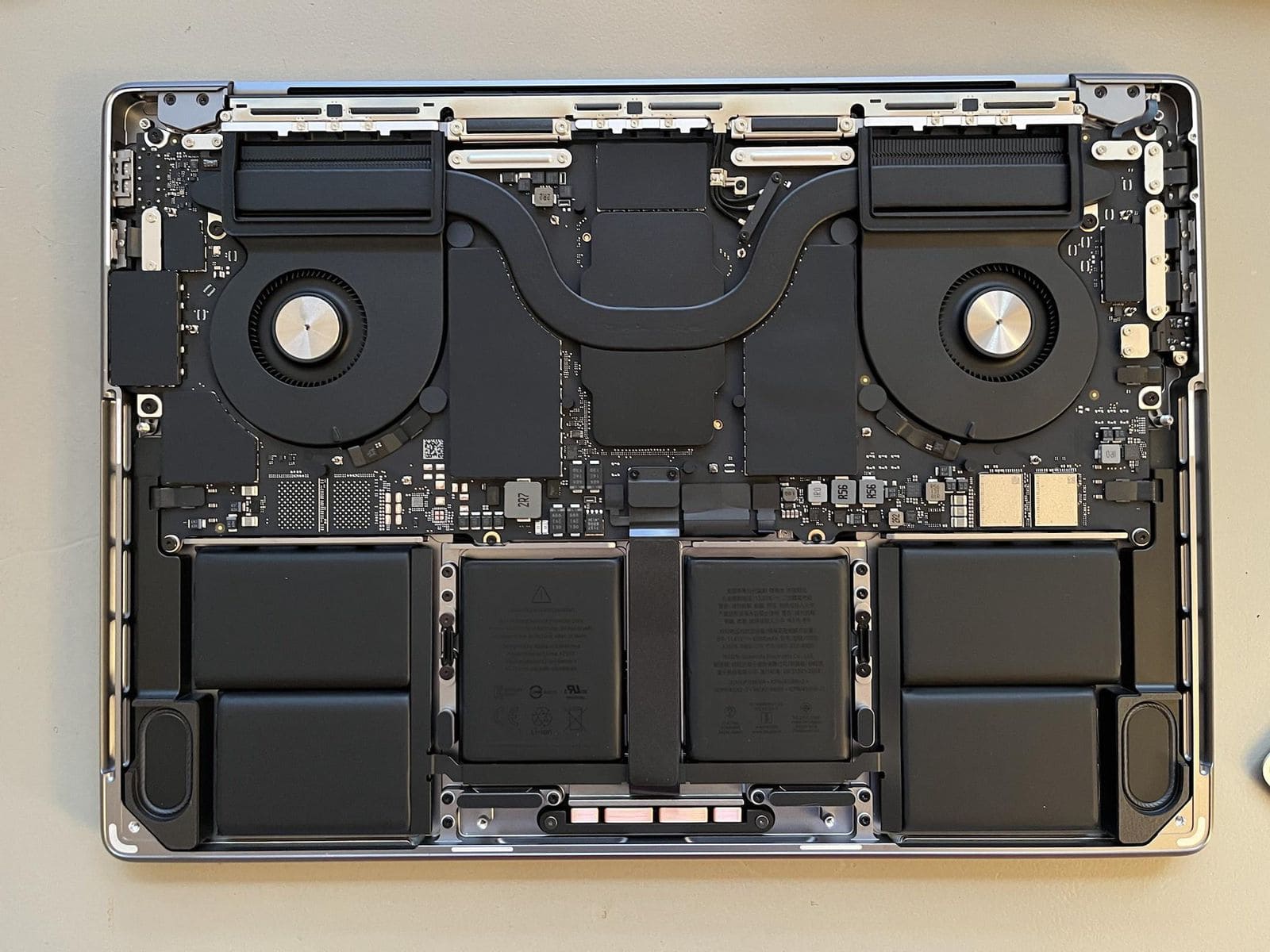
MacBook Charger Mistakes to Avoid in South Africa
Buying the wrong charger — or the wrong quality — can damage your MacBook’s charging system permanently. These are the most common mistakes we see:
🚨 Cheap no-brand chargers from Makro or online
R200–R400 no-brand USB-C chargers from markets, Makro, or unknown Takealot sellers can deliver incorrect voltage and permanently damage your MacBook’s charging circuit. A R300 saving can cause a R2,500 logic board repair.
🚨 Wrong wattage charger
Using a lower-wattage charger than your MacBook requires (e.g. a 30W charger on a MacBook Pro that needs 96W) charges extremely slowly or not at all under load. It won’t damage the MacBook but it’s a frustrating experience.
🚨 Wrong MagSafe generation
MagSafe 1 and MagSafe 2 connectors look similar but are not interchangeable. MagSafe 2 is slimmer — a MagSafe 1 charger simply won’t fit a MagSafe 2 port. Always check your MacBook year before buying.
🚨 Buying a charger when the port is broken
The most expensive mistake — buying a R1,500 charger when the issue is a R900 port repair. Always test with a known-working charger first, or bring it to us for a free diagnostic.
🚨 If your MacBook survived a liquid spill and now won’t charge: Do not keep trying different chargers. Bring it to us immediately — liquid in the charging port causes progressive corrosion. The sooner it’s cleaned, the less likely it is to spread to the logic board.
How to Reset the SMC on Your MacBook (Free Fix — Try This First)
The SMC (System Management Controller) controls charging behaviour. A corrupted SMC can cause charging to stop working entirely even when the charger and port are fine. This is free to try and takes 30 seconds:
MacBook with Apple Silicon (M1/M2/M3/M4) — Air & Pro
- Shut down your MacBook completely
- Wait 30 seconds
- Press the power button to restart
- Apple Silicon Macs reset the SMC automatically on restart — no key combination needed
MacBook with Intel processor (2016–2020)
- Shut down your MacBook
- Hold Left Shift + Control + Option + the Power button simultaneously for 10 seconds
- Release all keys
- Press Power to start normally — then connect charger
✅ If the SMC reset fixes charging — your charger and port are fine. The issue was software. If it doesn’t fix it, the problem is hardware — charger, port, or battery — and needs a physical diagnosis.
Frequently Asked Questions
MacBook Not Charging? Free Diagnosis Before You Spend Anything
Bring it to Kibler Park or WhatsApp us — we’ll tell you in minutes whether it’s the charger, port, or battery. You only pay when you approve the repair.