

iMac Slow or Dead? The 2026 Guide to 5K Screen & SSD Repairs in Johannesburg
Don’t drag your heavy 27-inch iMac to a mall kiosk. Discover how our specialized pickup service and component-level repairs save creative professionals time and money.
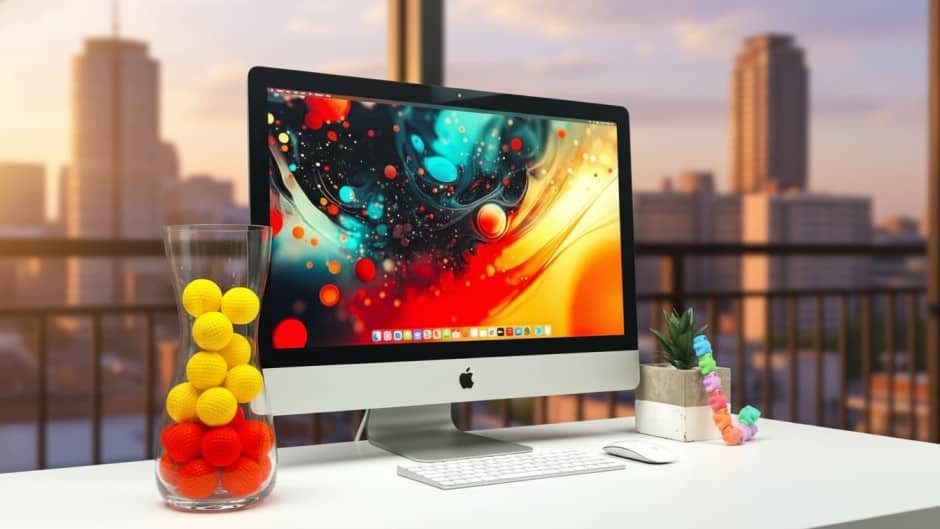
The iMac is the crown jewel of many creative studios in Sandton and Rosebank. It is beautiful, powerful, and… incredibly difficult to move when it breaks.
If you are staring at a spinning beach ball of death, a cracked 5K Retina display, or an iMac that simply refuses to turn on, you have two problems:
- How do I fix this expensive machine without spending R40,000 on a new one?
- How do I physically get this heavy, fragile glass slab to a repair shop?
At Fix My Gadget, we solve both. We are Johannesburg’s premier iMac repair specialists, offering component-level fixes (not just expensive part swaps) and a secure collection service for large desktop units.
1. Why is My Expensive iMac So Slow? (The Fusion Drive Failure)
This is the #1 complaint we receive. You bought a powerful 27-inch iMac a few years ago, but now it takes 10 minutes to boot up and apps bounce in the dock forever. You can identify your model using Apple’s Serial Number Lookup to confirm if you have a Fusion Drive.
The Culprit: The “Fusion Drive”
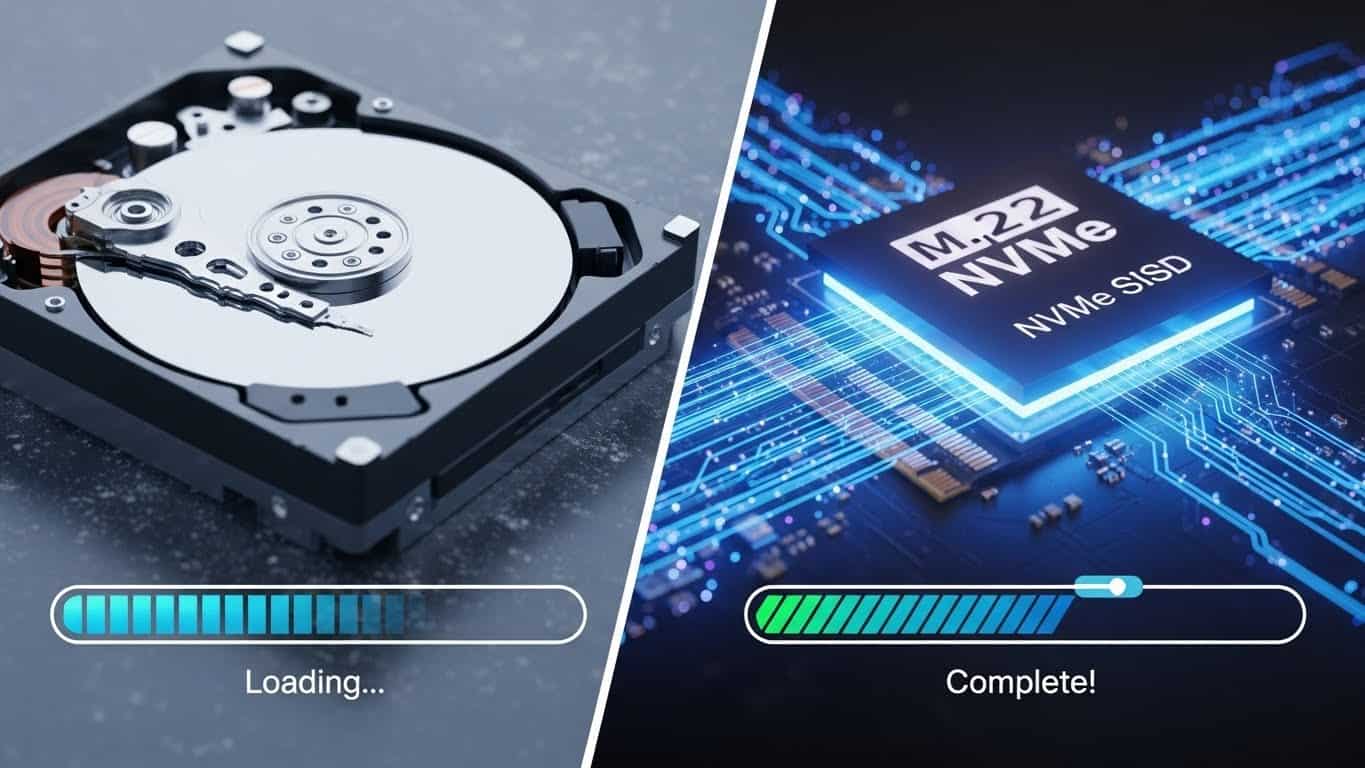
Apple sold millions of iMacs with “Fusion Drives”—a tiny SSD fused with a massive, old-school mechanical hard drive. Over time, the mechanical part wears out. It slows down, makes clicking sounds, and eventually fails, taking your data with it.
The Solution: Pure SSD Conversion
We open your iMac, remove the slow mechanical drive, and install a high-speed Samsung or Crucial NVMe SSD.
The Result: Speeds increase by 500% to 1000%. It feels faster than the day you bought it.
2. 5K Screen Repair: The Glass is Glued!
On older Macs (pre-2012), the glass was held on by magnets. On all “Slim” iMacs (2012-Present), the glass and the LCD are fused into one unit, and that unit is glued to the aluminum chassis with industrial adhesive. This complexity is why iFixit gives iMacs low repairability scores for DIY users.
WARNING: Do Not Attempt DIY
Removing an iMac screen requires a specific “pizza cutter” wheel tool and heat. If you insert the tool 2mm too deep, you slice the camera cable or Wi-Fi antenna. If you pull too hard, the glass shatters into your eyes. One mistake turns a R4,000 repair into a R15,000 disaster.
We stock genuine iMac screen replacements in Johannesburg. Whether you have the 21.5″ 4K or the massive 27″ 5K Retina, we perform the replacement in a dust-free environment and reseal it using original Apple adhesive strips (not superglue!) so it never falls off.
3. iMac Won’t Turn On? (Power Supply vs. Logic Board)
If your iMac is dead, it’s usually one of two things:
1. Power Supply Unit (PSU)
The internal “brick” that converts wall power. These blow due to Johannesburg’s power surges. We replace these routinely.
Repairable: R2,500 – R4,5002. Logic Board
The main computer board. Often damaged by dust clogging the vents, causing overheating. We offer chip-level repair.
Repairable: R3,500 – R6,5004. The “Smudge” Marks on Screen (Clouding)
Do you see grey smudges in the top corners of your screen? Many people think the LCD is burning out.
It’s actually dust. The iMac sucks air in from the bottom and blows it out the back. Over years, fine dust gets trapped inside the backlight layers of the screen.
We offer a deep-clean service where we open the sealed display assembly (a highly skilled procedure) and clean the internal layers, restoring the bright white look of your screen without needing to buy a new one.
5. iMac Repair Cost in Johannesburg (2026 Estimates)
| Service | 21.5-inch (4K/HD) | 27-inch (5K Retina) |
|---|---|---|
| SSD Upgrade (1TB NVMe) | R3,200 – R3,800 | R3,500 – R4,200 |
| Screen Replacement (Glass+LCD) | R3,500 – R5,500 | R8,500 – R14,000 |
| Power Supply Replacement | R2,200 – R3,000 | R2,800 – R4,500 |
| Internal Cleaning & Thermal Paste | R1,200 | R1,500 |
6. How to Transport an iMac (Safely)
An iMac 27-inch weighs 9kg and is slippery aluminum. Dropping it is a disaster.
-
1
Don’t touch the glass: Carry it by the “chin” (the metal part under the screen) and the stand. Never pinch the screen.
-
2
Secure it in the car: Place it face down on a soft duvet on the back seat, or wedged between the front and back seats. Do not leave it standing up in the boot!
-
3
Better yet: Let us collect it. Our drivers have specialized padded crates for iMac transport. We cover Sandton, Rosebank, Randburg, and JHB South.
Revive Your iMac Today.
Don’t let a slow drive or broken screen hinder your creativity. Upgrade to an SSD or fix that crack with the experts who know Apple best.
Fix My Gadget (Pty) Ltd. | Apple iMac & MacBook Specialists.