

The Comprehensive Guide to MacBook Repair & Professional Computer Repair.
An exhaustive 2024 analysis of modern hardware diagnostics, liquid damage restoration, MacBook screen repair technologies, and high-performance computer repair methodologies.
1. The Evolution of MacBook Repair
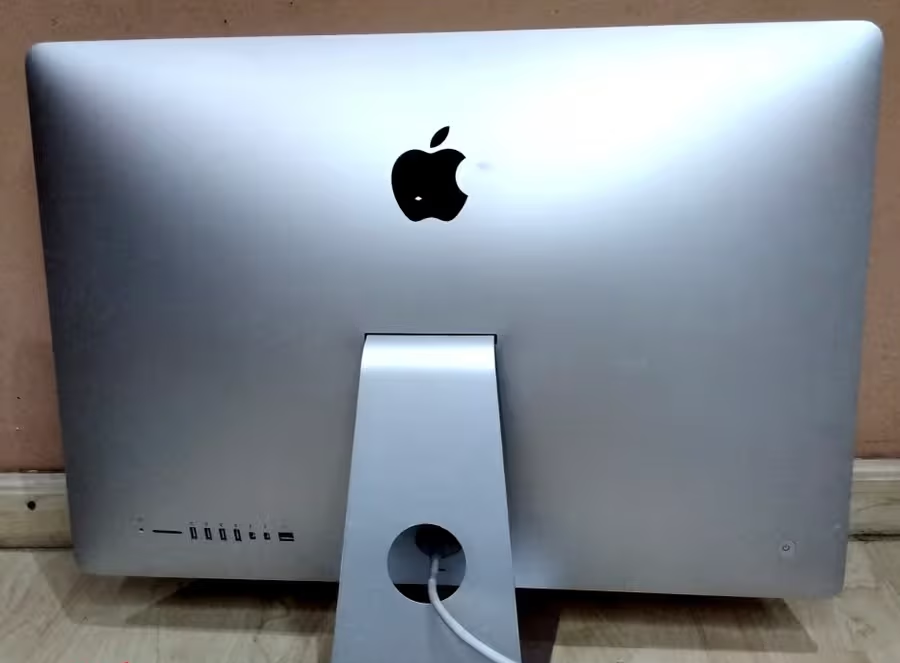
Modern MacBook architecture has shifted dramatically over the last decade. From the modular designs of the 2012 Unibody models to the highly integrated Silicon (M1, M2, M3) chips of today, MacBook repair has evolved from simple part-swapping to high-level engineering. To provide a successful repair, a technician must understand the complex “handshake” protocols between components like the T2 security chip and the logic board.
1.1 Micro-Soldering & Logic Board Diagnostics
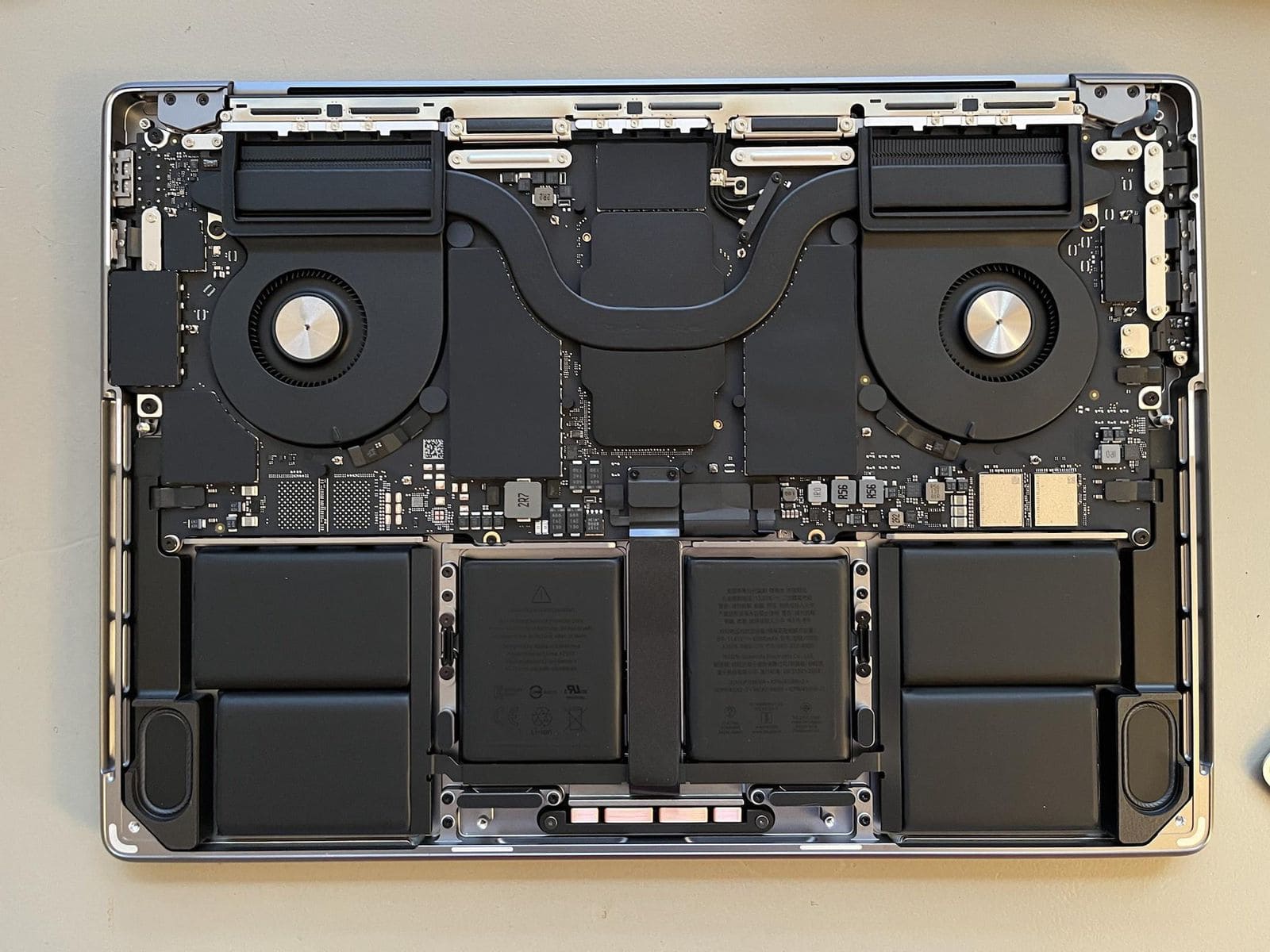
At the heart of any professional MacBook repair facility is the micro-soldering station. Unlike standard computer repair centers that simply suggest a total board replacement (which often costs as much as a new laptop), we focus on component-level restoration.
Logic boards contain thousands of micro-components including capacitors, resistors, and Integrated Circuits (ICs). When a MacBook fails to turn on, it is often due to a single “shorted” capacitor on a power rail like the PP3V3_G3H. Using thermal imaging and ultrasonic cleaning, we can pinpoint the exact failure point. This precision allows us to offer affordable MacBook repair solutions that preserve your original hardware and data.
1.2 The Science of Liquid Damage Recovery
Spilling coffee or water on your laptop is the most common reason for emergency MacBook repair. The primary enemy isn’t the liquid itself, but the corrosion that begins immediately when electricity meets moisture. This process, known as electrolysis, eats away at the copper traces on the logic board.
Our recovery process involves a full teardown, followed by an ultrasonic bath in a specialized chemical solution that vibrates at high frequencies to remove corrosion from underneath BGA chips. This is a critical step that distinguishes professional computer repair from DIY “rice tricks,” which are ineffective and often lead to further damage.
2. Mastering MacBook Screen Repair
A broken display is more than just an aesthetic issue; it can render your high-end machine useless. MacBook screen repair is one of the most delicate procedures in the industry due to the thinness of the Retina assembly and the integration of components like the FaceTime camera, ambient light sensors, and the True Tone controller.
2.1 Retina Display Architecture
Apple’s Retina technology uses a multi-layered approach involving a backlight unit, polarizing filters, and an LCD or Mini-LED panel. In modern MacBook Pro models (2021-2024), the “Flexgate” issue—where the display cable wears out due to opening and closing—is a common reason for MacBook screen repair.
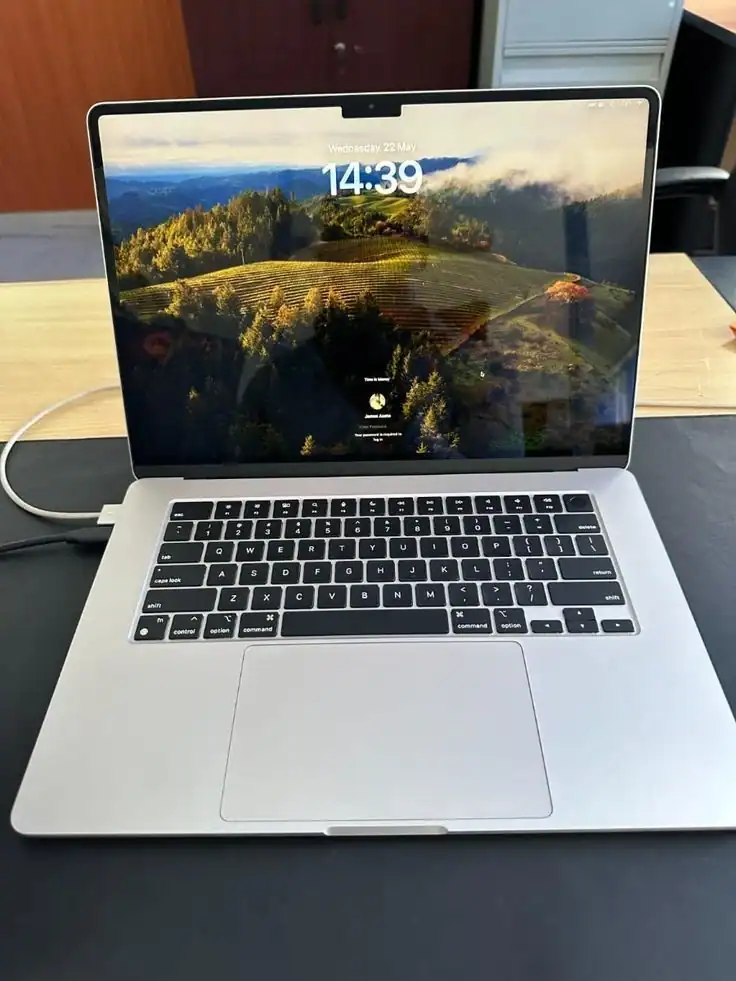
When we perform a MacBook screen repair, we offer two primary paths:
- Full Assembly Replacement: The entire top lid is replaced. This is the fastest method and ensures the factory-finish tension in the hinges is maintained.
- LCD-Only Replacement: For specific models, we can replace just the glass and LCD panel. This is a highly technical “clean-room” procedure that saves the customer significant money while reducing electronic waste.
Whether it’s “Stage Light” effects, vertical lines, or a completely cracked screen, our computer repair lab is equipped to restore your visuals to 100% factory specifications.
3. Professional Computer Repair for Windows & Workstations
While MacBooks are specialized, the world of computer repair encompasses a massive variety of Windows-based machines, from ultra-portable Dell XPS laptops to massive Alienware gaming rigs. Each ecosystem presents unique challenges, from BIOS corruption to driver conflicts and mechanical failures.
3.1 Windows Optimization & OS Restoration
Software-based computer repair often revolves around the Windows Registry and File System. Over time, “bloatware” and fragmented data can slow even the fastest i9 processors. Our optimization service doesn’t just “reformat” your drive; we perform a deep-clean of the system, update firmware, and optimize startup protocols to ensure peak performance.
3.2 Hardware Upgrades: Giving Old PCs New Life
Many people believe they need a new laptop when theirs starts to lag. However, 80% of computer repair cases involving speed issues can be solved with a simple NVMe SSD upgrade and a RAM expansion. We help clients extend the lifecycle of their technology, saving thousands of rands while achieving performance levels that often exceed the original factory settings.
Thermal Management
Replacing dried-out thermal paste with high-conductivity liquid metal or Arctic Silver to prevent CPU throttling.
Hinge & Chassis Fixes
Repairing broken plastic mounts and hinges on laptops using industrial-grade epoxy and reinforcement.
4. The Role of Data Recovery in Hardware Repair
In many MacBook repair scenarios, the hardware is secondary to the data stored within. With the advent of soldered SSDs in modern MacBooks, traditional data recovery is no longer possible by simply “pulling the drive.”
Professional computer repair now requires the ability to create “donor” power paths to the NAND flash chips. If a MacBook has a dead CPU, we can often perform a “chip-transplant” to a working board just to extract your irreplaceable photos and documents. This is the pinnacle of technical repair, requiring hours under a microscope and a master-level understanding of data encryption.
5. Conclusion: Why Choose Professional Repair?
Technology is an investment. Whether you are seeking MacBook repair for a creative workstation, MacBook screen repair for a cracked display, or general computer repair for a business laptop, the quality of the service determines the longevity of the device.
Avoid “quick fixes” and choosing the cheapest quote. High-quality parts, specialized diagnostic tools, and years of experience are what ensure your device doesn’t end up back on the repair bench a month later. At Fix My Gadget, we combine technical transparency with engineering excellence to provide Johannesburg with the most reliable tech support available.
Ready to start your repair journey?
Click below to send a photo of your device and get a technical assessment within the hour.
Consult with a Lead Technician