

Is Your Hard Drive Failing?
Here is How to Save Your Data.
A clicking drive, a vanished folder, or a dead laptop doesn’t mean your files are gone forever. Discover the 2026 professional guide to data recovery in Johannesburg.
Serving Sandton • Randburg • Rosebank • Bedfordview • JHB South

There is a specific sound every computer user dreads. It’s a rhythmic, metallic click… click… click… coming from their hard drive. Or perhaps it’s the silence of an external drive that lights up but refuses to appear on your desktop.
In Johannesburg, where load shedding and frequent power surges wreak havoc on sensitive electronics, hard drive failure is one of the most common reasons clients rush to our workshop. Whether you are a photographer in Rosebank with a corrupted SD card or a business in Sandton with a crashed RAID server, the panic is real.
But here is the most important thing you will read today: Your data is likely still safe on the platters. The only thing standing between you and your files is the right equipment and expertise.
1. The 4 Sounds of Doom: Diagnosing Hard Drive Failure
Hard drives rarely die without a warning. If you know what to listen for, you can save your data before it becomes a R10,000 recovery job.
The Click of Death
The Sound: A repetitive metallic clicking or knocking.
The Cause: The read/write head arm is failing to find the data track and hitting the limiter stop. This is a severe mechanical failure.
The Buzzing/Beeping
The Sound: A faint electronic beeping or buzzing rhythm.
The Cause: The motor is seized (stuck), often after a drop. The heads are stuck to the platters, preventing the drive from spinning up.
The Slow Freeze
The Symptom: Folders take minutes to open; file names look like gibberish.
The Cause: “Bad Sectors” are spreading across the drive surface. The drive is trying—and failing—to read data.
The Ghost Drive
The Symptom: The drive spins and sounds normal, but doesn’t show up on “My Computer.”
The Cause: Firmware corruption or PCB (circuit board) failure.
⚠️ CRITICAL WARNING: Stop Using It!
If your drive is making noise, every second it is powered on causes more damage. The broken heads scrape the magnetic coating off the platters, turning your data into dust. Software cannot fix physical damage. Turn it off immediately and bring it to a professional.
2. The Johannesburg Factor: How Load Shedding Kills Drives
Why do so many drives fail in South Africa? The culprit is often our unstable power grid.
When power cuts (Load Shedding), a mechanical hard drive’s head might not have time to “park” safely. It lands on the data platter, causing a microscopic scratch. When power returns, the “surge” can fry the sensitive Controller Board (PCB) on external drives like WD Passports or Seagate Expansions.
Pro Tip: The PCB Swap Myth
Many people try to swap the circuit board (PCB) from an identical donor drive to fix a dead one. Do not do this. Modern drives have unique “adaptive data” stored on a chip on the PCB. If you swap the board without transferring this chip, the drive will never work and you might damage the data permanently.
3. Recovering Data from SSDs and Modern Laptops
“But I have an SSD, I thought they were safe?”
Solid State Drives (SSDs) are more durable against drops, but they are highly susceptible to electrical failure. When an SSD fails, it usually fails instantly and without warning.
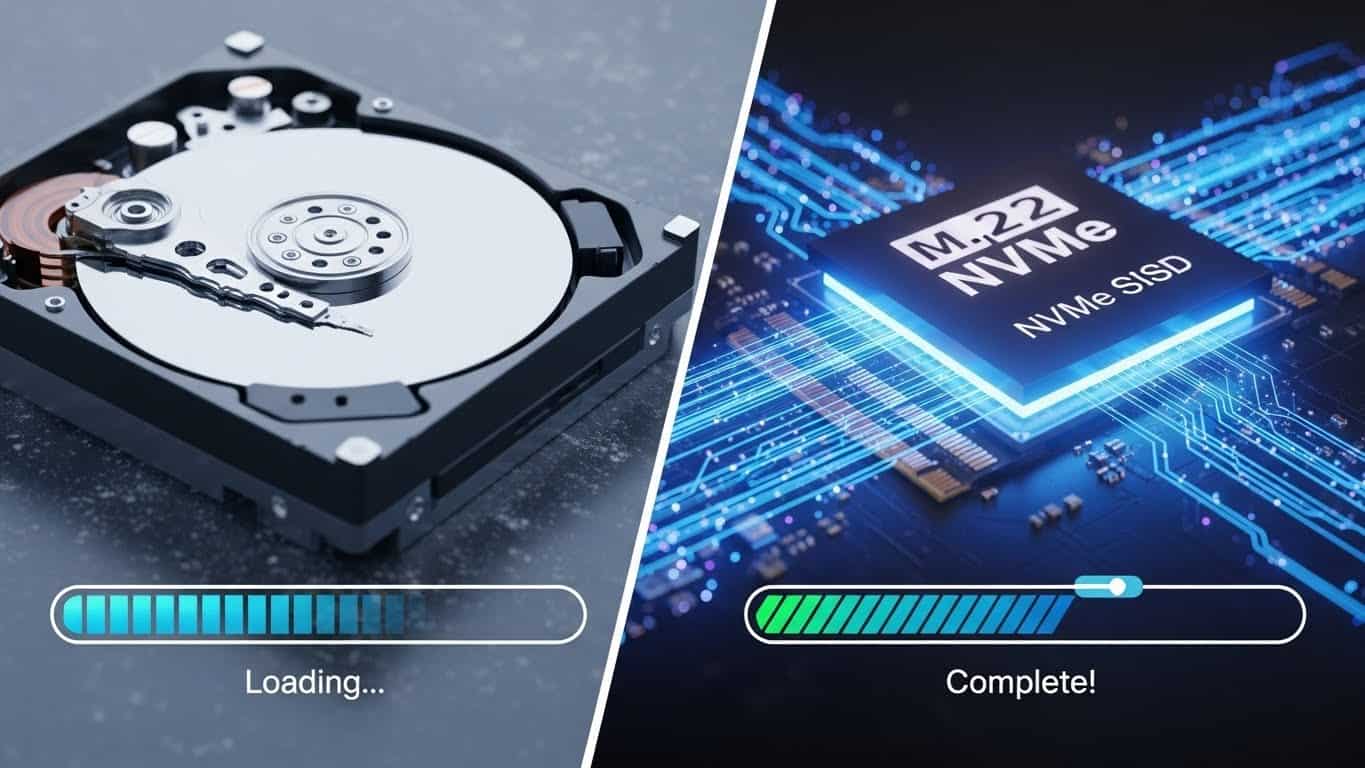
At Fix My Gadget, we specialize in SSD Data Recovery, including:
- Dead Controllers: When the brain of the SSD dies, we transplant the memory chips (NAND) to a new board to read them.
- Firmware Panic: Common in brands like Crucial and Kingston, where the drive locks itself into “Read Only” mode.
- MacBook Logic Board Failure: On modern Macs (M1/M2), the SSD is soldered to the board. If the laptop dies, your data is trapped. We repair the logic board’s power rails to revive the SSD and extract your files.
4. Our “No Data, No Fee” Promise
Data recovery is an opaque industry. Many shops charge a “diagnostic fee” just to tell you the drive is broken. We operate differently.
Our Data Recovery Johannesburg lab follows a strict protocol:
- Free Assessment: You bring the drive in (or we collect it). We evaluate it within 24 hours at no cost.
- The Quote: We give you a fixed price based on the complexity (Logical vs. Mechanical).
- The Recovery: We use advanced tools (like PC-3000) to image the drive sector-by-sector, bypassing damaged areas.
- Verification: You get to see a file list or check the data remotely before paying.
- Success or Free: If we cannot recover the files you need, you pay nothing.
5. Where Can I Find Data Recovery Near Me?
We serve the entire Gauteng region. Whether you are a student at UJ or a corporate executive in Sandton City, we are your local experts.
We offer secure courier collection from:
Don’t trust your data to a generic “computer repair” shop. Trust the specialists who understand the physics of storage.
Your Data is Recoverable. But Time is Ticking.
The longer a failing drive sits, the harder recovery becomes. Stop using the device and contact us immediately for a free evaluation.
Fix My Gadget (Pty) Ltd. | Advanced Data Recovery Lab Johannesburg.
MacBook Repairs | Laptop Repairs | Contact Us