
7 Signs You Need a Laptop Battery Replacement
Is Your Laptop’s Battery on Its Last Legs? Here’s How to Tell.
A failing battery can make your laptop frustrating to use. This guide will help you spot the warning signs and decide if it’s time for a replacement.
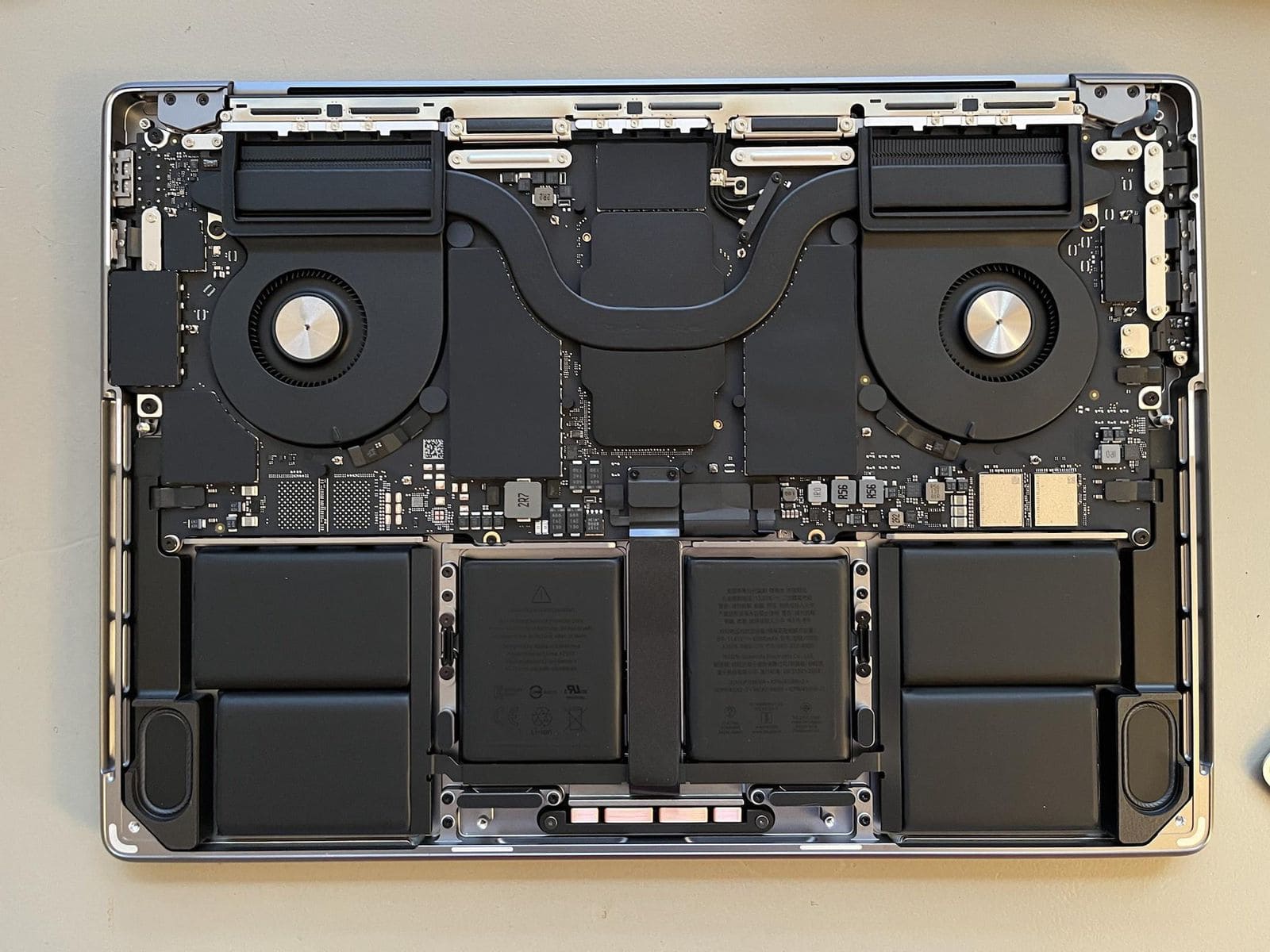
Laptop batteries are consumable parts that degrade over time. If your laptop isn’t holding a charge like it used to, it might be time for a replacement. This guide will walk you through the 7 key signs of a failing laptop battery.
The Checklist: 7 Key Signs of a Failing Battery
- Short Battery Life: The most common sign. If your laptop dies much quicker than it used to, the battery’s capacity has likely degraded.
- Slow Charging: If your laptop takes forever to charge, or never seems to reach 100%, the battery may be failing.
- Unexpected Shutdowns: A laptop that turns off suddenly, even with battery life remaining, is a strong indicator of a faulty battery.
- Overheating: If the battery area gets unusually hot, especially during charging, it could be a sign of a problem.
- Physical Swelling: A bulging laptop case or a trackpad that’s being pushed up is a critical safety issue. This is a swollen battery, and it needs to be replaced immediately.
- “Service Battery” Warnings: Both Windows and macOS will often display a warning message when they detect a problem with the battery.
- The Laptop Only Works When Plugged In: If your laptop dies the moment you unplug the charger, the battery is completely dead.
What the Signs Mean: A Quick Summary
| Sign | What it Means | What to Do |
|---|---|---|
| Short Battery Life | The battery’s capacity has degraded. | Run a battery health report and consider a replacement. |
| Slow Charging | The battery can no longer hold a full charge. | Try a different charger first, then consider a replacement. |
| Unexpected Shutdowns | The battery can no longer provide a stable power supply. | This is a strong sign that you need a new battery. |
| Overheating | The battery may be failing and creating excess heat. | Stop using the laptop and have it inspected by a technician. |
| Physical Swelling | A critical failure. The battery is a fire hazard. | Stop using the laptop immediately and seek professional help. |
How to Check Your Battery’s Health
You can get a detailed report on your battery’s health from your operating system.
- On Windows: Open the Command Prompt and type `powercfg /batteryreport`. This will save a detailed report as an HTML file on your computer.
- On macOS: Hold down the Option key and click the battery icon in the menu bar. You’ll see a “Condition” status, such as “Normal,” “Replace Soon,” or “Service Battery.”
Conclusion
A new battery can breathe new life into an aging laptop, restoring its portability and performance. If you’re experiencing any of these signs, it’s a good idea to have your laptop inspected by a professional. At Fix My Gadget, we offer expert laptop battery replacement services for all major brands.
Ready to Replace Your Laptop Battery?
We offer professional laptop battery replacement services for all major brands. Get a quote today!
📍 Based in Johannesburg South | Nationwide Delivery Available