

Laptop Plugged In But Not Charging?
The 2026 Repair Guide.
Are you tired of wiggling the cable just to get a charge? Discover why charging ports fail, the risks of “sparking,” and how we fix power issues in Johannesburg same-day.
Specializing in Dell, HP, Lenovo & MacBook Power Systems
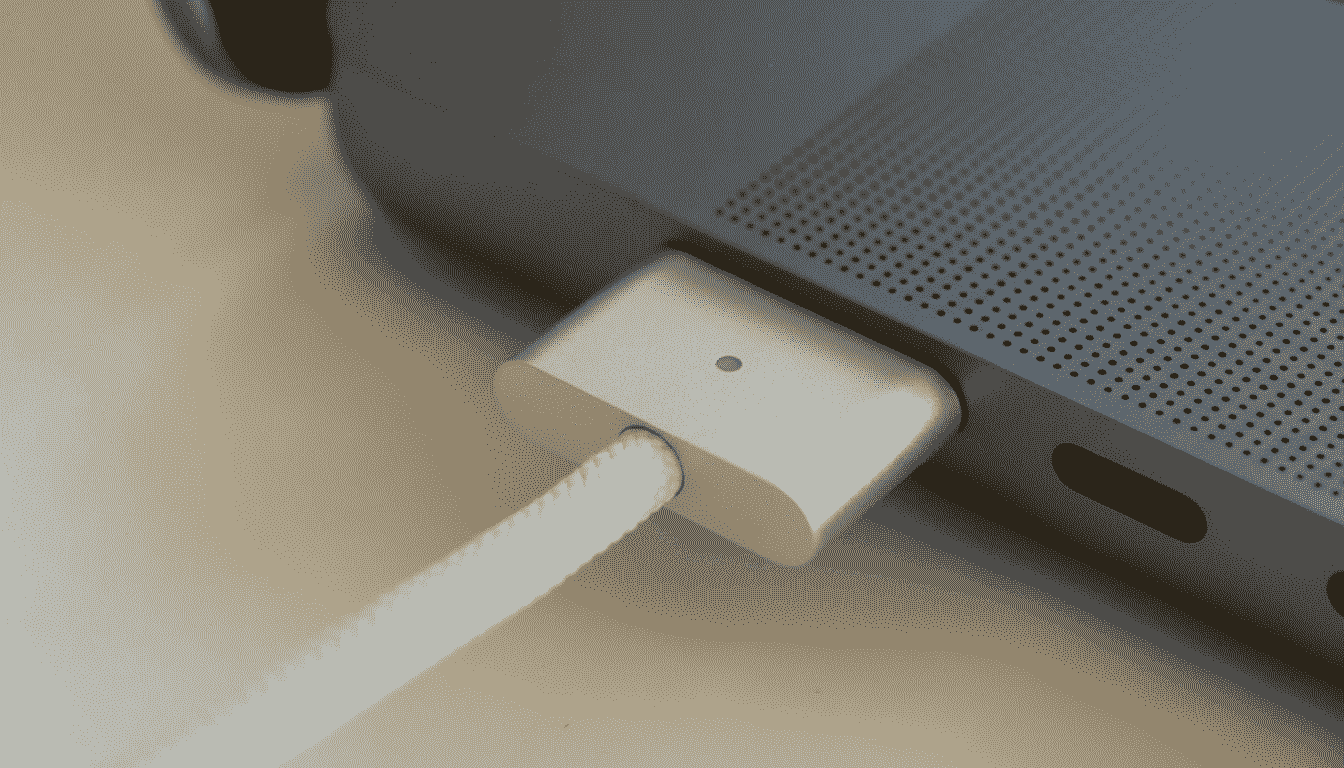
It starts with a loose connection. You plug in your laptop, but the light doesn’t come on. You twist the cable to the left… nothing. You prop it up on a book… and finally, it charges.
Two weeks later, the “magic angle” stops working entirely. Now, your laptop is dead, and you have critical work trapped inside.
In Johannesburg, power issues are rampant. Load shedding surges weaken chargers, and constant plugging/unplugging wears down ports. But here is the good news: It is rarely the entire motherboard that is broken. It is usually just the Charging Port (DC Jack), a component we replace daily at Fix My Gadget.
1. Diagnosis: Is it the Charger, the Battery, or the Port?
Before you book a repair, let’s pinpoint the culprit. Most charging issues fall into one of three categories.
The Port Failure
Symptoms: Wiggling the cable makes the charge light flicker. The pin inside the port feels loose or looks black (burnt).
Verdict: Needs DC Jack Replacement.
The Battery Failure
Symptoms: Laptop works fine when plugged in, but dies instantly when unplugged. Windows says “Plugged in, not charging.”
Verdict: Needs New Battery.
The Charger Failure
Symptoms: The brick is cold to the touch even when plugged in. There is physical fraying on the cable.
Verdict: Buy New Charger.
2. Why “Wiggling It” is a Fire Hazard
Many people live with a loose charging port for months, using tape or books to hold the cable in place. This is dangerous.
⚠️ The Risk of Electrical Arcing
When a charging port is loose, the metal contacts inside are physically separated from the motherboard. Wiggling it creates a tiny gap where electricity jumps across (an Arc). This creates intense heat (over 100°C), which melts the plastic around the port and burns the motherboard PCB layers.
If you smell burning plastic, stop immediately. A R850 port repair can turn into a R6,000 motherboard replacement if the burning spreads.
3. How We Fix It: Soldering vs. Modular Replacement
Depending on your laptop model, the repair process differs.
Type A: The Soldered DC Jack (Most Windows Laptops)
On many standard Dell, HP, and Acer laptops, the charging port is soldered directly to the main logic board.
Our Process: We disassemble the laptop, remove the motherboard, and use a hot-air rework station to desolder the broken port. We then solder a brand new, reinforced port using high-quality lead-free solder. This creates a bond stronger than the factory original.
Type B: The Modular USB-C (MacBooks & Ultrabooks)
Modern devices use USB-C charging. These ports are complex, containing 24 tiny pins for data and power.
Our Process: On MacBooks, these are often modular (plug-in) components. We replace the I/O board entirely. On Windows ultrabooks where they are soldered, we use microscope technology to replace the port without damaging the delicate data lines.
4. MacBook Charging Issues: It’s Not Always the Port
Apple devices have a complex “handshake” process before they accept a charge. If your MacBook isn’t charging, it might be the CD3215 / CD3217 Chips.
These “Power Management ICs” negotiate the voltage with the charger (switching from 5V to 20V). If one of these chips burns out (common with non-original chargers), the MacBook will show “Plugged In” but stay at 1% battery forever.
Fix My Gadget is one of the few labs in Johannesburg equipped to diagnose and replace these specific logic board chips.
*Learn more about our Advanced Logic Board Repair.*
5. Charging Port Repair Cost in Johannesburg (2026)
We believe in flat-rate, transparent pricing.
| Repair Type | Timeframe | Est. Cost |
|---|---|---|
| Standard DC Jack (Cable Type) | 1 – 2 Hours | R850 – R1,200 |
| Soldered DC Jack (Motherboard) | 24 Hours | R1,200 – R1,650 |
| USB-C Port Replacement | 24 Hours | R1,450 – R2,200 |
| MacBook I/O Board Swap | Same Day | R1,500 – R2,500 |
| Logic Board Power IC (Chip Repair) | 2 – 3 Days | R2,500+ |
6. We Are Local & We Collect
You don’t need to drive to Computer Mania in a mall and wait 2 weeks. We are based in Kibler Park and serve the entire Johannesburg metro.
Areas We Serve: Sandton, Rosebank, Randburg, Bedfordview, Alberton, and JHB South.
Get Power Back Today.
A loose port is a ticking time bomb for your motherboard. Book a repair now and save your laptop from permanent damage.
Fix My Gadget. | Power & Charging Specialists.
Battery Replacement | Dead Laptop Guide | Contact Us