
MacBook vs. Windows Laptop in South Africa (2025)
An Expert Guide to Choosing the Right Laptop for Your Needs.
The ultimate tech debate: should you get a sleek MacBook or a versatile Windows laptop? This guide breaks down the pros and cons for South African users, helping you decide which is best for your budget, work, and lifestyle.
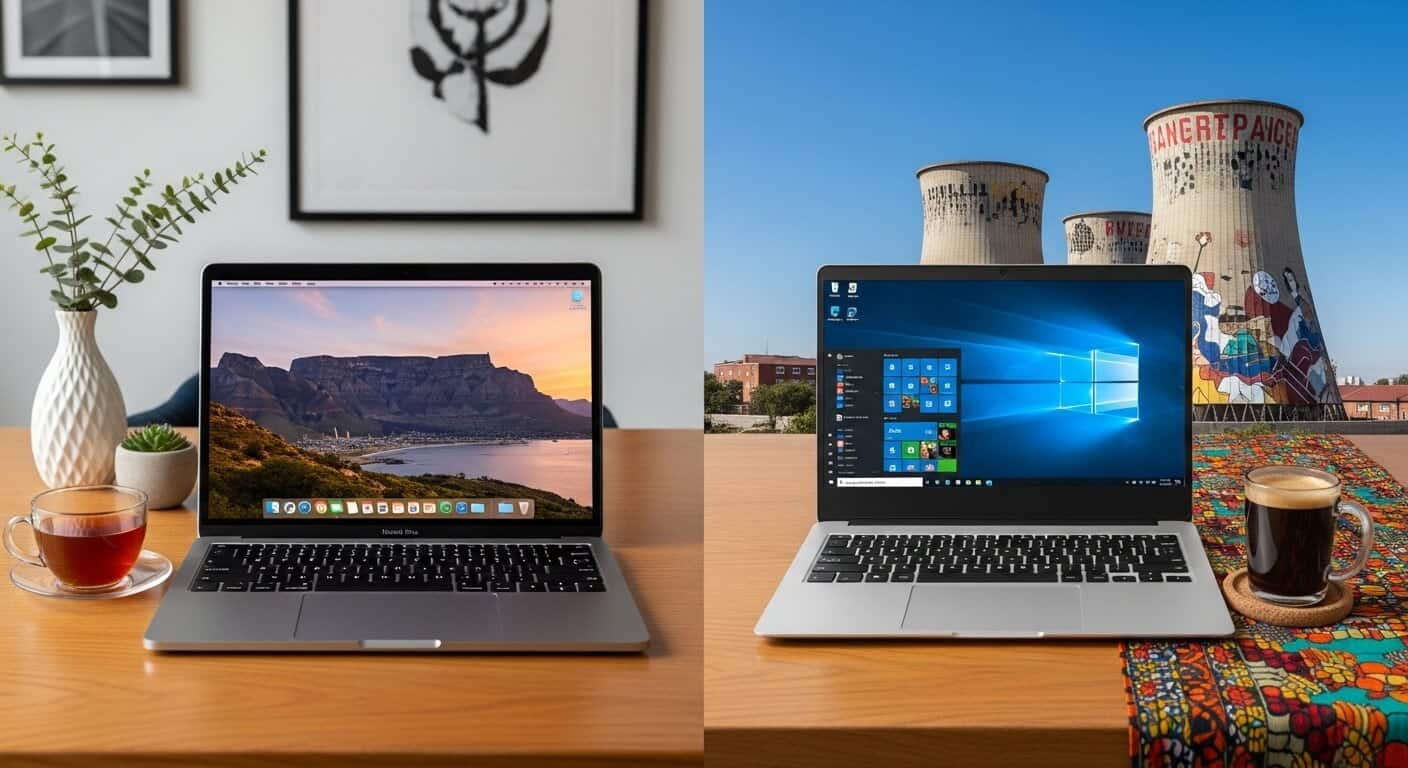
It’s the oldest debate in personal computing: Mac vs. Windows. In 2025, the lines are blurrier than ever, but key differences remain, especially for users in South Africa. This guide will help you decide which platform is the right investment for your needs.
MacBook vs. Windows: At a Glance
| Feature | MacBook (macOS) | Windows Laptop |
|---|---|---|
| Price | Premium, starting from R20,000+ | Wide range, from budget (under R10,000) to high-end. |
| Hardware Choice | Limited to Apple’s own models. | Huge variety from dozens of brands (Dell, HP, Lenovo, etc.). |
| Operating System | macOS: Simple, secure, and user-friendly. | Windows: Familiar, flexible, and compatible with everything. |
| Performance | Apple’s M-series chips are incredibly efficient and powerful. | Intel and AMD offer a wide range of performance, from basic to extreme. |
| Gaming | Limited game library. | The undisputed king of PC gaming. |
| Creative Work | The industry standard for design, video, and music. | Very capable, but macOS often has the edge in software. |
| Repairs in SA | Can be expensive, with parts less common. A Macbook screen repair, for example, often costs more than a comparable laptop screen repair. | Generally cheaper and easier to find parts for. A standard laptop screen repair is usually quick and affordable. |
Deep Dive: Which is Best For…
Students in South Africa
For most students in South Africa, a Windows laptop is the more practical choice. They are more affordable, and you’re guaranteed to have compatibility with any software required by your university. However, if your budget allows and your course load is focused on creative fields, a MacBook Air is a fantastic, lightweight option with amazing battery life.
Business Professionals
For business, it’s a closer call. MacBooks are known for their security and reliability, and they integrate seamlessly with other Apple devices. Windows laptops, on the other hand, are the standard in most corporate environments and offer better compatibility with business software like Pastel and SARS eFiling. If you work in a creative industry, a MacBook is a great choice. For everyone else, a high-quality Windows laptop from Dell’s Latitude or HP’s EliteBook line is a safe bet.
Creatives (Designers, Musicians, Editors)
This is where MacBooks have traditionally dominated. The combination of macOS, powerful M-series chips, and industry-standard software like Final Cut Pro and Logic Pro makes the MacBook Pro the tool of choice for many creative professionals. However, Windows machines are more than capable, and for 3D rendering and other GPU-intensive tasks, a high-end Windows laptop might even have the edge.
Gamers
This one is easy: Windows is the winner for gaming. The vast majority of PC games are developed for Windows, and you’ll have a much larger library to choose from. While some games are available on macOS, the selection is limited, and you’ll get better performance for your money with a Windows gaming laptop.
A Note on Repairs and Long-Term Value
When considering the total cost of ownership, it’s important to think about repairs. While MacBooks are known for their build quality, they can be expensive to fix. A common issue like a damaged screen can be costly, with a Macbook screen repair often costing a significant portion of the laptop’s original price. In contrast, a laptop screen repair for a Windows machine is typically more affordable due to the wide availability of parts from various manufacturers. For more on this, see this article from iFixit.
Conclusion
The best choice for you depends on your priorities and your budget. If you value a simple, secure, and user-friendly experience (and you’re already in the Apple ecosystem), a MacBook is a fantastic choice. If you need flexibility, a wide range of hardware options, and compatibility with the widest range of software, a Windows laptop is the way to go. For most South African users, a Windows laptop will offer better value and practicality, but for those who can afford it, the MacBook experience is hard to beat.
Ready to Find Your Perfect Refurbished Laptop?
We sell professionally refurbished laptops that have passed every check on this list. All our machines come with a warranty and local support.
📍 Based in Johannesburg South | Nationwide Delivery Available