
The Ultimate Refurbished Laptop Buying Checklist
Your guide to finding a great deal on a reliable machine.
Buying a refurbished laptop is one of the smartest ways to get a high-quality machine without breaking the bank. This checklist will guide you through everything you need to check to avoid common pitfalls.
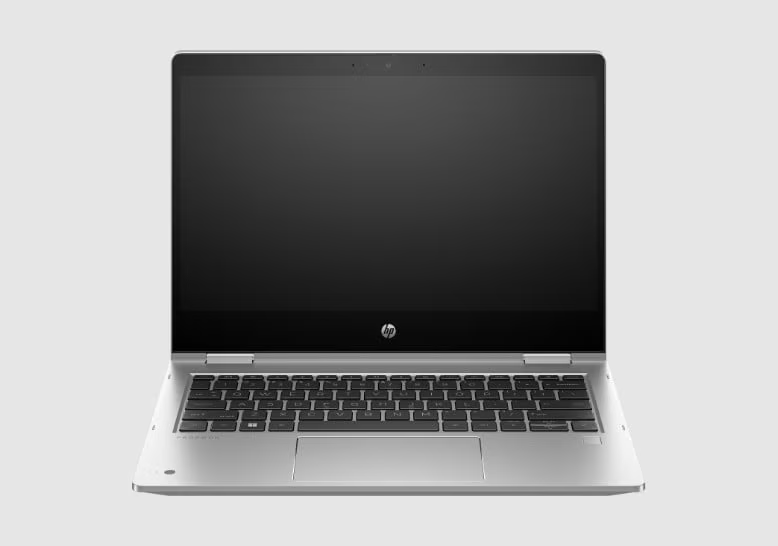
Buying a refurbished laptop is one of the smartest ways to get a high-quality machine without breaking the bank. But not all refurbished laptops are created equal. This checklist, created by our team of technicians, will guide you through everything you need to check before you buy.
Part 1: The Seller and Warranty
Before you even look at the laptop, look at the seller. A trustworthy seller is your best guarantee of a good purchase.
- Reputable Seller: Buy from a business with a physical address and a track record of good reviews. Avoid anonymous sellers on social media marketplaces unless you can test the device in person.
- Warranty is a Must: A warranty is a sign of confidence. Look for at least a 30-day warranty, which gives you enough time to test everything thoroughly.
- Check the Return Policy: If the laptop isn’t what you expected, you should be able to return it. Make sure the seller has a clear return policy.
Part 2: Physical Condition
Don’t just turn it on. A thorough physical inspection can reveal hidden problems.
- Cosmetic Condition (Grading): Ask about the cosmetic grade. Grade A is like new, Grade B has minor scuffs, and Grade C has visible wear.
- Screen Inspection: Check for dead pixels, bright spots, and scratches on a white and black background.
- Keyboard and Trackpad: Test every single key and the trackpad’s responsiveness.
- Ports and Webcam: Test all USB ports, video ports, and the webcam to ensure they work.
Part 3: Internal Hardware and Performance
This is where you check what’s under the hood.
- Battery Health: Ask for a battery health report. A used battery won’t last as long as a new one.
- Processor (CPU): An Intel Core i5 is the sweet spot for most users.
- RAM (Memory): 8GB of RAM is the minimum we recommend for smooth multitasking.
- Storage (SSD): Insist on a Solid State Drive (SSD) for a much faster experience.
Part 4: Software and Licensing
The software should be as clean as the hardware.
- Genuine Operating System: Ensure Windows is activated and genuine in the system settings.
- No Bloatware: A good refurbisher will install a clean version of Windows with no unnecessary software.
Conclusion
A great refurbished laptop can be a fantastic investment. By following this checklist, you can be confident you’re getting a reliable machine that will serve you well for years to come. If you’re looking for a professionally refurbished laptop that has already passed all these checks, browse our selection of certified refurbished laptops.
Ready to Find Your Perfect Refurbished Laptop?
We sell professionally refurbished laptops that have passed every check on this list. All our machines come with a warranty and local support.
📍 Based in Johannesburg South | Nationwide Delivery Available