
Top Business Laptops for Productivity 2025 South Africa
Powerful, Secure, and Reliable Laptops for the Modern South African Professional
In today’s hybrid work environment, your laptop is your office. We’ve tested the latest 2025 models for performance, battery life, and business-critical features to find the best business laptops for productivity in South Africa. Stop guessing and find the perfect machine for your workflow.
- ⚡ All-Day Battery Life for Hybrid Work
- 🛡️ Enterprise-Grade Security Features
- ⚙️ Powerful Performance for Multitasking
- 🇿🇦 Local Warranty and Support
Why Trust Our Recommendations?
Choosing a business laptop is a critical investment. Unlike generic international reviews, we focus on what matters for professionals in South Africa in 2025:
Top Picks at a Glance: Best Business Laptops 2025
| Rank | Laptop & Price (Est.) | Why It’s Great | Key Specs |
|---|---|---|---|
| 1. |
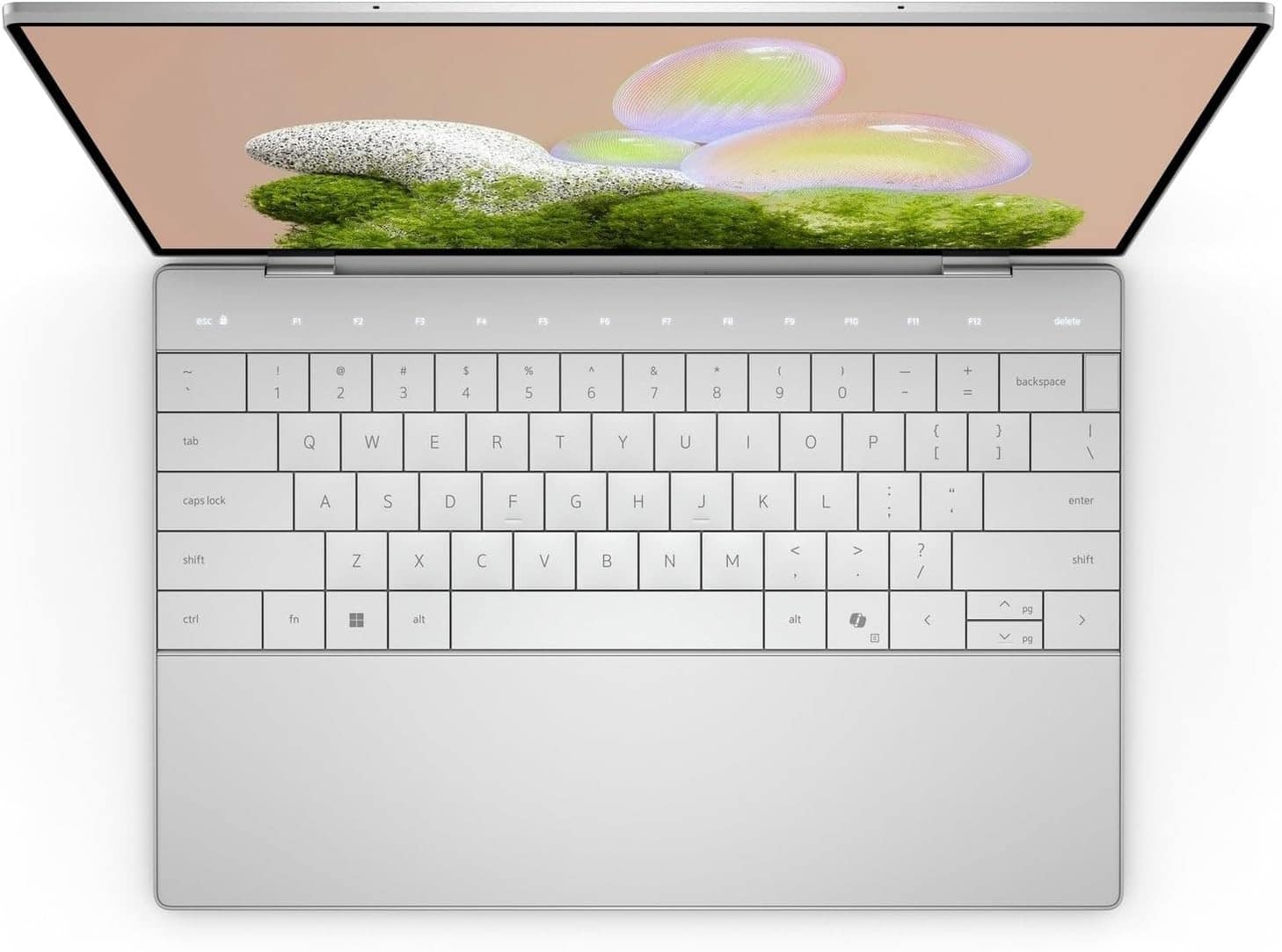
Dell XPS 15 (2025)
~R45,000
|
The ultimate Windows powerhouse for creative professionals. | Core Ultra 9, 32GB RAM, 1TB SSD, RTX 4060 |
| 2. |
Apple MacBook Air 15 (M3)
~R35,000
|
Silent, powerful, and efficient for the Apple ecosystem. | Apple M3, 16GB RAM, 512GB SSD, 18hr Battery |
| 3. |
Lenovo ThinkPad X1 Carbon
~R38,000
|
The iconic, ultra-reliable and portable business classic. | Core Ultra 7, 16GB RAM, 512GB SSD, 1.12kg |
| 4. |
HP Spectre x360 14
~R32,000
|
A premium and versatile 2-in-1 convertible for flexible work. | Core Ultra 7, 16GB RAM, 1TB SSD, 2.8K OLED |
| 5. |
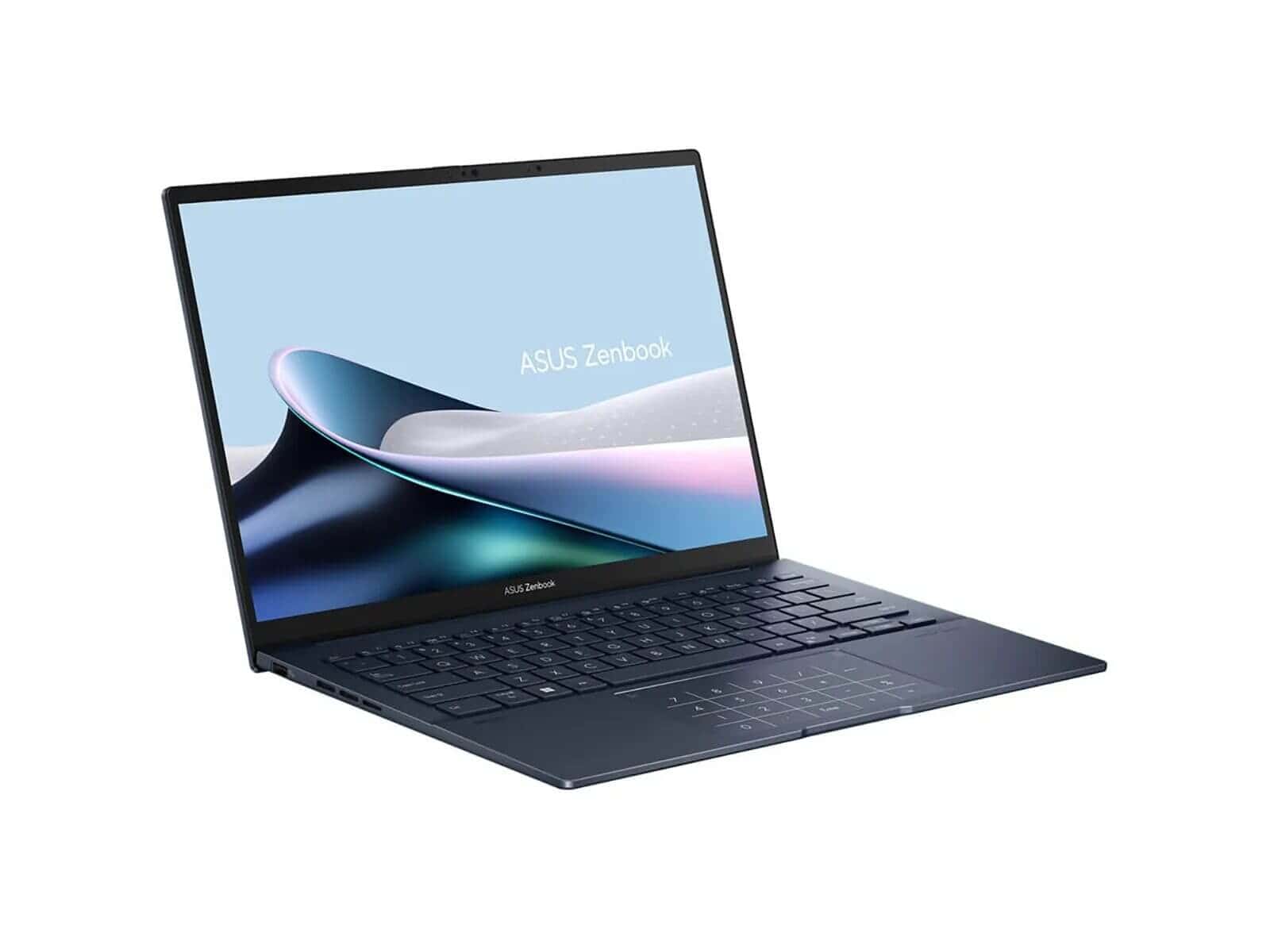
Asus Zenbook 14 OLED
~R28,000
|
Stunning OLED display and strong performance at a great value. | Core Ultra 7, 16GB RAM, 1TB SSD, 120Hz OLED |
In-Depth Business Laptop Reviews
Dell XPS 15 (2025)
Performance & Productivity
The Dell XPS 15 remains the king of performance for Windows users. With the latest Intel Core Ultra 9 processor and a dedicated NVIDIA RTX 4060 GPU, it handles everything from massive spreadsheets and data analysis to video editing and 3D rendering without breaking a sweat. It’s the perfect desktop replacement for power users.
Build, Ports & Business Features
The CNC-machined aluminum chassis feels incredibly premium and durable. It offers a solid port selection including Thunderbolt 4, but you’ll need a dongle for older peripherals. Features like Windows Hello facial recognition and a fingerprint reader provide robust security.
Who Should Choose It / Trade-offs
This is for the architect, engineer, creative director, or executive who needs maximum performance and a stunning display. The trade-off is its higher price and slightly heavier weight compared to ultrabooks.
Apple MacBook Air 15 (M3)
Performance & Productivity
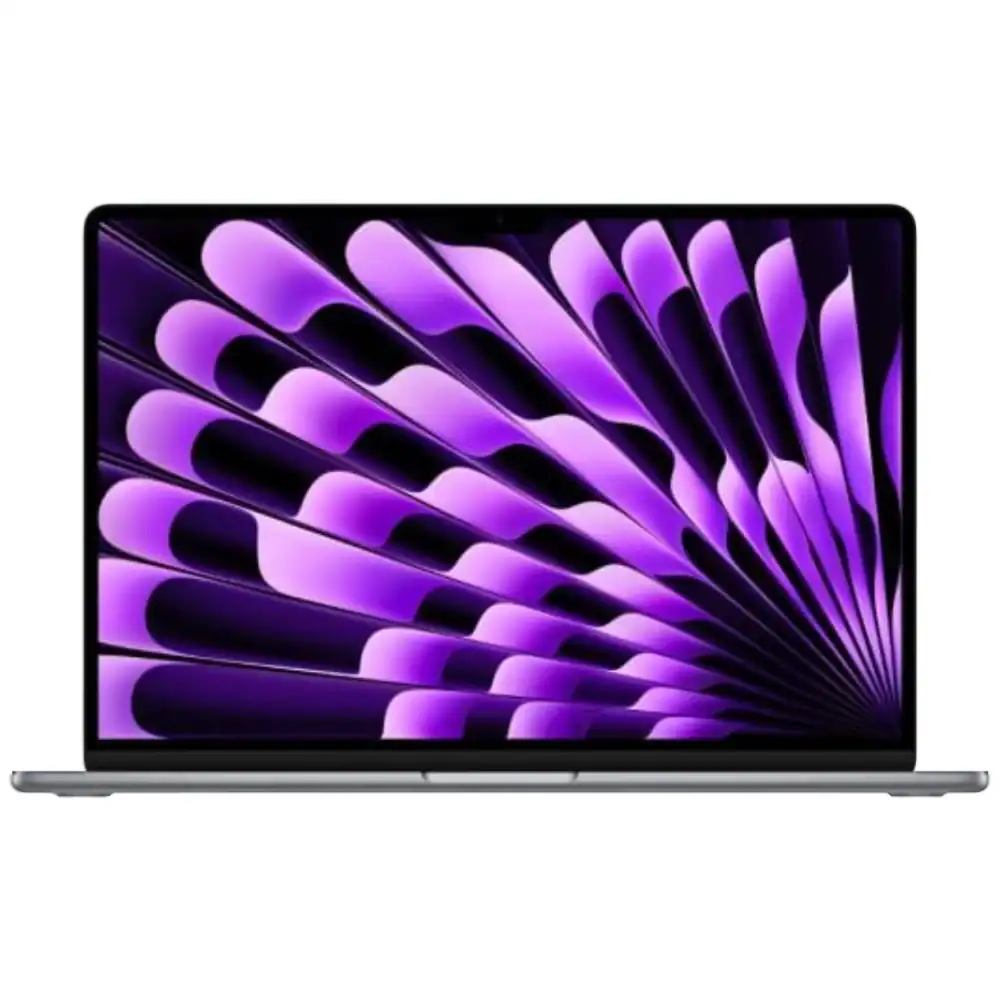
The M3 chip provides a huge leap in efficiency and power. The MacBook Air is completely silent (no fans) yet handles demanding office tasks, coding, and even 4K video editing with ease. Its integration with the Apple ecosystem is seamless, making it a productivity dream for iPhone and iPad users.
Build, Ports & Business Features
The build quality is exceptional, as expected from Apple. However, the port selection is minimal, with only two Thunderbolt/USB 4 ports. Security is top-notch with Touch ID, and macOS is renowned for its stability and user-friendly interface.
Who Should Choose It / Trade-offs
Ideal for business professionals, consultants, and students already in the Apple ecosystem who prioritize battery life, a large screen, and a lightweight, silent machine. The limited ports and lack of user upgradability are the main trade-offs.
Lenovo ThinkPad X1 Carbon (Gen 12)
Performance & Productivity
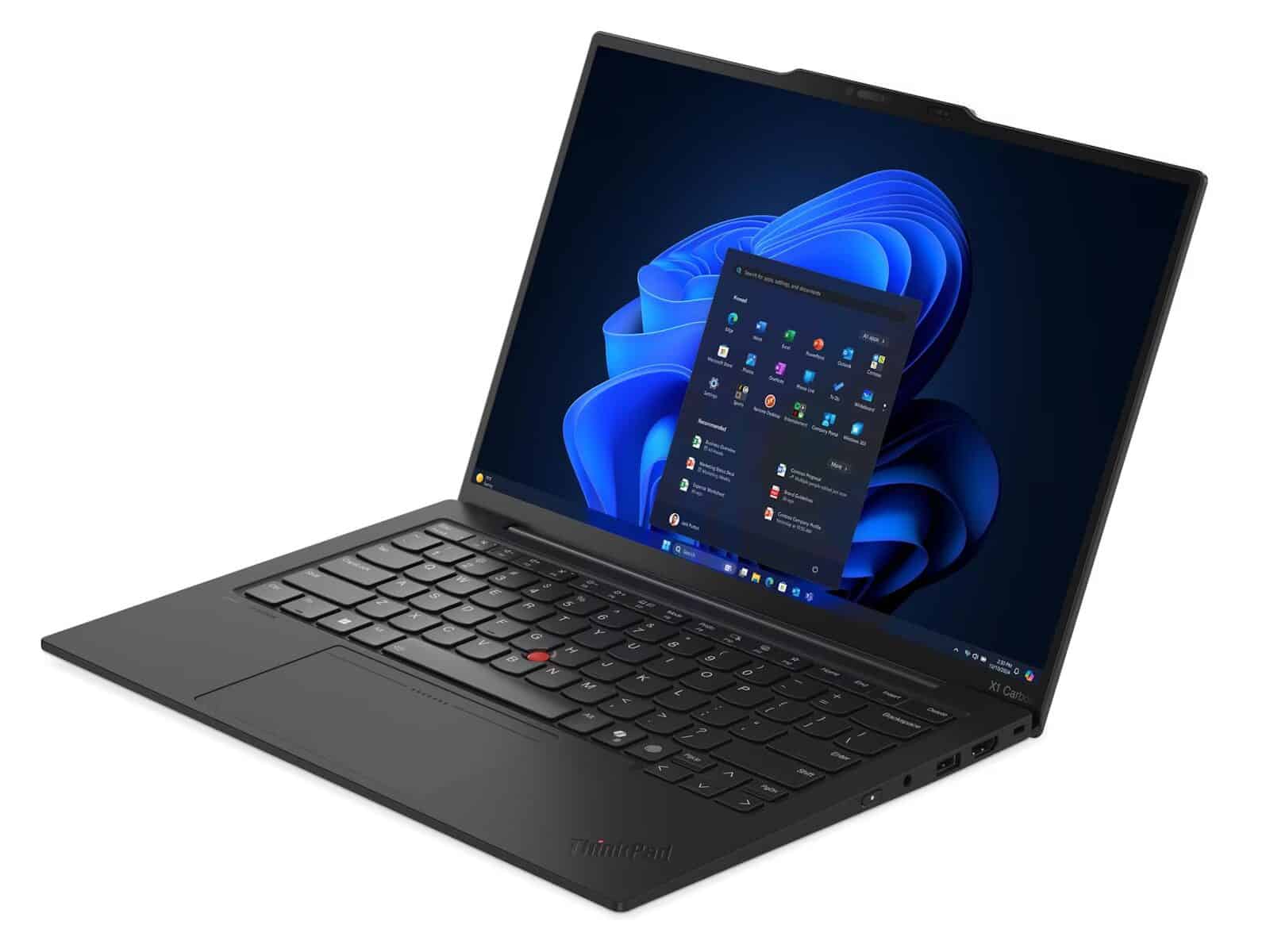
The ThinkPad is the undisputed champion of business reliability. The Gen 12 model features Intel’s Core Ultra 7 processors for efficient performance and AI-powered tasks. It’s built for multitasking with multiple documents, browser tabs, and video calls running simultaneously. The legendary keyboard makes it a joy for long typing sessions.
Build, Ports & Business Features
Built from carbon fiber, it’s incredibly light yet MIL-SPEC tested for durability. It boasts an excellent selection of ports, including Thunderbolt 4, USB-A, and HDMI, reducing the need for dongles. ThinkShield security features and excellent local warranty support make it a true enterprise-grade machine.
Who Should Choose It / Trade-offs
Perfect for corporate executives, road warriors, and anyone who values durability, security, and the best typing experience on a laptop. Its design is functional rather than flashy, and integrated graphics mean it’s not suited for creative work that requires a dedicated GPU.
HP Spectre x360 14
Performance & Productivity
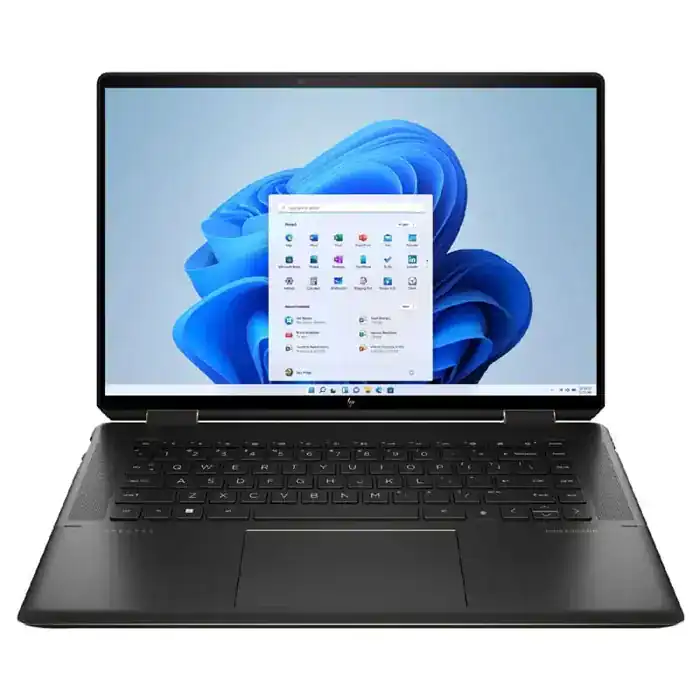
The Spectre x360 is a stunning 2-in-1 that doesn’t compromise on performance. The Intel Core Ultra 7 chip and vibrant 2.8K OLED display make it a joy for both work and media consumption. Its 360-degree hinge allows it to be used as a laptop, tablet, or in tent mode for presentations, making it incredibly versatile.
Build, Ports & Business Features
The gem-cut aluminum design is arguably one of the most beautiful on the market. It includes a stylus for drawing or note-taking. Security is handled by a fingerprint reader and an IR camera for facial login. It includes two Thunderbolt 4 ports for fast connectivity.
Who Should Choose It / Trade-offs
Ideal for consultants, creatives, and executives who want a stylish, versatile device for presentations, note-taking, and general productivity. Its battery life is slightly shorter than non-convertible rivals due to the high-resolution OLED screen.
Asus Zenbook 14 OLED (2025)
Performance & Productivity
The Zenbook 14 offers incredible value, packing a powerful Intel Core Ultra 7 processor and a breathtaking 120Hz OLED display into a package that undercuts most of the competition. It’s fast, responsive, and makes everyday work feel premium.
Build, Ports & Business Features
The all-metal chassis is slim, light, and feels robust. It manages to include a good selection of ports, including HDMI and USB-A alongside Thunderbolt 4. While it may lack some of the deep enterprise security features of a ThinkPad, it offers great core specs for the price.
Who Should Choose It / Trade-offs
The perfect choice for small business owners, managers, and professionals who want premium features like an OLED screen and strong performance without the top-tier price tag. It’s less focused on enterprise fleet management and more on individual user experience.
What We Looked For: Our 2025 Buying Criteria
Processor (CPU)
Intel’s Core Ultra and Apple’s M-series chips offer excellent performance and efficiency, crucial for smooth multitasking and responsiveness in demanding business applications.
Memory (RAM)
16GB is the new standard for professional multitasking. It allows you to run dozens of browser tabs, communication apps, and office software without slowdowns.
Storage (SSD)
A fast NVMe SSD is non-negotiable. It ensures your laptop boots in seconds, applications launch instantly, and files are saved quickly, directly impacting productivity.
Battery Life & Portability
For the hybrid worker in SA, a laptop must last a full workday away from the plug. We prioritized models with 8+ hours of real-world use and a weight under 1.5kg.
Security & Warranty
Features like fingerprint readers, TPM chips, and IR cameras are vital for protecting business data. A solid local warranty from South African distributors is crucial for quick support.
Connectivity & Ports
Thunderbolt 4 / USB4 ports are essential for modern docking stations and fast data transfer. The inclusion of legacy ports like USB-A and HDMI is a practical bonus.
💡 Buying Advice for SA Professionals
Match Specs to Your Role
A developer needs more RAM (32GB) and a powerful CPU. A sales executive might prioritize a lightweight design and long battery life over raw power.
Don’t Underestimate the Keyboard
If you type all day, a comfortable, backlit keyboard is a must. ThinkPads are famous for this, but Dell and HP have excellent options too.
Local vs. Global Warranty
Ensure your laptop comes with a South African warranty. Grey imports might be cheaper but leave you stranded if you need a repair or replacement.
Consider a Docking Station
A single-cable Thunderbolt dock can transform your laptop into a full desktop setup with multiple monitors, an external keyboard, and more.
Need Your Business Laptop Repaired or Upgraded?
Downtime costs money. We provide fast, reliable support for professionals.
✅ Final Thoughts: Choosing Your 2025 Workhorse
For ultimate power, the Dell XPS 15 is unmatched. For portability and battery life within the Apple ecosystem, the MacBook Air 15 is a clear winner. And for a reliable, no-compromise business classic, the Lenovo ThinkPad X1 Carbon remains the top choice.
Internal Links: Laptop Repairs | Student Laptops | Gaming Laptops