
Johannesburg repair guide
Best Laptops for Students in South Africa 2026
Choosing the best laptop for students in South Africa is not only about the lowest price. This guide compares budget, engineering, gaming and everyday study laptops, then shows when a refurbished device, SSD upgrade or RAM upgrade may be the smarter route.
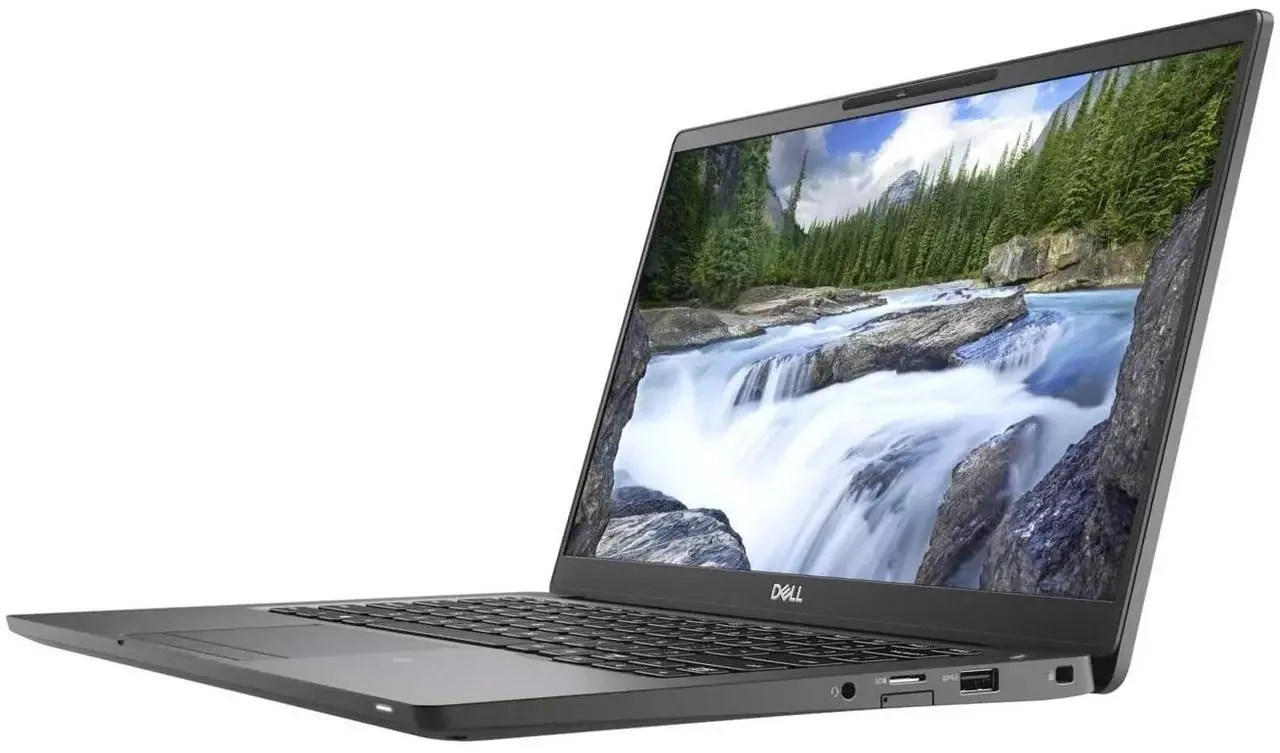
Buying, repairing and upgrading
Before buying new, compare repair, upgrade and refurbished options.
Some laptops are worth replacing. Others only need an SSD, RAM, battery or screen repair. Use the shop to check practical options, then confirm availability before payment.
Important: Repair, upgrade or replace — we can help you choose the practical route.
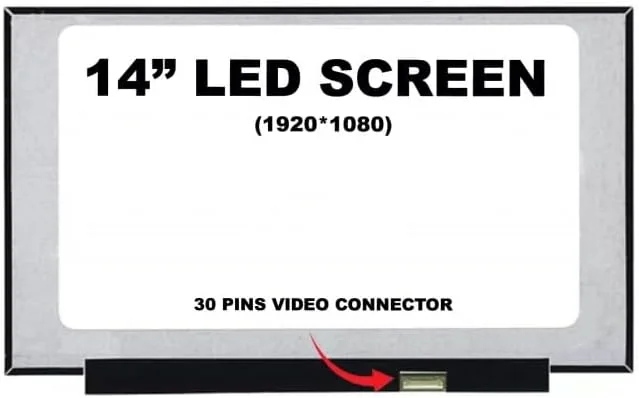
The search for the best laptops for students in South Africa can become confusing because every shop advertises speed, memory and discounts. But a student laptop is not a showroom object. It lives in a backpack, moves between home and campus, works during load-shedding recovery, gets plugged into borrowed chargers, and often becomes the only machine used for assignments, research, Zoom calls and part-time work.
At Fix My Gadget in Kibler Park, Johannesburg South, we see the other side of the buying decision: broken hinges, cracked displays, dead batteries, slow hard drives, liquid damage and laptops that were cheap to buy but expensive to own. That repair experience gives us a different way to judge student laptops. We look at performance, screen quality, battery life, upgrade potential, part availability and how painful the repair will be if something goes wrong.
This page is written for students, parents and small businesses buying student machines in 2026. It does not push one brand blindly. It explains what specs matter, what to avoid, when refurbished makes sense, and when repair or upgrade may be smarter than buying new.
best laptops for students South Africa
The student laptop specs that actually matter
For most students, the best value starts with a modern Intel Core i5, AMD Ryzen 5 or Apple Silicon MacBook Air, paired with at least 8GB RAM and SSD storage. A 256GB SSD can work for basic study, but 512GB is more comfortable for design files, engineering software, video editing, datasets and long-term use. Avoid old mechanical hard drives unless the price is extremely low and an SSD upgrade is planned immediately.
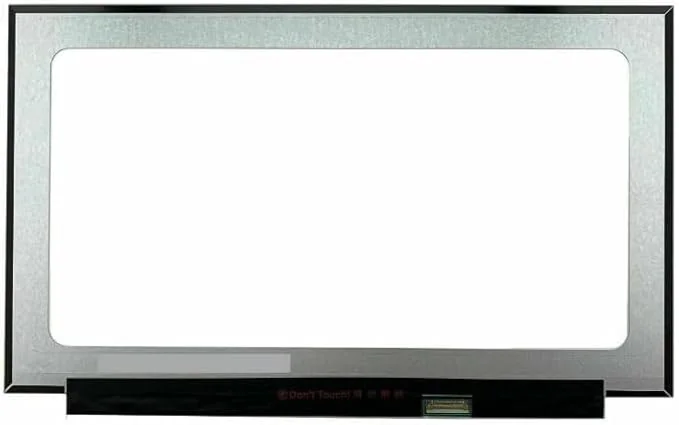
A good screen matters because students read, write and research for hours. A 14-inch laptop is usually the best balance between portability and comfort. A 15.6-inch model gives more screen space but becomes heavier. For design and media students, colour quality matters more than raw size. For accounting, business, law and general study, keyboard comfort and battery life often matter more than graphics power.
best laptops for students South Africa
Budget bands for South African students in 2026
Under R7,000, expect compromises. You may find entry-level Celeron, older i3 or refurbished business laptops. The safest route in this bracket is often a clean refurbished business laptop with an SSD rather than a brand-new weak machine. Between R8,000 and R12,000 is the sweet spot for many students because you can find Ryzen 5 or Core i5 machines with decent SSD storage.
Above R15,000, you are paying for better build quality, stronger screens, gaming graphics, MacBook build quality or professional workloads. This can be worth it for IT, engineering, architecture, design and content creation students, but it is not necessary for every degree. A student writing assignments does not need a gaming laptop unless gaming or graphics work is part of the real use case.
best laptops for students South Africa
Why repairability matters more than people think
The cheapest student laptop can become expensive if the screen, keyboard, hinge, battery or charging port is difficult to source. We prefer machines where common parts are available in South Africa and where the design is not hostile to repair. HP, Dell, Lenovo, Asus and Acer all have good and bad models, so model-level judgement matters more than brand loyalty.
Before buying second-hand, check the hinge movement, screen corners, keyboard, charger port, battery health, fan noise and whether the machine boots cleanly. If the laptop already has a loose hinge or pressure marks on the screen, budget for repair immediately. A low price is not a bargain if the palmrest, lid, battery and screen are already failing.
best laptops for students South Africa
Best laptop type by student profile
General students need reliability, SSD storage, decent battery life and a comfortable keyboard. IT and engineering students need stronger CPU performance and more RAM. Design students need a better display and possibly dedicated graphics. Business students often do well with refurbished ThinkPad, EliteBook or Latitude machines because the keyboards are strong and parts are commonly available.
For students who already own a slow laptop, an SSD upgrade and cleaning may be the smartest move. A laptop that is physically solid but slow can often be transformed for a fraction of the cost of replacement. That is why this guide links strongly into our repair, upgrade and refurbished laptop pages.
Cost and decision factors
What changes the quote or buying decision?
Every device, model and fault has its own context. These factors explain why a proper inspection or buying check matters before spending.
| Scenario | What it usually means | What to check |
|---|---|---|
| Entry-level study laptop | Basic browsing, notes and assignments | Check that it has SSD storage and enough RAM before buying. |
| Refurbished business laptop | Often strong value under tight budgets | Inspect battery, hinges, charger and screen before paying. |
| Mid-range Ryzen 5 / Core i5 | Best balance for most students | Aim for SSD storage and 8GB to 16GB RAM. |
| Gaming laptop for students | Useful for engineering, design or gaming | Watch heat, battery life, charger cost and hinge strength. |
| MacBook Air student option | Excellent battery and build quality | Repair costs are higher, so buy carefully and protect the screen. |
Workshop judgement
What repair experience teaches us about student laptops
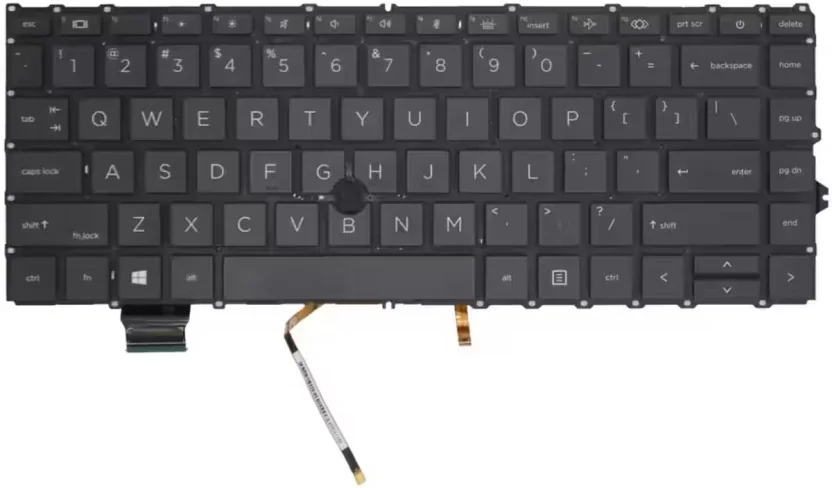
Repairability changes the value of a student laptop. A machine that is easy to service, upgrade and source parts for can remain useful for years; a cheap model with weak hinges, soldered memory or scarce parts can become expensive after one fault.
Before buying, compare performance with the likely cost of a screen, battery, charger, keyboard or storage upgrade. If an existing laptop is structurally sound, an SSD or RAM upgrade may be better value than replacing it.
A clean refurbished business laptop with SSD storage can beat a weak new laptop.
Buying only by price and ignoring hinges, battery, charger and screen condition.
SSD and RAM upgrades can give an older laptop a second life for study.
A cracked screen or broken hinge should be priced into the deal before buying.
External sources
Helpful references outside Fix My Gadget
These links support better decisions around backup, manufacturer repair context and responsible recycling when a device is not worth repairing.
related repair guides
Related Fix My Gadget guides and services
These links keep the service area structure strong and help customers move from information to the correct repair or buying decision.
FAQ
Questions people ask about Student laptops
For most students, the safest choice is a Core i5 or Ryzen 5 laptop with SSD storage, 8GB or more RAM, good battery life and available replacement parts.
Yes, if it is checked properly. A refurbished business laptop with SSD storage can be better value than a weak new machine.
Only when the workload needs it or gaming is part of the requirement. Gaming laptops are heavier, hotter and usually have weaker battery life.
8GB is enough for basic study, but 16GB is better for IT, engineering, design, heavy browser use and long-term value.
Yes. You can send the model or bring the laptop for inspection so we can check common failure points before you commit.
If the laptop has SSD potential, a healthy screen and solid hinges, repair or upgrade can be much cheaper than buying new.
Helpful next steps
Next pages customers should read
These related repair guides strengthen the right service area and help visitors move from research to the correct repair path.
Repair guidance
Computer repair starts by separating performance, power and data risk.
A slow PC, boot failure, clicking drive, freezing system or overheating computer can have different causes.
The right path may be SSD replacement, RAM upgrade, Windows repair, cooling service, data recovery or motherboard diagnosis. We help you choose the practical option before money is wasted.
- Protect data firstStop using a clicking drive or failing storage device until it is checked.
- Upgrade wiselySSD upgrades usually help old hard-drive systems more than random software fixes.
- Check heatDust, fan failure and thermal issues can cause freezing and shutdowns.
- Repair or upgradeWe compare repair, upgrade and replacement options before work proceeds.
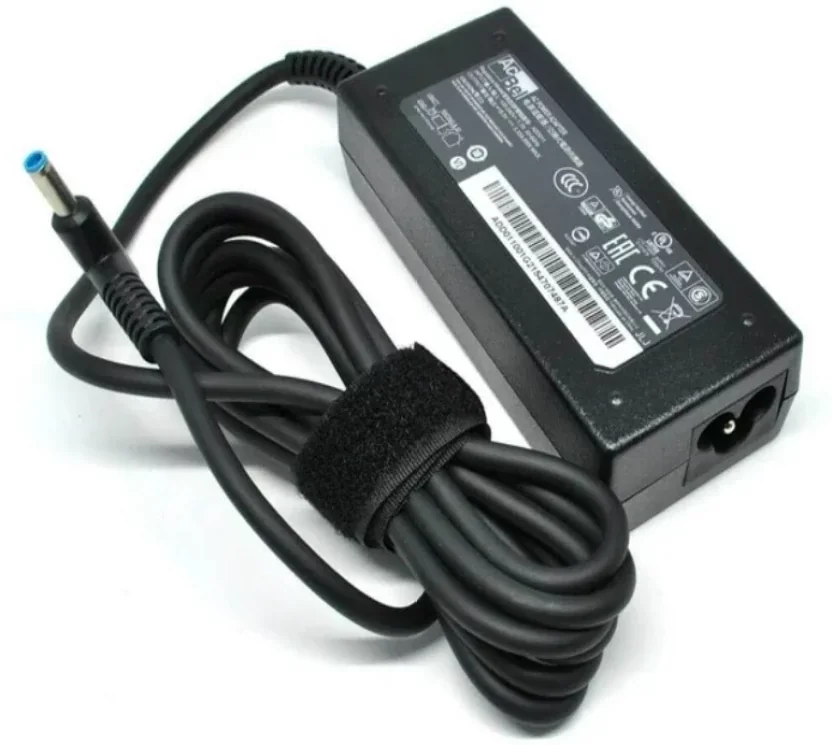
Helpful references
Helpful external resources
These Helpful references can help you understand manufacturer guidance, back up important data, or choose responsible recycling if repair is no longer worth it.
South African buying context
What South African students should factor into the buying decision
Local pricing, spare-part availability, campus travel, battery reliability and repair costs matter just as much as processor specifications. A student machine should be affordable to own after the sale, not only attractive on the day it is purchased.
That is why this guide uses rand price bands, realistic upgrade paths and repairability as part of the recommendation. The best laptop is one that can handle the course, survive daily movement and still make financial sense if a screen, battery, keyboard or hinge fails.
A good student laptop is not simply the newest model. It is the machine that can handle the course, survive daily movement, keep battery life reasonable, and still be affordable to repair if the screen, battery, keyboard, SSD or hinges fail.
| Student type | Recommended focus | Avoid |
|---|---|---|
| General study | Core i5/Ryzen 5, SSD, 8GB RAM minimum | Old HDD laptops unless SSD upgrade is planned. |
| IT/engineering | 16GB RAM, strong CPU, SSD, possible GPU | Ultra-cheap machines with soldered low RAM. |
| Design/media | Good screen, 16GB RAM, SSD, GPU where needed | Weak screens and poor cooling. |
| Budget buyer | Refurbished business laptop with SSD | Cheap new laptop with weak CPU and no upgrade path. |
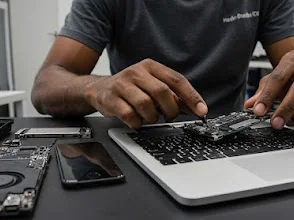
Buying guide images
Laptop buying and repair decision photos
A buying guide is stronger when it connects the purchase decision to real-world repair risk. Build quality, hinge strength, keyboard condition, battery health and screen reliability all matter after the laptop leaves the shop.
2026 buyer intent
Best laptops for students: repairability now matters as much as specs.
The best student laptop is not automatically the cheapest or newest model. It should have enough RAM, reliable SSD storage, a sensible charger, obtainable parts and a repair path if the hinge, keyboard, battery or screen fails during the year.
Need help from Fix My Gadget?
Send the model, symptom, photos if possible and your area. We will guide the next step and quote before repair.
Content quality promise
Written to help before it sells.
Fix My Gadget repair guides are written from real workshop patterns: cracked screens, failed batteries, liquid damage, no-power faults, slow laptops, data risk and replacement decisions. The goal is to help you understand the likely repair path before you spend money.
We avoid pretending that every device can be diagnosed online. When a fault needs testing, we say so clearly and invite you to send the model, photos and symptoms before booking.
- We explain symptoms, risks and safe checks in plain language.
- We separate repair advice from product-shopping advice.
- We quote after inspection and do not recommend unnecessary parts.
- We keep Johannesburg location, pickup and diagnostic information visible.
Visit or arrange pickup
Fix My Gadget is based in Kibler Park, Johannesburg South
Workshop drop-off is available by arrangement, and paid pickup/delivery can be quoted upfront for Johannesburg areas. Send your device model, photos of the fault and your area on WhatsApp before coming through.
Laptop screen price help
Need to understand laptop screen repair prices?
Before replacing a cracked, flickering or black laptop display, check the screen type. 15.6-inch 30-pin, 15.6-inch 40-pin, 14-inch, touchscreen, gaming and OLED panels do not cost the same. The price guide explains the difference and points back to the main laptop screen repair service page.