Diagnostics, pickup and warranty
Repair Policy
Understand how diagnostics, quotes, pickup, delivery, deposits and warranty work at Fix My Gadget.
This repair policy explains how Fix My Gadget handles diagnostics, quotes, pickup and delivery, repair approval, part replacement and warranty. It is written clearly so customers know what to expect before booking a repair.
1. Diagnostic process
Many faults look simple from the outside. A laptop that will not turn on may have a charger issue, battery issue, charging-port issue, BIOS fault, shorted component or motherboard fault. A cracked display may also have hinge, back-cover or cable damage. For this reason, we inspect before we give a final quote.
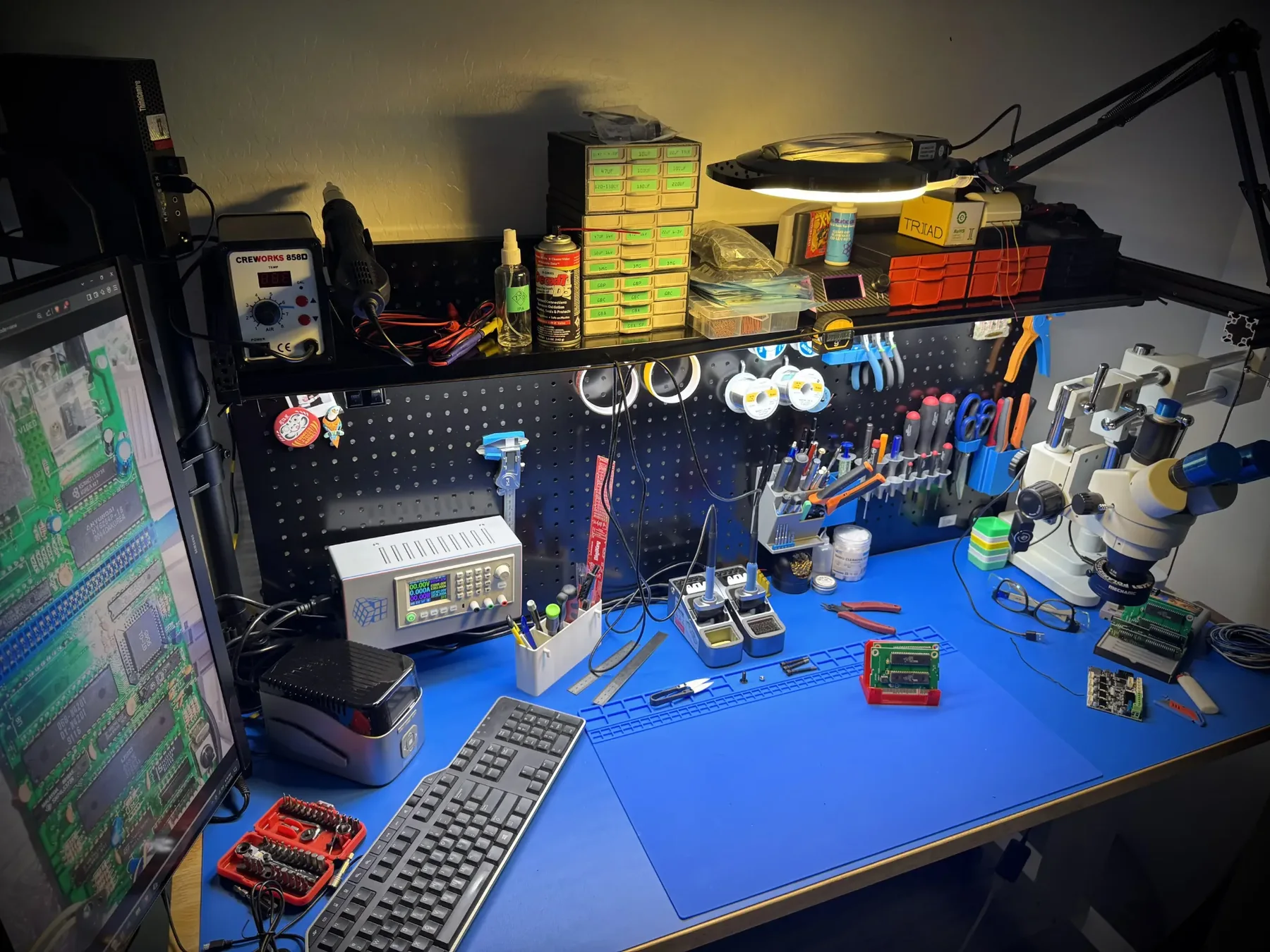
The diagnostic process may include visual inspection, power testing, charger testing, external display testing, battery checks, drive checks, RAM checks, thermal inspection, liquid-damage inspection, BIOS checks and board-level fault tracing depending on the symptom.
2. Quote before repair
After diagnosis, we explain the likely cause and quote before repair. We do not proceed with paid work until the customer approves the quote. This protects the customer from surprise costs and protects the technician from replacing parts without approval.
3. Diagnostic fee
The diagnostic fee is R350. It is waived when you proceed with the approved repair. If the customer declines the repair, if the device is not repairable, or if the customer chooses not to continue after inspection, the diagnostic fee remains payable.
4. Pickup and delivery
Fix My Gadget offers pickup and delivery across Johannesburg as a paid service. The cost is quoted upfront. Customers may also bring devices to the workshop in Kibler Park by arrangement. Pickup and delivery does not make the diagnostic free, and it is not a free service.
5. Warranty on most part replacements
Most part replacements, including screens, batteries, keyboards and similar parts, carry a 3-month warranty. Warranty applies to the part or workmanship related to the approved repair. It does not automatically cover the whole device or unrelated faults.
6. What warranty does not cover
- New liquid damage after repair.
- New physical damage, drops, cracks or pressure marks.
- Power-surge damage or charger damage after collection.
- Software changes, malware, failed updates or customer-installed systems.
- Unrelated faults that were not part of the approved repair.
- Third-party opening, tampering or attempted repair after collection.
7. Special-order parts and deposits
Some screens, batteries, keyboards, palmrests, MacBook assemblies and TV parts must be ordered specifically for the model. A deposit may be required for special-order parts. The customer is informed before the order is placed.
8. Data protection
Customers should back up important data where possible. We try to avoid unnecessary data access during hardware repairs. For software, storage or boot repairs, data risk may be higher and will be explained where possible.
9. Repair-or-replace advice
If repair is not sensible, we will say so. Sometimes a device is worth repairing because the part cost is far below replacement value. Sometimes replacement or responsible recycling is better, especially when the device is very old, heavily damaged or uneconomical. For responsible recycling guidance, see TechRecycle.
10. Booking a repair
Send the device model, photos of the fault, a short explanation and your area. This helps us advise faster and quote pickup where needed.

Helpful repair guidance
What to understand before choosing repair policy
Laptop repair should begin with careful observation, not guesswork. A fault that looks simple from the outside can have several possible causes inside the device. A black screen can be a screen fault, cable fault, backlight fault, RAM fault or motherboard issue. A laptop that does not charge can involve the charger, port, battery, charging circuit or board.
The repair becomes safer when the technician confirms the model, checks the symptoms, inspects for impact or liquid damage, and explains the likely route before parts are ordered. That protects the customer from unnecessary spending and gives the device the best chance of a proper repair.
At Fix My Gadget, the practical approach is simple: identify the real fault, explain the options, quote before repair, and only proceed after approval. The diagnostic fee is R350 and is waived when the approved repair proceeds. Pickup and delivery is available as a paid service quoted upfront.
Safe first checks
What you can check without making the fault worse
These checks are safe for most customers. Do not open the device, force connectors, keep charging after liquid exposure, or continue using a machine that is overheating, swelling, sparking or smelling burnt.
- Write down the exact symptomWhen did it start, does it happen every time, and did the device fall, get wet, overheat or receive a power surge?
- Confirm the model numberRepair quotes depend heavily on model, screen type, battery type, board generation and part availability.
- Protect your dataIf the device still starts, back up important files before repair. If it does not start, avoid repeated power attempts that can make recovery harder.
- Stop using unsafe devicesIf the battery is swollen, the screen is lifting, liquid entered the device or the laptop gets extremely hot, stop using it and ask for advice.
Repair decision table
How we decide the right repair path
| What we check | Why it matters | Possible next step |
|---|---|---|
| Visible damage | Cracks, liquid marks, broken hinges or loose ports can point to the fault area. | Part replacement, cleaning, structural repair or board inspection. |
| Power and charging behaviour | No power, random shutdowns or charging only at an angle can involve more than one component. | Battery, charger, port, power circuit or motherboard diagnosis. |
| Display and performance symptoms | Lines, flicker, freezing and slow startup can come from screen, storage, RAM, heat or board faults. | Screen test, external display test, SSD/RAM test or cooling service. |
| Repair economics | Some repairs are excellent value; others may not make sense on an old or badly damaged device. | Repair, upgrade, data recovery, replacement advice or recycling. |
Related help
Next pages that may help you
Use these guides to move from the symptom you see to the repair or buying decision that matches your device.
Why inspection matters before repair
Many faults look similar from the outside. A laptop that will not turn on may have a charger, battery, DC jack, BIOS, motherboard or liquid-damage issue. A MacBook black screen may be a display assembly, backlight path or board fault. A TV with sound but no picture may have a backlight or power-board problem. The repair policy is built around diagnosis first, quote second, repair after approval.
Parts and compatibility
Screen, battery, keyboard, RAM and SSD parts must match the device. Customers should confirm the model before ordering from the shop or approving a repair. When a part is special-order, a deposit may be required before the part is ordered.
Book with clarity
Need a repair quote?
Send the model number, photos of the fault and your suburb. We will advise on the next step.
Repair examples
How the policy applies to common faults
If a laptop screen is cracked, we still check the hinges, back cover and display cable before quoting, because replacing only the panel may not solve the structural problem. If a MacBook does not charge, we check the charger, cable, battery condition, charging port, board behaviour and signs of liquid damage before assuming one part is faulty.
If an iPhone battery drains quickly, we consider battery health, charging habits, device age, software behaviour and whether there are other faults. If a TV or monitor powers on with sound but no picture, the likely cause may be backlight, panel, board or power-related. Each fault needs inspection before the quote is final.
This is why the diagnostic process matters. It protects customers from paying for the wrong part and helps us give honest repair-or-replace advice. When a device is not worth repairing, we will say so. When repair is sensible, we explain the part, cost, lead time and warranty position clearly.
Responsible replacement decisions
Some devices should be repaired; others should be replaced or responsibly recycled. If the repair cost is too close to replacement value, or if the device has severe board damage, repeated liquid damage or multiple unrelated failures, replacement may be the better decision. Customers who choose not to repair should still protect data before selling, donating or recycling the device.
How this page supports the repair process
This page is part of the customer trust structure of the Fix My Gadget website. Repair pages explain faults and services, while policy pages explain how the business handles communication, approval, privacy, pickup, delivery and warranty. Both are important. A customer should be able to understand not only what we repair, but also how the repair process works before handing over a device.
Clear policy pages also prevent confusion. They explain that diagnostics are not blind guessing, that repair only proceeds after approval, that pickup and delivery is quoted upfront, and that warranty applies to most part replacements rather than every possible issue on a device. This helps customers make calm decisions and helps the technician focus on proper work.