
Laptop repair Johannesburg
Laptop repair in Johannesburg for screens, hinges, keyboards, batteries and slow machines.
A good laptop can often be saved with the right repair. Fix My Gadget repairs HP, Dell, Lenovo, Asus, Acer, MSI and other Windows laptops from a Kibler Park workshop, with paid pickup options across Johannesburg.
Repair-service enquiry
Some faults need diagnosis before any part is ordered.
Charging, hinge, fan, keyboard, motherboard and boot faults can look simple from the outside but need testing before buying parts.
Important: If the fault may be board-related, ask Fix My Gadget first before buying a replacement part.
Repair approach
We diagnose the cause before recommending the repair.
A laptop repair is not automatically the right answer. We look at the age of the machine, the processor, RAM, SSD, screen condition, hinge condition and battery health. If a R1,500 to R3,000 repair can extend the life of a strong laptop, repair can make sense. If the device needs several major parts at once, we will tell you before you spend money.
The faults we see most often are cracked screens, broken hinges, weak batteries, liquid-damaged keyboards, overheating fans, slow hard drives and no-power board faults. Dust and heat make cooling problems worse, while constant travel can damage hinges and charging ports.
Diagnostic framework
What we check before quoting.
A proper repair quote should come from evidence: symptom testing, visual inspection, part condition and repair economics.
- Screen testCrack pattern, backlight, external monitor and display cable behaviour.
- Power testCharger voltage, DC jack, battery response and board power path.
- Heat testFan noise, dust, heatsink contact and shutdown under load.
- Speed testStorage health, RAM pressure, startup load and Windows condition.
Common jobs
Common faults and what the inspection looks for.
Use this table to understand where your fault may fit. The final quote depends on the exact model and diagnostic result.
| Fault | What you may notice | What we check |
|---|---|---|
| Cracked laptop screen | Lines, ink marks, white display, no image | LCD replacement or display cable inspection |
| Broken hinge | Screen feels loose, casing lifts, lid wobbles | Structural repair, hinge mount rebuild or palmrest replacement |
| Liquid damage | Sticky keys, no power, random typing, corrosion risk | Immediate internal inspection and cleaning quote |
| Overheating | Fan loud, shutdowns, hot keyboard, poor speed | Fan cleaning, thermal service and cooling check |
| Slow laptop | Long startup, freezing, 100% disk usage | SSD upgrade, RAM check and software cleanup |
Repair decision
What makes a laptop repair professional
A proper laptop repair is not guesswork. The device must be tested before and after the repair. For screen faults, we check external display behaviour where possible. For overheating, we inspect the fan, heatsink and thermal path. For slow laptops, we separate software, storage and RAM problems before recommending upgrades.
That is why we prefer a quote-first process. A device can look badly damaged but need one sensible part. Another device can look clean from the outside but have a deeper board, liquid or power fault. The inspection keeps the decision grounded.
related repair guides
Important pages in this repair section
These pages go deeper into the specific faults and services connected to this hub.
FAQ
Questions before booking
Cost depends on the exact model, part quality and what the diagnostic confirms. We inspect first and send a clear quote before repair proceeds.
Yes. The diagnostic fee is R350 and it is waived when you proceed with the approved repair.
Pickup and delivery is available across Johannesburg as a paid service. The cost is quoted upfront before collection.
We explain part options where available and avoid pushing the cheapest part when it is likely to create repeat failure or poor performance.
Most part replacements such as screens, batteries, keyboards and similar parts include a 3-month warranty. Warranty terms depend on the repair type.
Weak battery, swelling or shutdowns? Start with laptop battery replacement Johannesburg before replacing the whole machine.
Helpful next steps
Next pages customers should read
These related repair guides strengthen the right service area and help visitors move from research to the correct repair path.
Repair guidance
Computer repair starts by separating performance, power and data risk.
A slow PC, boot failure, clicking drive, freezing system or overheating computer can have different causes.
The right path may be SSD replacement, RAM upgrade, Windows repair, cooling service, data recovery or motherboard diagnosis. We help you choose the practical option before money is wasted.
- Protect data firstStop using a clicking drive or failing storage device until it is checked.
- Upgrade wiselySSD upgrades usually help old hard-drive systems more than random software fixes.
- Check heatDust, fan failure and thermal issues can cause freezing and shutdowns.
- Repair or upgradeWe compare repair, upgrade and replacement options before work proceeds.
Helpful references
Helpful external resources
These Helpful references can help you understand manufacturer guidance, back up important data, or choose responsible recycling if repair is no longer worth it.
Repair philosophy
Why careful diagnosis protects your laptop and your budget
Before a screen, battery, charging port or motherboard is replaced, the real fault must be confirmed. Read our guide on why patience and precision matter in laptop repair to understand how proper diagnosis prevents unnecessary parts and protects your data.
Helpful repair guidance
What to understand before choosing laptop repair in johannesburg for screens, hinges, keyboards, batteries and slow machines.
Computer problems are often connected: a slow machine may have a failing hard drive, low RAM, malware, overheating or Windows corruption. A PC that freezes may need cooling service, storage testing, RAM testing, driver repair or motherboard inspection. Guessing wastes time and can put data at risk.
The best repair path starts with protecting files, checking storage health, looking at heat, and separating software faults from hardware faults. That gives the customer a practical choice: repair, upgrade, reinstall, recover data or replace the machine.
At Fix My Gadget, the practical approach is simple: identify the real fault, explain the options, quote before repair, and only proceed after approval. The diagnostic fee is R350 and is waived when the approved repair proceeds. Pickup and delivery is available as a paid service quoted upfront.
Safe first checks
What you can check without making the fault worse
These checks are safe for most customers. Do not open the device, force connectors, keep charging after liquid exposure, or continue using a machine that is overheating, swelling, sparking or smelling burnt.
- Write down the exact symptomWhen did it start, does it happen every time, and did the device fall, get wet, overheat or receive a power surge?
- Confirm the model numberRepair quotes depend heavily on model, screen type, battery type, board generation and part availability.
- Protect your dataIf the device still starts, back up important files before repair. If it does not start, avoid repeated power attempts that can make recovery harder.
- Stop using unsafe devicesIf the battery is swollen, the screen is lifting, liquid entered the device or the laptop gets extremely hot, stop using it and ask for advice.
Repair decision table
How we decide the right repair path
| What we check | Why it matters | Possible next step |
|---|---|---|
| Visible damage | Cracks, liquid marks, broken hinges or loose ports can point to the fault area. | Part replacement, cleaning, structural repair or board inspection. |
| Power and charging behaviour | No power, random shutdowns or charging only at an angle can involve more than one component. | Battery, charger, port, power circuit or motherboard diagnosis. |
| Display and performance symptoms | Lines, flicker, freezing and slow startup can come from screen, storage, RAM, heat or board faults. | Screen test, external display test, SSD/RAM test or cooling service. |
| Repair economics | Some repairs are excellent value; others may not make sense on an old or badly damaged device. | Repair, upgrade, data recovery, replacement advice or recycling. |
Related help
Next pages that may help you
Use these guides to move from the symptom you see to the repair or buying decision that matches your device.
Motherboard repair guide
When the fault may be deeper than the charger, screen or battery
Some laptop faults point toward the motherboard or power circuit. The new board-level guide explains symptoms, cost factors, liquid damage risk and when repair is worth considering.
Laptop repair images
Real laptop repair photos from the workshop
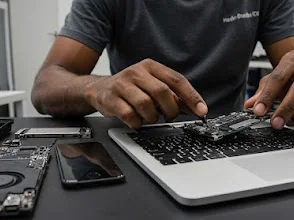
Different laptop faults can look similar from the outside. These device photos support the repair process explained on this page: inspect the symptoms, protect the data where possible, then quote the correct repair before replacing parts.
Book the inspection
Need help with Laptop repair Johannesburg?
Send the model number, a clear photo of the fault and your area. We will advise on the next step and quote pickup if needed.
Helpful laptop repair guides: Read the strengthened laptop repairs Johannesburg, broken laptop hinge and wobbly laptop screen guides.
Content quality promise
Written to help before it sells.
Fix My Gadget repair guides are written from real workshop patterns: cracked screens, failed batteries, liquid damage, no-power faults, slow laptops, data risk and replacement decisions. The goal is to help you understand the likely repair path before you spend money.
We avoid pretending that every device can be diagnosed online. When a fault needs testing, we say so clearly and invite you to send the model, photos and symptoms before booking.
- We explain symptoms, risks and safe checks in plain language.
- We separate repair advice from product-shopping advice.
- We quote after inspection and do not recommend unnecessary parts.
- We keep Johannesburg location, pickup and diagnostic information visible.
Charging repair cost guide
Not sure if it is the charger, port or motherboard?
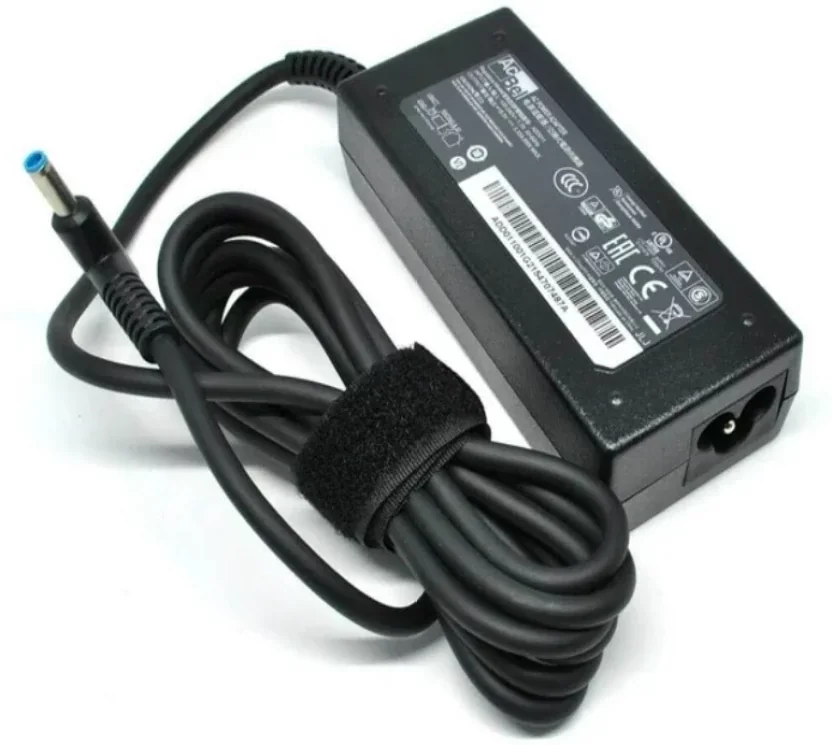
Before buying a charger, battery or charging-port part, confirm the laptop model and the exact symptom. A laptop that only charges at an angle may need a DC jack, USB-C board, charger test or motherboard inspection.
Visit or arrange pickup
Fix My Gadget is based in Kibler Park, Johannesburg South
Workshop drop-off is available by arrangement, and paid pickup/delivery can be quoted upfront for Johannesburg areas. Send your device model, photos of the fault and your area on WhatsApp before coming through.