
Board-level laptop repair guide
Laptop Motherboard Repair Johannesburg: Cost, Symptoms & Diagnosis
A practical guide to laptop motherboard repair in Johannesburg: how to spot board-level symptoms, protect your data and decide if repair is worth it.

MacBook board, backlight and display help
A MacBook that powers on but shows no image may not need a screen first.
Black screen, dim display, no charging and no-power faults can come from display assemblies, backlight circuits, USB-C charging, battery or logic-board damage.
Important: Not sure whether it is the screen or motherboard? Ask Fix My Gadget first.

Laptop motherboard repair in Johannesburg becomes important when the device does not behave like a simple screen, battery or charger fault. A motherboard can be involved when a laptop will not turn on, charges only sometimes, switches off randomly, shows no display, overheats, has liquid damage, or boots only after many attempts.
The hard part is that motherboard problems often imitate other faults. A customer may think the laptop needs a new charger, battery, screen or Windows reinstall, but the deeper issue may be a shorted circuit, damaged charging line, faulty power IC, BIOS corruption, burnt component, liquid residue or unstable board rail.
This guide explains the symptoms, the cost factors and the safe decision path. It is not a promise that every board can be repaired. It is a practical way to understand when board-level inspection makes sense before writing off the laptop.
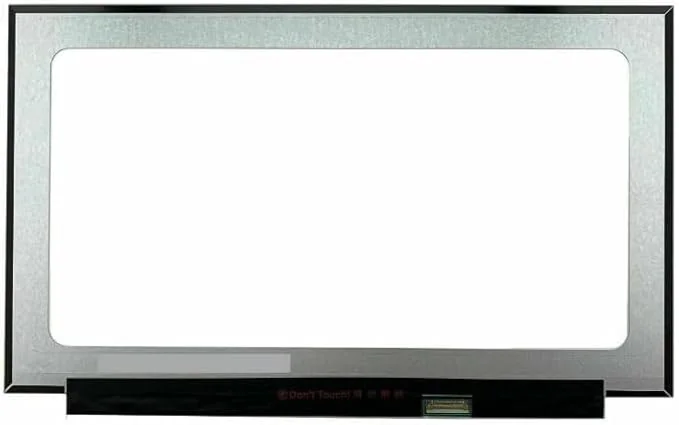
Symptoms
Signs the laptop motherboard may need inspection
Not every symptom below confirms board damage, but each one is enough reason to stop guessing and test properly.
| Symptom | Could be simple | Could be board-level |
|---|---|---|
| Laptop will not power on | Flat battery, charger, charging port | Power rail short, charging IC, BIOS, motherboard fault |
| Charging light only | Battery failure or charger issue | Board power sequence failure or display circuit issue |
| Turns on then shuts down | Overheating, RAM, SSD | Unstable board rail, liquid damage or power component fault |
| No display but keyboard lights | Screen or cable | GPU/display output, backlight circuit or board connector fault |
| Liquid spill | Keyboard contamination | Corrosion under chips, shorted components, damaged traces |
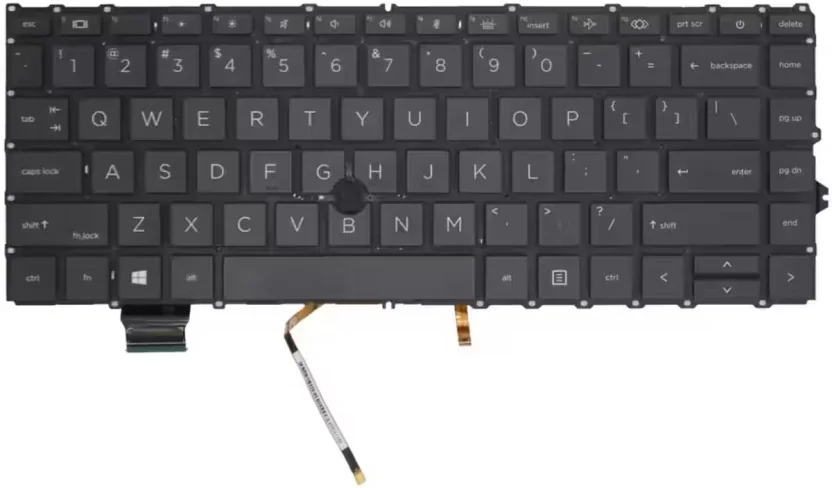
Cost factors
What affects laptop motherboard repair cost?
The cost depends on the model, the fault area, the time needed to isolate the problem, and whether the board is repairable. A simple connector issue is different from liquid damage under a chip. A BIOS repair is different from replacing damaged board components. A gaming laptop board can be more complex than an entry-level laptop board because of higher power draw, dedicated graphics and tighter thermal design.
The biggest mistake is assuming a motherboard fault always means a complete motherboard replacement. Sometimes board-level repair is possible and more economical. Other times, the board is too damaged, the required chip is unavailable, or the repair cost is too close to the value of the laptop. That is why the diagnostic must come first.
At Fix My Gadget, the diagnostic fee is R350 and is waived when the approved repair proceeds. We inspect, explain and quote before repair. If the repair is not worth it, we say that before the customer spends more money.
Liquid damage warning
Why liquid-damaged boards need extra caution
Liquid damage is one of the most misunderstood repair cases. The laptop can sometimes work for a while after a spill, then fail days or weeks later as corrosion spreads. Sugar drinks, coffee and energy drinks are especially damaging because they leave residue that conducts electricity and traps contamination under chips and connectors.
If liquid entered the laptop, do not keep charging it to “see if it works.” Powering a wet or contaminated board can create shorts that damage more components. The safest step is to switch off, disconnect the charger, avoid heat or rice myths, and book an inspection. The board may need cleaning, corrosion assessment and component-level diagnosis before power is applied again.
Repair or replace?
When motherboard repair makes sense
Motherboard repair usually makes sense when the laptop has good value, important data, a strong processor, enough RAM, a good screen, or a repair cost clearly below replacement value. It may not make sense when the laptop is very old, already has multiple other faults, or requires a board replacement that costs nearly as much as a better machine.
For business laptops, student laptops and MacBooks, motherboard-level repair can be worth investigating because replacing the entire machine can cost far more than repairing the board. For low-value laptops, the honest answer may be data recovery plus replacement advice. Either way, the decision should come from inspection, not fear.
- Good repair candidateRecent laptop, good screen, important data, single confirmed board fault.
- Possible upgrade candidateOlder laptop with slow storage but repairable board; SSD/RAM may extend useful life.
- Replacement candidateMultiple faults, severe liquid damage, cracked screen and low resale value.
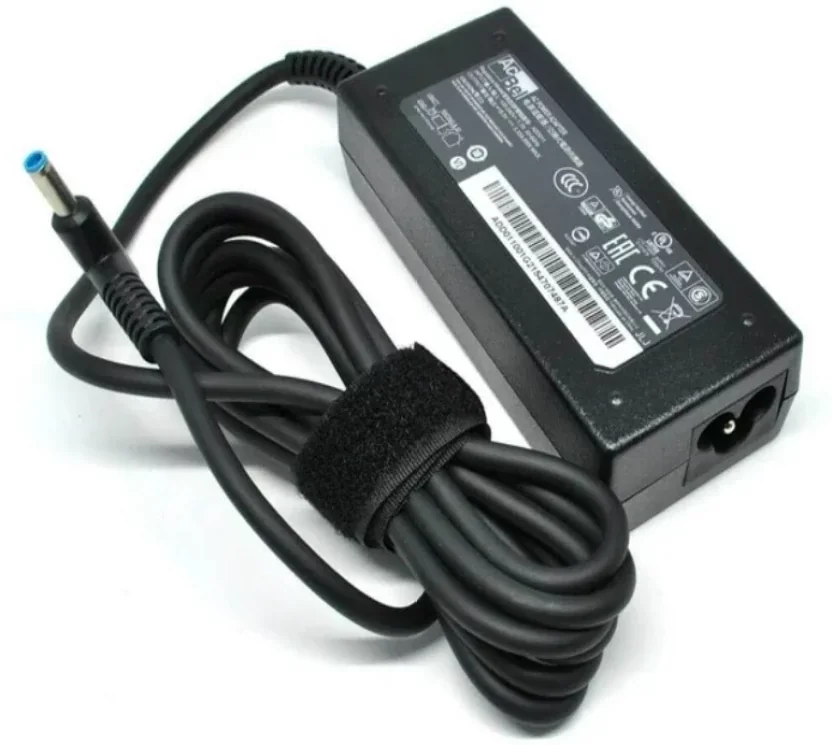
Diagnostic path
How a motherboard fault is approached
A proper board inspection follows a careful route instead of replacing parts blindly.
| Step | What it answers | Why it matters |
|---|---|---|
| External check | Charger, port, screen, liquid, visible damage | Rules out obvious non-board causes first |
| Power behaviour | Lights, fan, charge current, startup sequence | Points toward battery, charging or board rails |
| Internal inspection | Corrosion, burnt parts, loose connectors, heat damage | Finds physical evidence before deeper testing |
| Component testing | Shorts, failed chips, BIOS, damaged circuits | Confirms if repair is possible and quoteable |
| Repair decision | Repair, replacement, data recovery or no-go | Protects the customer from unnecessary spend |
External references
Helpful outside resources
Before any major repair, protect important data when the device still starts. Microsoft’s backup guide is useful for Windows laptops before SSD replacement, reinstall or migration. If repair no longer makes financial sense, TechRecycle can help with responsible reuse or recycling decisions. For MacBook logic-board behaviour, Apple Support is useful for understanding official startup and service guidance, but an out-of-warranty board-level decision still needs local inspection.
Data safety
Motherboard repair and your files
Many customers panic because a dead motherboard feels like a dead laptop. In many Windows laptops, the storage device is separate from the motherboard, which means the files may still be recoverable even if the board no longer starts. The situation depends on the model, storage type, encryption and whether the storage device itself was damaged by liquid, heat or electrical failure.
MacBooks and some modern ultrabooks can be more complicated because storage may be soldered to the board or tied to security chips. That is why repeated power attempts are risky. If the board is unstable, the first priority is not to “force it on.” The first priority is to preserve the device, check the power behaviour, and protect the data path where possible.

Customer expectation
Why board-level repair needs patience
Unlike a simple screen or battery replacement, motherboard repair is not always a straight line. The board may need visual inspection, short detection, component testing, cleaning, BIOS checks, voltage checks and controlled power testing. One failed component can hide another issue, especially after liquid damage or a surge.
This is why honest communication matters. A good repair process explains what has been confirmed, what still needs testing and whether the repair remains sensible. The customer should not be pushed into an expensive board replacement without understanding the options. The right goal is to find the fault, protect the device, and only spend money where the repair path makes sense.
Common questions
FAQ
Clear answers before you book a diagnostic.
Is motherboard repair always possible?
No. Some faults can be repaired at board level, while severe liquid damage, burnt boards or unavailable components may make repair uneconomical.
How do I know if it is the motherboard and not the charger?
You cannot always know from the outside. We test the charger, port, battery behaviour and power sequence before calling it a motherboard fault.
Can data be recovered if the motherboard is dead?
Often data is still recoverable, especially if the storage device is separate and not encrypted or damaged. Each case must be checked carefully.
Should I keep trying to power on a liquid-damaged laptop?
No. Repeated power attempts after liquid exposure can cause more board damage. Switch off, disconnect power and arrange inspection.
Is a motherboard replacement the same as motherboard repair?
No. Replacement means changing the board. Repair means diagnosing and repairing the existing board or circuit where possible.
Do you quote before board-level work?
Yes. We inspect the device, explain what is found and quote before proceeding with approved repair work.
Related repair guides
Keep reading
These pages connect this article into the right Fix My Gadget repair service area.
Book the inspection
Need help with this repair?
Send your model number, the symptom, photos if possible and your area in Johannesburg. We will advise on the next step and quote pickup if needed.
Content quality promise
Written to help before it sells.
Fix My Gadget repair guides are written from real workshop patterns: cracked screens, failed batteries, liquid damage, no-power faults, slow laptops, data risk and replacement decisions. The goal is to help you understand the likely repair path before you spend money.
We avoid pretending that every device can be diagnosed online. When a fault needs testing, we say so clearly and invite you to send the model, photos and symptoms before booking.
- We explain symptoms, risks and safe checks in plain language.
- We separate repair advice from product-shopping advice.
- We quote after inspection and do not recommend unnecessary parts.
- We keep Johannesburg location, pickup and diagnostic information visible.
Visit or arrange pickup
Fix My Gadget is based in Kibler Park, Johannesburg South
Workshop drop-off is available by arrangement, and paid pickup/delivery can be quoted upfront for Johannesburg areas. Send your device model, photos of the fault and your area on WhatsApp before coming through.