
Johannesburg repair guide
MacBook Won’t Turn On? 5 Checks Before Repair
A MacBook that will not turn on can be a charger issue, display issue, battery fault, USB-C fault, liquid damage or logic board failure. These checks help you separate simple causes from repair-level faults.
If these safe checks do not resolve the problem, arrange a MacBook repair assessment in Johannesburg. Include the A-number, charger details and any liquid-damage history so we can plan the next step.
MacBook board, backlight and display help
A MacBook that powers on but shows no image may not need a screen first.
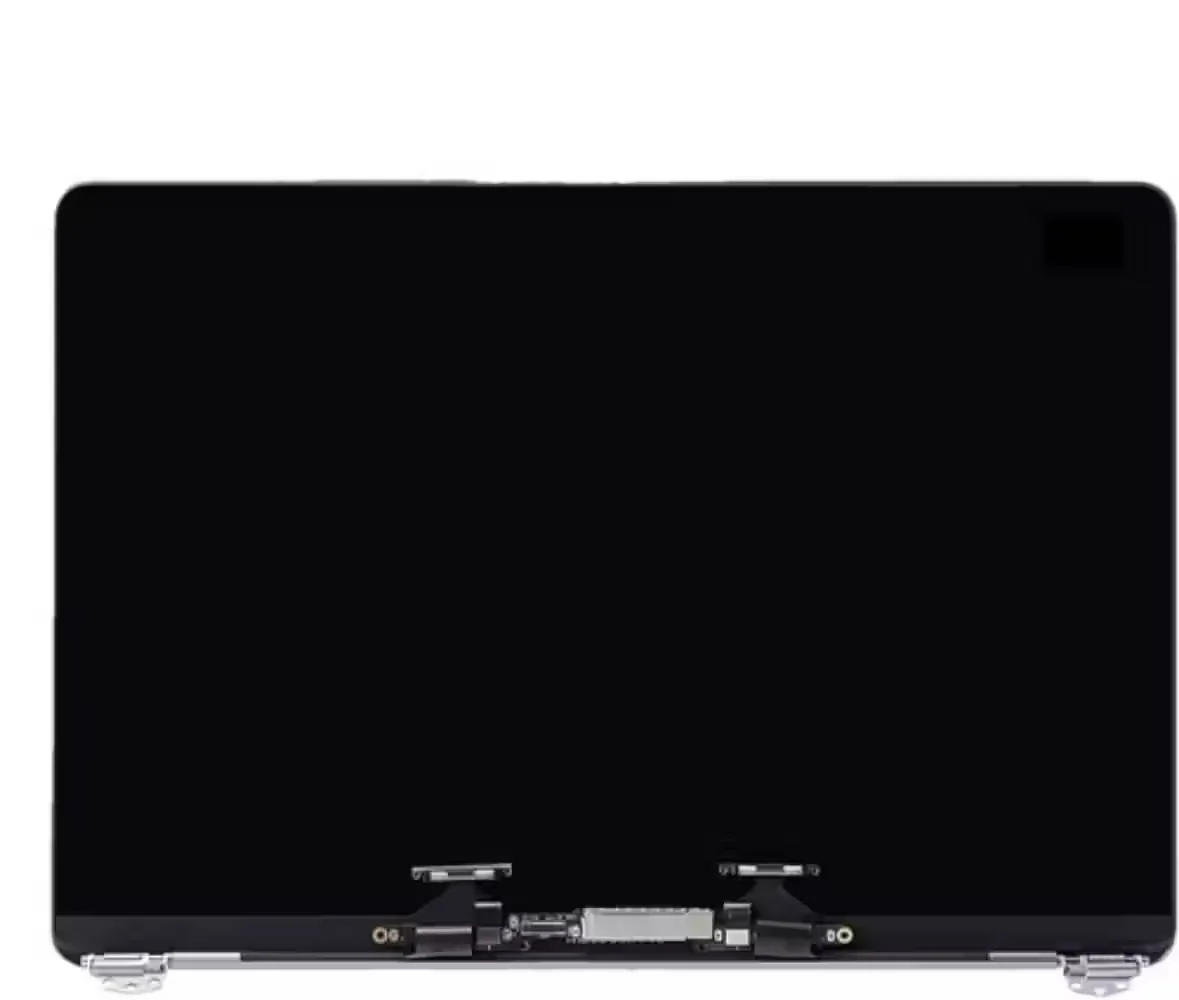
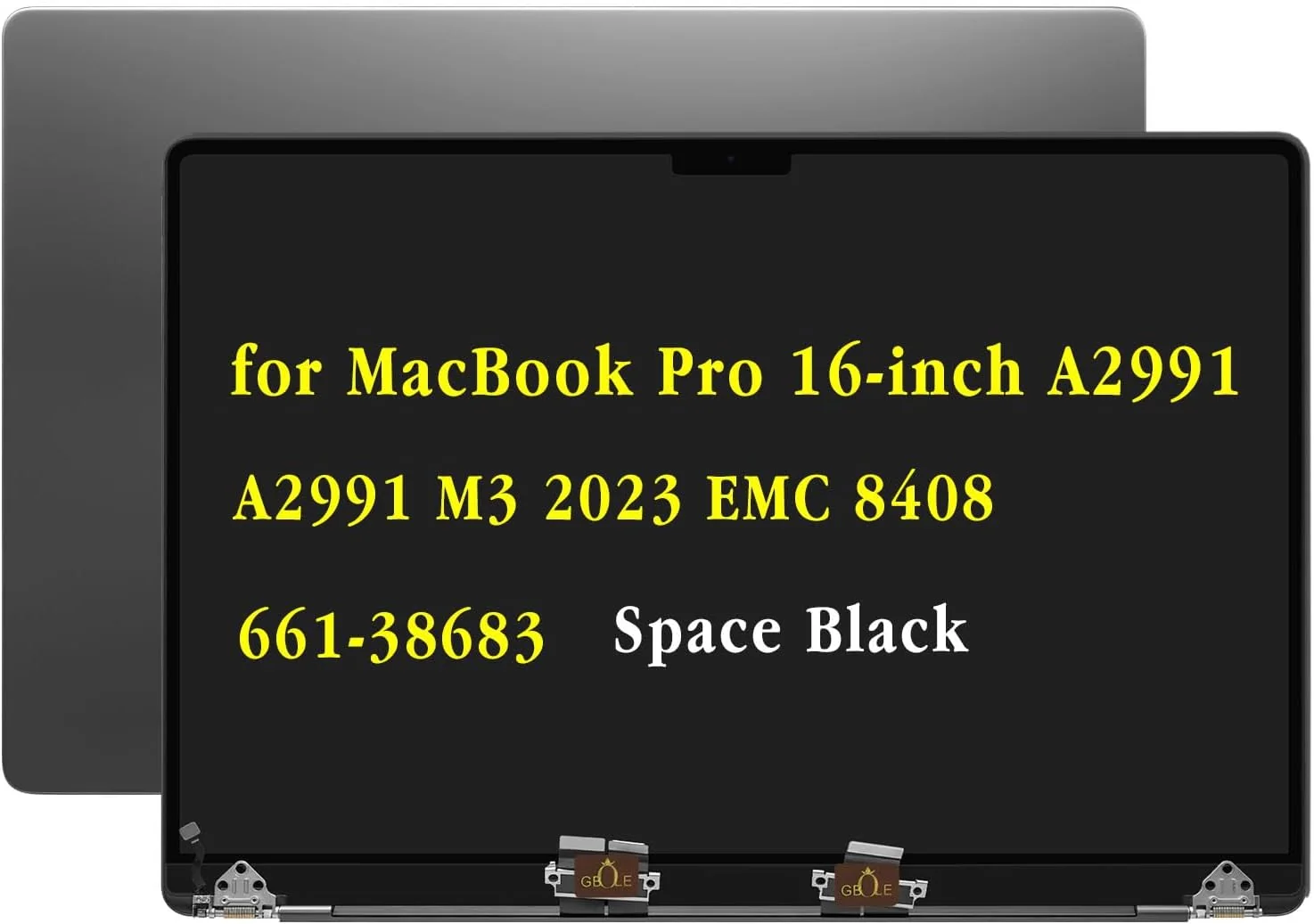
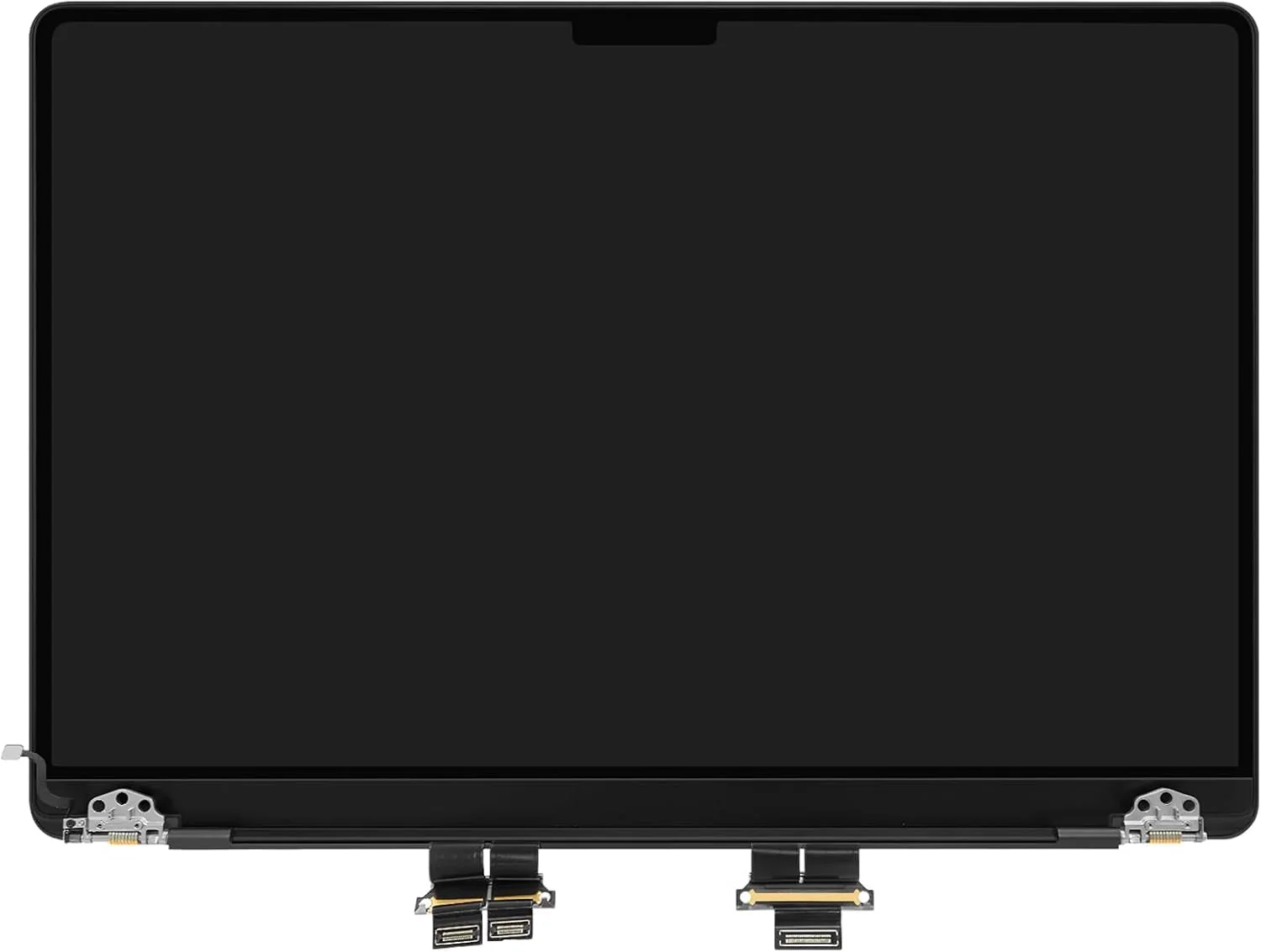
Black screen, dim display, no charging and no-power faults can come from display assemblies, backlight circuits, USB-C charging, battery or logic-board damage.
Important: Not sure whether it is the screen or motherboard? Ask Fix My Gadget first.
This MacBook won’t turn on page performs strongly because it meets a high-stress search moment. The customer presses the power button and nothing happens. The fear is immediate: data loss, expensive logic board repair, battery failure or a dead machine.
Before spending money, there are a few safe checks worth doing. The goal is not to turn every customer into a technician. The goal is to avoid panic, avoid unnecessary part replacement and identify whether the MacBook needs professional inspection.
Fix My Gadget handles MacBook no-power and startup faults in Johannesburg by testing charger behaviour, battery state, display response, ports, liquid signs and board-level power paths. We quote before repair and explain the risk clearly.
MacBook won’t turn on Johannesburg
Five checks before booking MacBook repair
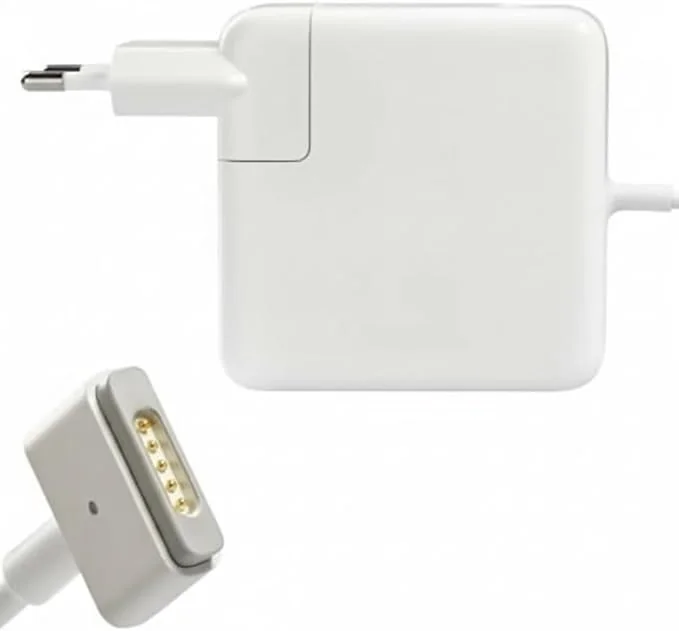
First, check the charger and wall socket. Use a known-good adapter and cable if available. Second, hold the power button long enough to force a shutdown and try again. Third, unplug accessories, hubs, drives and displays because faulty accessories can block startup. Fourth, look for signs of life: trackpad click, fan sound, charging light, keyboard light or external display response. Fifth, inspect for liquid history, swollen battery, heat or a recent drop.
These checks are safe. Do not open the MacBook unless you have the right tools and experience. Do not keep connecting power if there is liquid damage, burning smell or visible corrosion risk.
MacBook won’t turn on Johannesburg
What usually causes a MacBook not to turn on
The cause can be simple or serious. A faulty charger, damaged USB-C port, failed battery, stuck power state, bad screen, backlight issue, liquid damage or logic board fault can all produce a dead-looking MacBook. Apple Silicon and Intel MacBooks also behave differently during power testing.
A MacBook that is actually on but has no image may need screen, backlight or display cable diagnosis. A MacBook with no current draw, no charging response and no signs of life needs deeper board-level testing.
MacBook won’t turn on Johannesburg
Data protection before MacBook repair
When a MacBook will not turn on, data protection becomes part of the repair conversation. Some newer MacBooks have storage integrated with the logic board, which means logic board condition can affect data access. That is why uncontrolled repair attempts are risky.
Tell the technician if the data matters before repair begins. A repair approach for a machine with important business or personal files may be different from a repair approach where only the device value matters.
MacBook won’t turn on Johannesburg
When to stop troubleshooting and book inspection
Book inspection if the MacBook has liquid history, no charging response, a swollen battery, a cracked screen, repeated boot loops, random shutdown before death, or a charger that gets unusually hot. Also book inspection if the MacBook is important for work and downtime is already costing money.
The diagnostic is R400 and waived when the approved repair proceeds. Pickup and delivery can be quoted upfront if you cannot bring the MacBook to Kibler Park.
Cost and decision factors
What changes the quote or buying decision?
Every device, model and fault has its own context. These factors explain why a proper inspection or buying check matters before spending.
| Scenario | What it usually means | What to check |
|---|---|---|
| Charger or cable issue | No stable charging response | Adapter/cable wattage and port condition. |
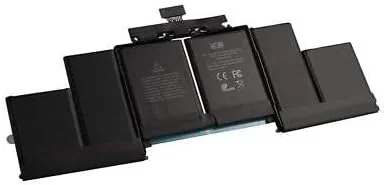
| Battery fault | No boot or shuts down quickly | Battery model and swelling risk. |
| Screen/backlight fault | MacBook on but no visible image | Panel, backlight, cable or board path. |
| USB-C / charging fault | Intermittent charging or no current draw | Port, charging IC and board condition. |
| Logic board fault | No power after known-good charger | Liquid, surge, component-level diagnosis. |
Workshop judgement
How Fix My Gadget thinks about this page
The best content is useful before it sells. We want you to understand the fault, buying risk or repair economics before approving anything. That is why this page explains the symptoms, decision points and related guides instead of only saying “contact us”.
When the device is worth repairing, we quote clearly. When replacement or recycling is smarter, we say so. When upgrade is better than buying new, we explain that too.
A black display is not always a dead logic board.
Power can worsen corrosion or shorts after liquid exposure.
Data importance changes the repair strategy.
The charger and cable are part of the diagnostic.
External sources
Helpful references outside Fix My Gadget
These links support better decisions around backup, manufacturer repair context and responsible recycling when a device is not worth repairing.
related repair guides
Related Fix My Gadget guides and services
These links keep the service area structure strong and help customers move from information to the correct repair or buying decision.
FAQ
Questions people ask about MacBook no power
Possible causes include charger failure, battery failure, screen fault, USB-C charging fault, liquid damage or logic board failure.
Yes. A MacBook may be running while the screen, backlight or display path has failed.
Use only suitable chargers. Stop if the MacBook has liquid damage, heat, burning smell or strange behaviour.
Not necessarily, but data risk depends on the fault and model. Tell us if data is important before repair begins.
The diagnostic is R400 and is waived when the approved repair proceeds.
We inspect no-power faults and advise whether component-level repair, battery repair, charging repair or replacement is the right route.
Helpful next steps
Next pages customers should read
These related repair guides strengthen the right service area and help visitors move from research to the correct repair path.
What customers usually need to know
MacBook won’t turn on repair: What customers are trying to understand
Customers usually arrive here because they are comparing symptoms, repair costs, nearby help or model-specific advice. The goal is to explain the issue in plain language, show what can be checked safely, and guide you toward the repair, upgrade or buying decision that makes sense.
No-power pages convert because the user is anxious. The content must be calm, safe and practical while avoiding risky DIY instructions.
- MacBook won’t turn onExplain safe checks before repair: charger, USB-C/MagSafe, battery state, display vs power.
- MacBook Air won’t turn onCover Air M1/M2/M3 no-power and black-screen confusion.
- SMC/NVRAM style searchesGive safe, general reset context without pretending all models use the same method.
- Liquid damageWarn about not charging or powering liquid-damaged boards.
- Data riskExplain when data recovery or board-level repair may matter.
Helpful references
Helpful external resources
These Helpful references can help you understand manufacturer guidance, back up important data, or choose responsible recycling if repair is no longer worth it.
Boot diagnostic images
Boot, BIOS and startup diagnostic images
When a laptop goes to EFI shell, BIOS, boot loop or a blank startup screen, formatting is not always the first answer. The storage, boot order, operating system, BIOS and motherboard behaviour should be checked first.
Need help from Fix My Gadget?
Send the model, symptom, photos if possible and your area. We will guide the next step and quote before repair.
Content quality promise
Written to help before it sells.
Fix My Gadget repair guides are written from real workshop patterns: cracked screens, failed batteries, liquid damage, no-power faults, slow laptops, data risk and replacement decisions. The goal is to help you understand the likely repair path before you spend money.
We avoid pretending that every device can be diagnosed online. When a fault needs testing, we say so clearly and invite you to send the model, photos and symptoms before booking.
- We explain symptoms, risks and safe checks in plain language.
- We separate repair advice from product-shopping advice.
- We quote after inspection and do not recommend unnecessary parts.
- We keep Johannesburg location, pickup and diagnostic information visible.
Visit or arrange pickup
Fix My Gadget is based in Kibler Park, Johannesburg South
Workshop drop-off is available by arrangement, and paid pickup/delivery can be quoted upfront for Johannesburg areas. Send your device model, photos of the fault and your area on WhatsApp before coming through.
Need a repair after reading?