
Johannesburg repair guide
PC Repair In Randburg
A practical repair guide from Fix My Gadget with clear diagnostics, honest quote-first repair advice and Johannesburg service context.
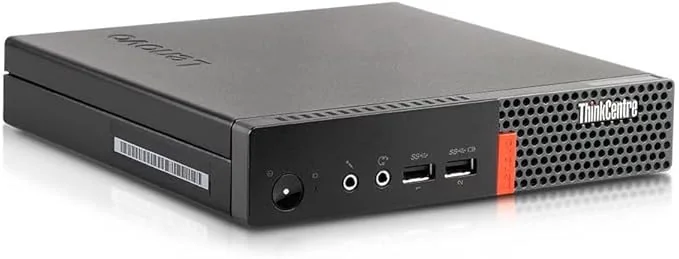
PC Repair In Randburg is served from our Kibler Park workshop with practical repair support for laptop, MacBook, iPhone, PC, TV and monitor faults. You can drop off at the workshop or request paid pickup and delivery, quoted upfront before collection.
Customers across Johannesburg have different repair needs, from student laptops and home PCs to business devices where clear communication and predictable turnaround matter.
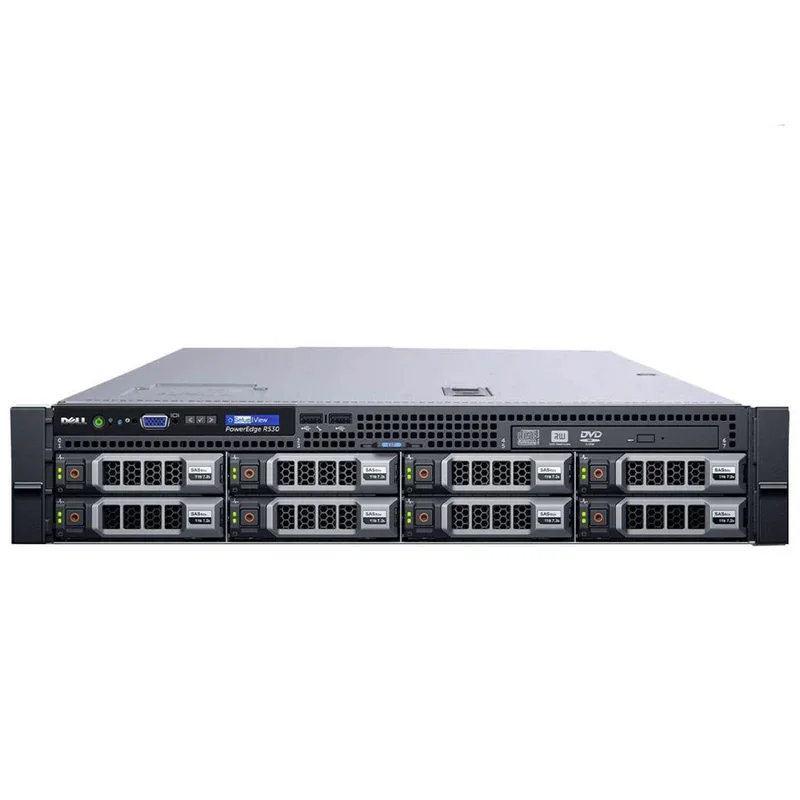
Diagnostic framework
How we diagnose PC Repair In Randburg before quoting
Good repair work is not guessing. These are the checks that protect you from buying the wrong part.
- Fault photo/videoSend a photo or short video of the symptom before collection so the first quote is more accurate.
- Pickup detailsPickup and delivery is paid and quoted upfront, based on area and route.
- Model informationModel number helps confirm part availability before the device reaches the workshop.
- Approval before repairNo repair proceeds until the quote is approved.
Repair cost guide
Typical PC Repair In Randburg pricing factors
These ranges are not blind promises. They are a guide to help you understand what normally changes the final quote.
| Repair / situation | Typical range | What affects the quote |
|---|---|---|
| Device diagnostic / inspection | R350 | Waived when the approved repair proceeds |
| Common laptop repair | From R700+ | Fault, model and parts affect price |
| Screen / battery / keyboard part replacement | Quoted after model check | Part quality and availability matter |
| Board-level / no power repair | Quoted after testing | Requires deeper diagnosis |
| Pickup and delivery | Quoted upfront | Paid service across Johannesburg |
Repair or replace?
When repair makes sense
Repair is usually sensible when the device is still fast enough for your work, the fault is isolated, and the repair cost is far below the cost of replacing the machine. A screen, battery, keyboard, hinge, charging-port, SSD or cooling repair can extend the life of a good device without forcing you into a new purchase.
Replacement becomes smarter when the board is severely damaged, multiple major parts have failed, the device is very old, or the repair cost approaches the value of a better replacement. We will tell you directly when repair is not the best move.
Johannesburg context
Why local repair knowledge matters
Johannesburg devices deal with heat, dust, power surges, constant travel between home and office, and rough daily handling. Those conditions affect fans, batteries, screens, SSDs, hinges and charging circuits. A local technician who sees these patterns daily can diagnose faster and quote more accurately.
Dust builds up inside fans and heatsinks, increasing heat and noise.
Power interruptions and bad adapters can expose charging and board faults.
Laptops moved daily suffer hinge, screen and charging-port damage faster.
Related repair pages
Related guides in this repair service area
These pages help you move to the repair topic that best matches the device fault.
FAQ
Questions people ask before booking
The price depends on the exact model, the part quality and what the diagnostic confirms. The diagnostic fee is R350 and it is waived when you proceed with the approved repair.
Yes. Pickup and delivery is available across Johannesburg as a paid service. The cost is quoted upfront before collection.
No. We inspect the device, explain the fault and send a quote first. Repair only proceeds after you approve it.
For most hardware repairs we do not need to access your personal files. If login is needed for testing, we recommend a temporary guest profile where possible.
Fix My Gadget provides a 3-month warranty on most part replacements such as screen, battery, keyboard and similar parts. Warranty terms depend on the repair type.
We are based at 32 Murray Rd, Kibler Park, Johannesburg South, Gauteng, South Africa. You can arrange workshop drop-off or paid pickup and delivery across Johannesburg.
Local SEO: PC repair Randburg
Randburg PC repair should cover desktops, laptops, upgrades and data safety
People searching for PC repair in Randburg usually need practical help, not technical confusion. The machine may be slow, refusing to power on, freezing during work, showing a blue screen, overheating, making fan noise, or failing after load-shedding and power surges. The right repair depends on whether the issue is storage, RAM, Windows, power supply, motherboard, cooling or malware.
Fix My Gadget supports Randburg customers from our Johannesburg South workshop with paid pickup and delivery quoted upfront where available. Before replacing parts, we first identify the likely failure point and explain the options. A desktop that does not power on may need a power supply, but it may also have a motherboard, RAM or short-circuit issue. A slow PC may need an SSD, but it may also have a failing drive that must be handled carefully to protect data.
For small offices, students and home users in Randburg, we also look at upgrade value. Sometimes the best repair is not a new computer. An SSD upgrade, RAM upgrade, clean Windows setup and cooling service can give an older machine a second life at a lower cost.
- No powerPower supply, board, cable, RAM and short-circuit checks.
- Slow PCSSD, RAM, Windows, malware and hard drive health checks.
- OverheatingFan, dust, thermal paste and airflow inspection.
- Business downtimePrioritise data safety and practical turnaround.
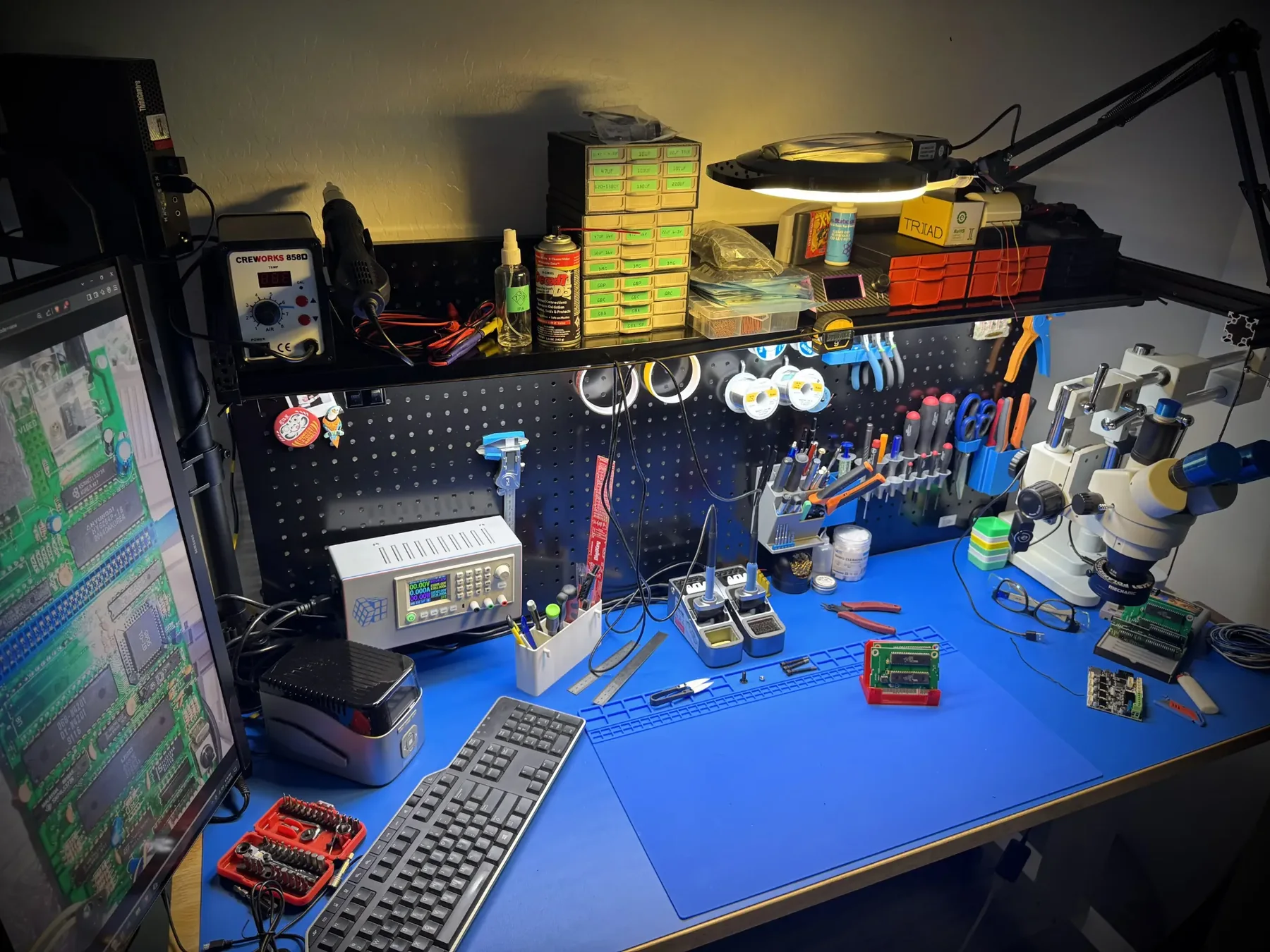
Helpful repair guidance
What to understand before choosing pc repair in randburg
Computer problems are often connected: a slow machine may have a failing hard drive, low RAM, malware, overheating or Windows corruption. A PC that freezes may need cooling service, storage testing, RAM testing, driver repair or motherboard inspection. Guessing wastes time and can put data at risk.
The best repair path starts with protecting files, checking storage health, looking at heat, and separating software faults from hardware faults. That gives the customer a practical choice: repair, upgrade, reinstall, recover data or replace the machine.
At Fix My Gadget, the practical approach is simple: identify the real fault, explain the options, quote before repair, and only proceed after approval. The diagnostic fee is R350 and is waived when the approved repair proceeds. Pickup and delivery is available as a paid service quoted upfront.
Safe first checks
What you can check without making the fault worse
These checks are safe for most customers. Do not open the device, force connectors, keep charging after liquid exposure, or continue using a machine that is overheating, swelling, sparking or smelling burnt.
- Write down the exact symptomWhen did it start, does it happen every time, and did the device fall, get wet, overheat or receive a power surge?
- Confirm the model numberRepair quotes depend heavily on model, screen type, battery type, board generation and part availability.
- Protect your dataIf the device still starts, back up important files before repair. If it does not start, avoid repeated power attempts that can make recovery harder.
- Stop using unsafe devicesIf the battery is swollen, the screen is lifting, liquid entered the device or the laptop gets extremely hot, stop using it and ask for advice.
Repair decision table
How we decide the right repair path
| What we check | Why it matters | Possible next step |
|---|---|---|
| Visible damage | Cracks, liquid marks, broken hinges or loose ports can point to the fault area. | Part replacement, cleaning, structural repair or board inspection. |
| Power and charging behaviour | No power, random shutdowns or charging only at an angle can involve more than one component. | Battery, charger, port, power circuit or motherboard diagnosis. |
| Display and performance symptoms | Lines, flicker, freezing and slow startup can come from screen, storage, RAM, heat or board faults. | Screen test, external display test, SSD/RAM test or cooling service. |
| Repair economics | Some repairs are excellent value; others may not make sense on an old or badly damaged device. | Repair, upgrade, data recovery, replacement advice or recycling. |
Related help
Next pages that may help you
Use these guides to move from the symptom you see to the repair or buying decision that matches your device.
Diagnostic images
Computer repair and diagnostic photos
A computer repair quote should be based on the fault, not guesswork. These images support pages about slow computers, boot problems, data recovery, motherboard faults and device repair decisions.
Search-demand focus
PC repair near me: desktop, monitor and no-power faults
More customers are searching for nearby PC repair, computer monitor repair, motherboard repair and graphics-card symptoms. This page now makes those repair paths clearer so a visitor can choose between desktop diagnosis, monitor repair, SSD/RAM upgrade, Windows repair or data-safety help.
Book the inspection
Need help with PC Repair In Randburg?
Send the model number, a photo of the fault and your area. We will advise on the next step and quote pickup if needed.
Content quality promise
Written to help before it sells.
Fix My Gadget repair guides are written from real workshop patterns: cracked screens, failed batteries, liquid damage, no-power faults, slow laptops, data risk and replacement decisions. The goal is to help you understand the likely repair path before you spend money.
We avoid pretending that every device can be diagnosed online. When a fault needs testing, we say so clearly and invite you to send the model, photos and symptoms before booking.
- We explain symptoms, risks and safe checks in plain language.
- We separate repair advice from product-shopping advice.
- We quote after inspection and do not recommend unnecessary parts.
- We keep Johannesburg location, pickup and diagnostic information visible.
Visit or arrange pickup
Fix My Gadget is based in Kibler Park, Johannesburg South
Workshop drop-off is available by arrangement, and paid pickup/delivery can be quoted upfront for Johannesburg areas. Send your device model, photos of the fault and your area on WhatsApp before coming through.