
MacBook Air display guide
MacBook Air Screen Repair Johannesburg
MacBook Air screens are thin, sharp and expensive to guess on. This guide explains what to check when an Air display cracks, goes black, flickers or shows lines.
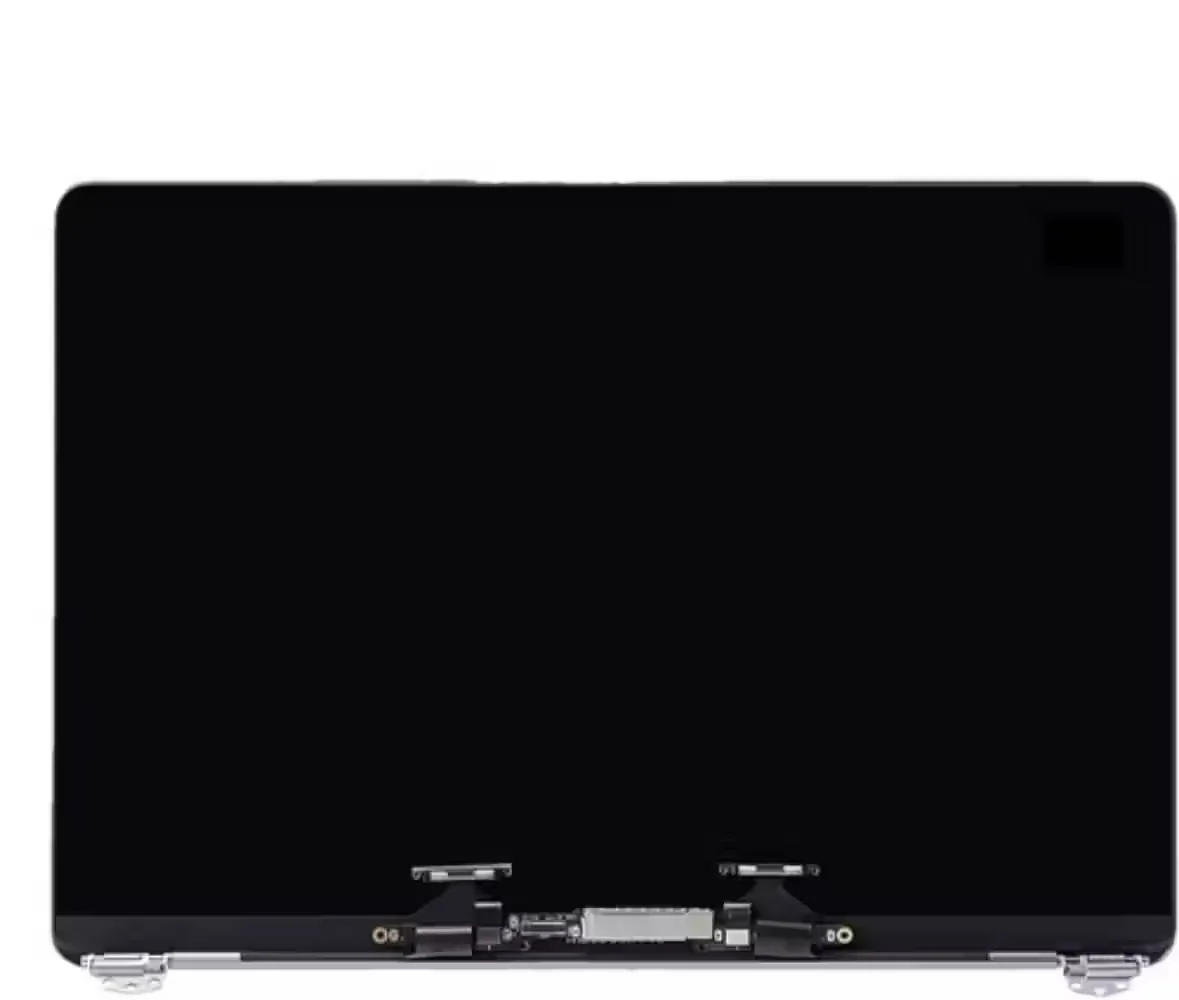
If the screen fault is accompanied by charging, battery or startup problems, use our MacBook repair Johannesburg service to discuss the whole machine before ordering a display.
MacBook screen parts and installation
Need the correct MacBook screen part? Confirm the model first.
A cracked, black, flickering or line-filled MacBook display can be a screen assembly fault, but it can also be backlight, cable or logic-board related. Confirm the model before buying a screen.
Important: Need installation included? Fix My Gadget can supply, fit and test the part after model confirmation.

Why Air screens need care
MacBook Air display faults are delicate repairs
The MacBook Air is popular because it is light, quiet and easy to carry. That same thin design makes the display assembly sensitive to pressure, bag impact, corner damage and hinge stress. A small object left on the keyboard before closing the lid can crack the LCD. A tight bag can create pressure marks. A corner fall can damage the display even when the outside looks almost normal.
For Johannesburg students, business owners and remote workers, a failed MacBook Air screen can interrupt everything. The good news is that many Air models are still worth repairing when the rest of the machine is healthy. The repair decision depends on model, year, screen condition, lid damage and part availability.
Fix My Gadget handles MacBook Air screen faults by confirming the exact model first. An M1 Air display, an M2 Air display and an M3 Air display must not be treated as interchangeable. The correct quote starts with the model, not a guess.
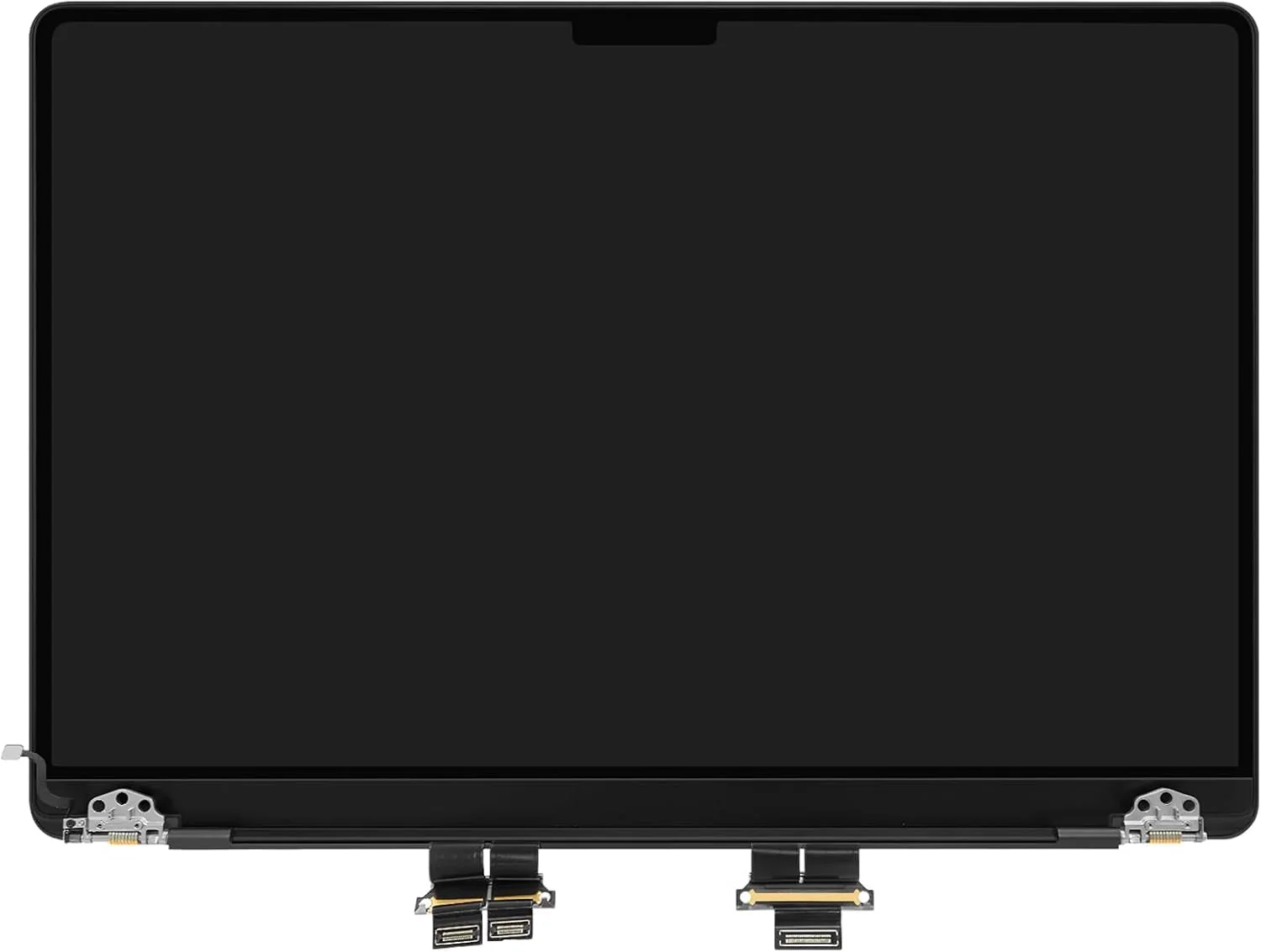
M1 vs M2 vs M3
What changes by MacBook Air generation?
| Model family | Common screen symptoms | Repair note |
|---|---|---|
| MacBook Air M1 | Cracked LCD, black screen, pressure damage, lines | Very common and often worth repairing if the board and battery are healthy. |
| MacBook Air M2 | Corner impact, lid pressure, black display, camera area damage | Needs exact display matching and careful lid inspection. |
| MacBook Air M3 | Newer display damage, cracked panel, lines, flicker | Part availability and cost must be checked before repair approval. |
| Older Intel Air | Backlight, cable, screen or hinge-related symptoms | Repair value depends on age, storage, battery and overall condition. |
Before booking
What you should check safely
Do not open the MacBook Air yourself and do not press the broken screen. If the display is cracked but the machine still works on an external monitor, back up your data first. If the screen is black after liquid exposure, stop charging the device and ask for advice before trying again.
- Take clear photosPhotograph the screen, corners, hinges and lid dents.
- Confirm the modelUse About This Mac, bottom case markings or purchase information if available.
- Try external display only if safeThis helps show whether the MacBook itself is still running.
- Do not force the lidIf the hinge feels stiff or the lid is bent, forcing it can worsen the damage.
Repair decision
When MacBook Air screen repair makes sense
A MacBook Air screen repair is usually sensible when the device is still fast, the battery is acceptable, storage is healthy and there are no major logic-board faults. It becomes a bigger decision when the screen damage is combined with liquid damage, swollen battery, keyboard failure or motherboard instability.
If you are unsure, we help you compare repair cost against replacement value. Sometimes a screen replacement can give a MacBook Air several more years of useful life. Other times, data recovery and replacement advice is more responsible.
FAQ
MacBook screen repair questions
Yes. We inspect the MacBook Air M1, confirm the exact model and quote the correct display repair path before proceeding.
Yes. M1, M2 and M3 MacBook Air models have different display assemblies and must be quoted by exact model.
Often yes, but lines can come from LCD damage, cable stress, liquid damage or board faults. We test before quoting.
It is safer to stop using it heavily, back up data if possible and avoid pressing the broken area or forcing the hinge.
Yes. Pickup and delivery is available across Johannesburg as a paid service quoted upfront.
MacBook repair images
Real MacBook screen and lid inspection photos
MacBook screen repair is easier to quote properly when the lid, screen assembly, hinge pressure and impact marks are inspected together. These images support the same repair-first, diagnosis-first approach used on our MacBook pages.
Book the inspection
Need MacBook Air screen repair?
Send the exact model, photos of the fault and your area in Johannesburg. We will advise on the next step and quote before repair.
Content quality promise
Written to help before it sells.
Fix My Gadget repair guides are written from real workshop patterns: cracked screens, failed batteries, liquid damage, no-power faults, slow laptops, data risk and replacement decisions. The goal is to help you understand the likely repair path before you spend money.
We avoid pretending that every device can be diagnosed online. When a fault needs testing, we say so clearly and invite you to send the model, photos and symptoms before booking.
- We explain symptoms, risks and safe checks in plain language.
- We separate repair advice from product-shopping advice.
- We quote after inspection and do not recommend unnecessary parts.
- We keep Johannesburg location, pickup and diagnostic information visible.
Model-specific MacBook screen guidance
Why MacBook Air and Pro screen pages need deeper model confirmation.
MacBook screen repairs are high-value repairs because the display assembly is not a generic laptop panel. The lid, camera area, backlight, hinges, flex path and model-specific connector must match the device. A cracked screen may look simple, but ordering the wrong assembly can waste time and money.
For MacBook Air M1, M2 and M3 devices, customers should send the exact model number before ordering a screen. A2337, A2681 and newer Air models can look similar from a distance, but the parts are different. MacBook Pro models such as A2338, A2991 and A2992 also need careful confirmation.
When a MacBook screen is black but the device turns on, the repair path should not jump straight to a panel replacement. We need to check whether there is external display output, backlight response, impact history, liquid damage, sleep/wake behaviour or board-level symptoms. This protects the customer from buying a screen when the fault is deeper.
Fix My Gadget uses the MacBook screen pages as a repair-first funnel: educate the customer, confirm the model, quote the correct repair, and only then route to a screen part or installation service where appropriate.
Why we avoid generic MacBook screen promises
MacBook screen repair is one of the highest-value services on the site, so it must be handled with extra care. A quick online promise can create disappointment if the model, part availability, screen type or board condition is not confirmed. The right process is to identify the MacBook, inspect the symptom, check whether the display assembly is truly the fault, then quote the correct repair.
Customers often search for MacBook Air M1 screen repair, MacBook Air M2 screen replacement, MacBook Pro screen repair, A2337 screen, A2338 screen, A2681 screen, A2991 screen or A2992 screen. These are not all the same product. The page must educate the visitor while guiding them to send photos and model information before ordering from the shop.
This also helps with quality control. A well-matched MacBook screen repair should consider display quality, camera area, lid fit, hinge behaviour, sleep/wake response and testing after installation. The cheapest part is not always the best answer if the customer depends on the device for work, school or business.
Visit or arrange pickup
Fix My Gadget is based in Kibler Park, Johannesburg South
Workshop drop-off is available by arrangement, and paid pickup/delivery can be quoted upfront for Johannesburg areas. Send your device model, photos of the fault and your area on WhatsApp before coming through.
Need a repair after reading?