
Laptop repair discipline • Johannesburg
Why Patience and Precision Matter in Laptop Repair
When a laptop stops working, most people want a quick answer. But good laptop repair is not guesswork. The right result starts with patience, proper diagnosis and precise repair work.
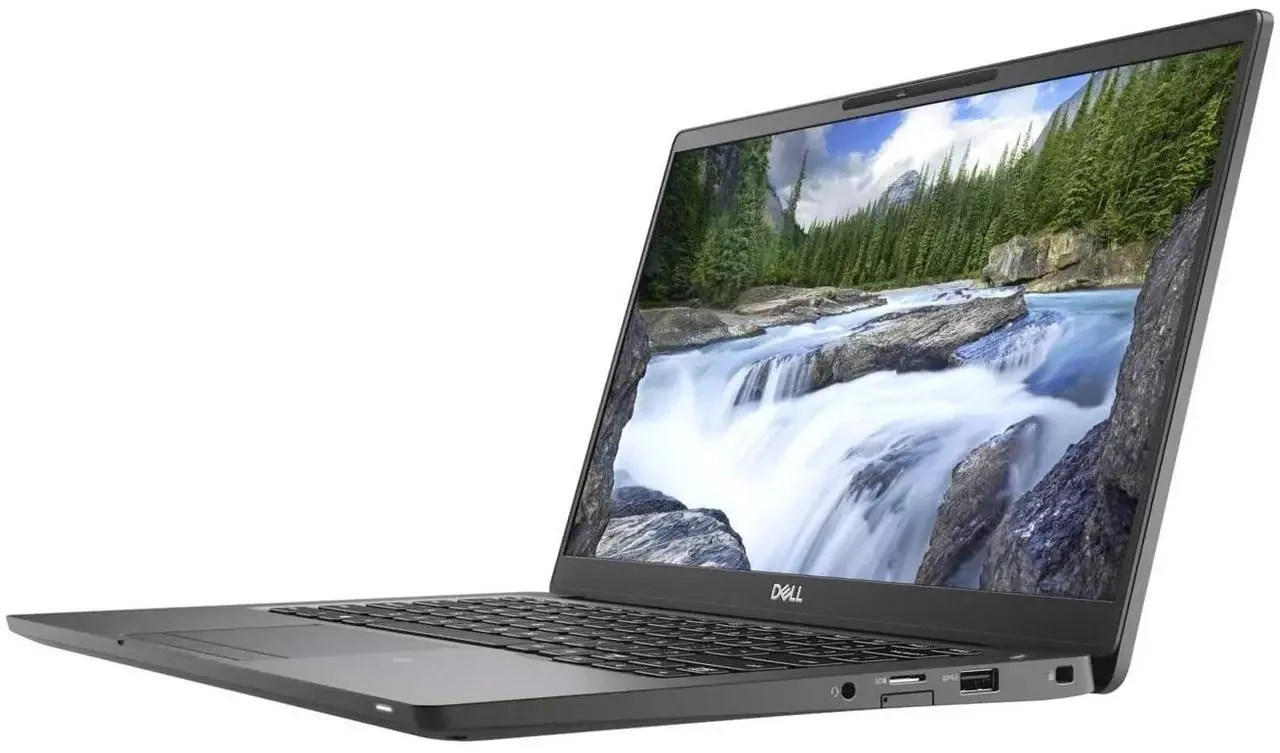
When a laptop fails, the pressure is immediate. You may be asking: is it the screen, the motherboard, the battery, the charging port, the SSD, the keyboard, Windows, BIOS, or something else completely?
At Fix My Gadget, we understand that urgency. Your laptop may carry your work, school files, business documents, photos, design projects, invoices, client communication and daily life. When it fails, everything can feel like it stops.
But the fastest-looking answer is not always the correct answer. A quick guess can become expensive if the wrong part is replaced, the real fault is missed, or the device is powered on while there is hidden liquid damage or a board fault.
The expensive mistake
Why rushing a laptop repair can cost more
Many laptop problems look simple from the outside, but the real fault can be deeper. That is why a technician should test before assuming.
| Symptom | What customers often suspect | What may also be causing it |
|---|---|---|
| Black screen | Screen replacement | Display cable, backlight fault, RAM fault, graphics issue, liquid damage or motherboard fault |
| Not charging | Bad charger | Charging port, battery, DC-in board, power IC, USB-C circuit or motherboard fault |
| Freezing or restarting | Windows problem | Overheating, RAM, SSD health, BIOS instability, graphics fault or board issue |
| Dead keyboard | Keyboard replacement | Liquid damage, topcase fault, keyboard ribbon, controller fault or board corrosion |
| Broken hinge | Glue repair | Damaged palmrest, cracked hinge mounts, stressed LCD back cover or screen cable risk |
Rushing into part replacement can waste money and still leave the laptop unrepaired. For example, replacing a screen will not fix a backlight circuit fault. Replacing a charger will not fix a damaged USB-C charging circuit. Reinstalling Windows will not fix a failing SSD or an overheating CPU.
Diagnosis first
Proper diagnosis comes before the quote
At Fix My Gadget, the first step is to understand the fault properly. We check the symptoms, inspect the device, test the likely causes and explain the repair options clearly. That helps you make a better decision before spending money.
A good technician does not only ask, “Which part can I replace?” A good technician asks:
- What is the real cause? The visible symptom is not always the failed part.
- Is the problem hardware or software? Some faults need Windows, BIOS or data checks before parts are ordered.
- Can the device be repaired safely? Liquid damage, board faults and swollen batteries need extra caution.
- Is the repair worth it? A good quote compares repair cost against the value and age of the laptop.
- Can the data be protected? Where possible, we avoid unnecessary work that puts customer data at risk.
Modern devices
Precision matters more than ever in laptop repair
Modern laptops are thinner, tighter and more delicate than older machines. MacBooks, ultrabooks, gaming laptops and business laptops can have fragile connectors, glued batteries, thin display cables, compact cooling systems and tightly integrated boards.
A small mistake can damage a connector, tear a flex cable, break a hinge mount, short a board or create a second fault. That is why repair work requires more than tools. It requires focus.
The human side
People do not only bring us machines. They bring us stress.
A student may need the laptop for exams. A business owner may need it for invoices and clients. A designer may need it for projects. A parent may need it for work from home. A company may need multiple devices back in operation quickly.
Behind every repair is a person who needs work or life to continue. That is why repair work needs calm thinking, clear communication and honest advice. Sometimes the answer is a screen replacement. Sometimes it is a battery. Sometimes it is a board-level repair. Sometimes the honest answer is that the machine is no longer worth repairing.
We would rather explain the situation properly than push a repair that does not make sense. This is also why related repair guides on this site are built around real fault paths: laptop screen repair, laptop battery replacement, laptop hinge repair, MacBook repair in Johannesburg, and business IT support.
Work standard
The discipline behind good repair work
Fix My Gadget was built on the belief that technical work requires discipline. You cannot repair properly when you are careless. You cannot diagnose properly when you are rushing. You cannot serve customers properly when you are not honest about the fault.
That same respect for discipline is also part of the personal work of our founder, Steven, who writes about stillness, self-mastery and inner discipline through his personal project, Awake With Me Now.
For us, repair is not only about opening devices. It is about solving problems with patience, focus and responsibility.
When to book
When should you bring your laptop in?
Book a diagnostic when the symptom could get worse if the device is used further. Early inspection often prevents extra damage.
Cracked display, flickering screen, black screen, lines, dim image or external monitor-only display.
Laptop not charging, no power, random shutdowns, weak battery, charging-port movement or blinking charger lights.
Broken hinges, loose screen, cracked palmrest, damaged casing, keyboard failure or liquid spills.
Slow performance, overheating, loud fan, Windows boot problems, SSD issues, BIOS errors or freezing.
External resources
Helpful references before repair or replacement
These references can help you make a safer decision around backup, manufacturer guidance and responsible device disposal.
Related guides
Continue with the right repair path
These pages help you move from a general fault to the correct repair decision.
FAQ
Questions about careful laptop repair
Proper diagnosis prevents unnecessary part replacement. A black screen, no-charge fault or slow laptop can have several possible causes, so the real fault should be isolated before money is spent.
Sometimes yes. Software faults, BIOS issues, overheating, loose internal connections or corrupted storage can sometimes be fixed without replacing the main part the customer first suspects.
The diagnostic fee is R350 and is waived when you proceed with the approved repair.
No. If liquid has entered the laptop, avoid switching it on or charging it. Bring it for inspection so the board, keyboard and connectors can be checked safely.
Not always. Repair is usually sensible when the cost is far below replacement value and the machine still meets your needs. If repair is not economical, we will say so clearly.
Pickup and delivery is available across Johannesburg as a paid service, quoted upfront before collection.
Book the inspection
Need help with a laptop repair in Johannesburg?
Send the model number, a photo of the fault and your area. We will advise on the next step and quote pickup if needed.
Content quality promise
Written to help before it sells.
Fix My Gadget repair guides are written from real workshop patterns: cracked screens, failed batteries, liquid damage, no-power faults, slow laptops, data risk and replacement decisions. The goal is to help you understand the likely repair path before you spend money.
We avoid pretending that every device can be diagnosed online. When a fault needs testing, we say so clearly and invite you to send the model, photos and symptoms before booking.
- We explain symptoms, risks and safe checks in plain language.
- We separate repair advice from product-shopping advice.
- We quote after inspection and do not recommend unnecessary parts.
- We keep Johannesburg location, pickup and diagnostic information visible.
Visit or arrange pickup
Fix My Gadget is based in Kibler Park, Johannesburg South
Workshop drop-off is available by arrangement, and paid pickup/delivery can be quoted upfront for Johannesburg areas. Send your device model, photos of the fault and your area on WhatsApp before coming through.