
Waived when the approved repair proceeds. Parts and repair work are quoted for the assessed fault.
Fix My Gadget · Collection & return
Repair support for school laptops and Chromebooks.
Parents and school IT teams can arrange authorised device assessment, model-specific quotations and collection or return by agreement.
- Quote before repair
- Collection & return
- Repair tracking
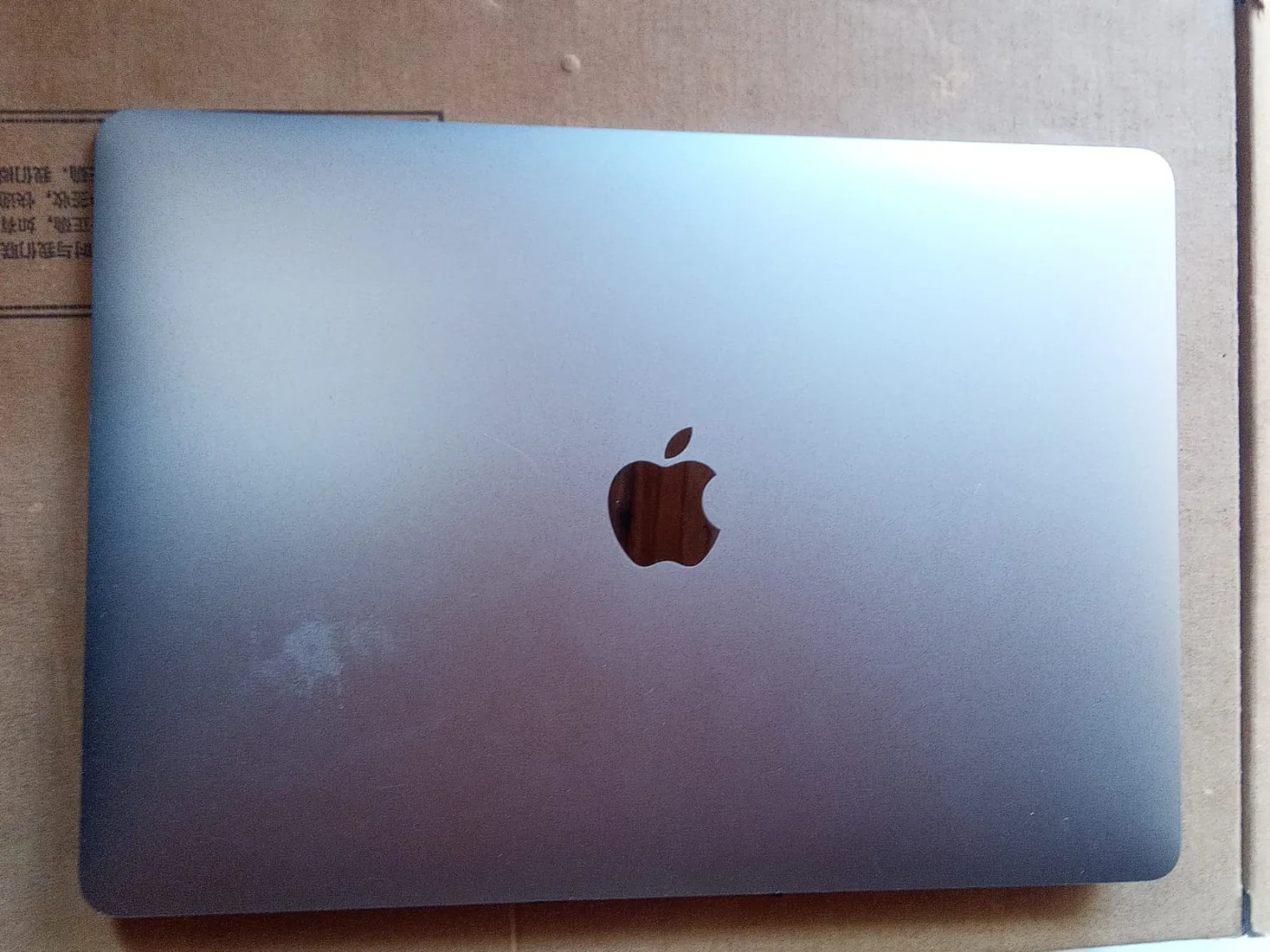
Two ways to arrange a school-device repair
Parents can contact Fix My Gadget directly for a family-owned device. A school or IT department can organise a batch of authorised school-owned devices with a named contact. Explain ownership, the person approving work and any school procedure before collection or access is arranged.
Chromebooks need exact identification
For Lenovo or Acer Chromebooks, send the complete model and type or machine identification from the label. A product-family name does not identify the touchscreen, keyboard or board. Include whether the glass is cracked, the image still appears and touch responds, without continuing to use a damaged surface.
Glass, touch and display are different questions
A cracked touchscreen can involve the outer glass, digitiser, display assembly or a bonded combination. A photograph helps describe the damage but does not prove a glass-only repair is suitable. We check the model, assembly route and part availability before quoting a replacement.
A batch should remain traceable by asset
Prepare a list of school asset references, models, faults and included accessories. The school can nominate an IT contact and agreed handover point after collection is confirmed. Findings and repair approvals should remain clear for each device, even where collection or invoicing is grouped.
Keep school management and student data protected
An enrolled Chromebook or managed laptop may need the school’s authorised administrator for certain setup or tests. We do not promise to bypass enrolment or ownership controls. Provide the appropriate IT contact and backup information. Personal student passwords should not be placed in the initial repair enquiry.
Agree the scope and timing
Ask about the proposed component or assembly, part availability, deposit, testing and applicable warranty before approval. An urgent teaching or assessment deadline is useful context, but repair timing depends on diagnosis and parts. Collection and return can be planned around an agreed IT handover once availability is confirmed.
One accountable repair process
- 01
Book
Send the model, symptoms, photos and area.
- 02
Collect
Confirm the handover, condition and accessories.
- 03
Diagnose
The repair desk assesses the actual fault.
- 04
Quote
Review the findings and written quotation.
- 05
Repair
Approve the work and any parts deposit first.
- 06
Test
Check the completed work for the reported issue.
- 07
Return
Confirm the handover, invoice and warranty information.
Questions before booking
Can you collect more than one device?
A grouped collection can be discussed after the device count, actual address, handling and availability are confirmed. Each repair still needs clear findings and approval.
Are timing and parts guaranteed before assessment?
No. Feasibility, compatible parts and the proposed work are confirmed for the device. Tell the repair desk about any important deadline before booking.
Clear before you commit
Assessment. Approval. An arranged return.
Standard Johannesburg offering where applicable. Confirm the area, device handling, charge and available window before booking.
Confirm the warranty and part option for the specific quoted repair. Arranged workshop drop-off remains available.
A collection request is reviewed before confirmation. Repair proceeds after the proposed work and any parts deposit are approved. Collection process · Repair policy · Arrange a drop-off
Your repair. One ticket. Clear updates.
Send the model, fault, photos and area. The repair desk will confirm assessment and collection arrangements. Prefer to drop off? Workshop drop-off is available by arrangement.