
Johannesburg computer repair guide
Computer Repair Near Me Johannesburg: What To Check First
Looking for computer repair near me in Johannesburg? Learn what to check before booking, how to protect your data and when a professional diagnostic makes sense.
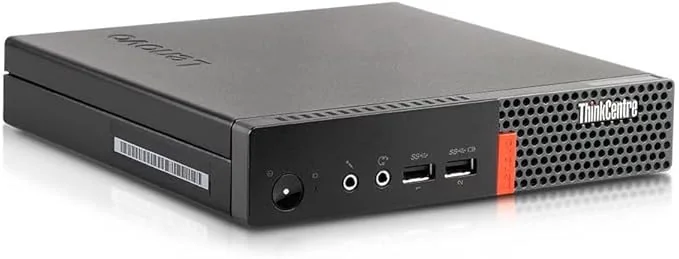
Computer repair near me in Johannesburg is a search people make when something has already gone wrong: the PC will not start, the laptop is freezing, the screen is blank, Windows is stuck, or a work machine is suddenly too slow to use. The temptation is to look for the closest person and ask for a quick fix. But computer faults are not always obvious from the outside.
A slow computer may need a simple SSD upgrade, but it may also have a failing hard drive, malware, overheating, low RAM, corrupted Windows files or background apps choking the system. A PC that refuses to power on may have a bad power supply, motherboard fault, damaged charging circuit or liquid damage. A screen fault may be the panel, the cable, graphics output or board-level display circuitry.
This guide helps you understand what to check before booking a repair, what information to send the technician, and how to avoid wasting money on the wrong part. It is written for Johannesburg customers who need clear advice before booking a diagnostic with Fix My Gadget.
Customer need
What people usually mean by “computer repair near me”
The search term sounds simple, but customers usually fall into one of four repair situations.
| Customer problem | Likely concern | Best repair direction |
|---|---|---|
| Computer will not turn on | Data safety, power fault, motherboard risk | Power supply, charger, battery, port and board inspection |
| Computer is very slow | Work is delayed, school or business files are stuck | SSD/RAM assessment, malware check, cooling and Windows health check |
| Screen is blank or damaged | Need to know if the screen or graphics is the real fault | External display test, screen/cable inspection, GPU or board diagnosis |
| Computer keeps freezing | Fear of losing work or corrupting files | Storage test, RAM test, heat test, driver and motherboard stability checks |
Safe first checks
What you can check before booking
Before opening the machine or buying parts, do a few safe checks. These do not repair the fault, but they help identify what direction the technician should investigate.
- Note the exact symptomDoes the computer show lights, fans, sound, a logo, beeps, or nothing at all?
- Check when it happensDoes it fail after load-shedding, after a Windows update, after liquid exposure, or only when it gets hot?
- Protect files if the machine still startsBack up important documents before running risky tests or reinstalling Windows.
- Stop using it if heat or liquid is involvedContinued use after overheating or liquid exposure can turn a repairable fault into board damage.
Why guessing is expensive
Why the nearest computer repair shop is not always the best repair path
Distance matters, but diagnosis matters more. A customer may search for computer repair shop near me or computer technician near me because they want convenience. That is understandable, especially when the device carries work, school files, invoices, client documents or family photos. But convenience should not mean random part replacement.
A careless repair can replace a screen when the problem is the display cable. It can replace Windows when the hard drive is failing. It can replace a charger when the charging circuit is damaged. It can clean the software while the machine is overheating physically. The customer pays, but the real fault remains.
At Fix My Gadget, the repair path is quote-first. We inspect the device, explain what we find, and quote before the repair proceeds. The diagnostic fee is R350 and is waived when the approved repair proceeds. Pickup and delivery is available as a paid service quoted upfront, so the customer knows the cost before collection.
Johannesburg context
Why Johannesburg computers fail differently
Johannesburg devices face a few common stress points. Load-shedding and power surges can damage chargers, power supplies, charging ports, batteries and motherboard power rails. Highveld dust can clog fans, raise temperatures and shorten the life of gaming laptops, business laptops and desktop PCs. Daily travel between home, school and office can loosen hinges, damage screens and put pressure on charging ports.
This is why proper local repair advice covers more than one symptom. The customer may search for pc repair near me, computer fix near me or places that fix laptops near me, but the actual repair could be a screen replacement, SSD upgrade, DC jack repair, board inspection, cooling service, data recovery or Windows repair.
We use the symptom to choose the test path, not to guess the part.
Repair paths
Common computer repair routes
Most repair decisions fall into one of these routes after inspection.
External references
Useful outside resources before repair
If the computer still starts, back up important files before any major Windows repair or storage work. Microsoft provides a Windows Backup guide that can help users protect files before moving to a new drive or device. For devices that are beyond economical repair, responsible recycling is better than leaving electronics in a cupboard or dumping them. TechRecycle is useful when the smarter decision is reuse, refurbish or recycle instead of repair.
What to tell the technician
The first message can save a lot of time
A good first repair message should include the computer brand, the model number if visible, the exact symptom, when the problem started, and what changed before the fault appeared. Mention whether the machine fell, received liquid, was used during a power cut, froze during an update, or started making fan noise before failing. These details help the technician decide whether to prepare for screen testing, storage testing, power testing, cooling work or board inspection.
For Johannesburg customers using paid pickup, the first message should also include the suburb. That helps us quote collection clearly before the device moves. The goal is not to diagnose the whole machine through WhatsApp. The goal is to avoid wasting time and to start the inspection in the right direction.
When not to keep testing
Stop testing if the machine shows danger signs
Some faults are safe to describe but not safe to keep testing at home. Stop using the computer if you smell burning, hear electrical clicking, see smoke, notice a swollen battery, feel extreme heat, see liquid inside the device, or the screen hinges are pulling the body open. These signs can cause more damage if the machine remains connected to power.
In those cases, the best repair step is controlled inspection. A technician can disconnect power safely, inspect the board, check the port, test the storage device and decide whether the customer’s data is at risk. That is how a repair guide helps: it gives the customer enough understanding to stop making the fault worse and enough confidence to book the right help.
Common questions
FAQ
Clear answers before you book a diagnostic.
Do I need the closest computer repair shop or the right diagnostic?
The closest option is convenient, but the right diagnostic protects your device and your money. A proper technician should inspect the symptoms before replacing parts.
Can Fix My Gadget help with both laptop and desktop computer repair?
Yes. Fix My Gadget works with laptops, MacBooks, desktops, gaming laptops, office PCs, slow computers, no-power faults, screens, storage and upgrades.
What should I send before booking computer repair?
Send the model number, photos of the issue, a short description of what happened, and your area in Johannesburg. This helps us advise on the next step.
Is pickup and delivery available?
Yes. Pickup and delivery is available as a paid service quoted upfront before collection.
Do you replace parts before quoting?
No. We inspect first, explain the likely fault and quote before repair proceeds.
What if the computer is not worth repairing?
We will tell you honestly. Sometimes repair is sensible; sometimes data recovery, upgrade, replacement or recycling is the better decision.
Related repair guides
Keep reading
These pages connect this article into the right Fix My Gadget repair service area.
Diagnostic images
Computer repair and diagnostic photos
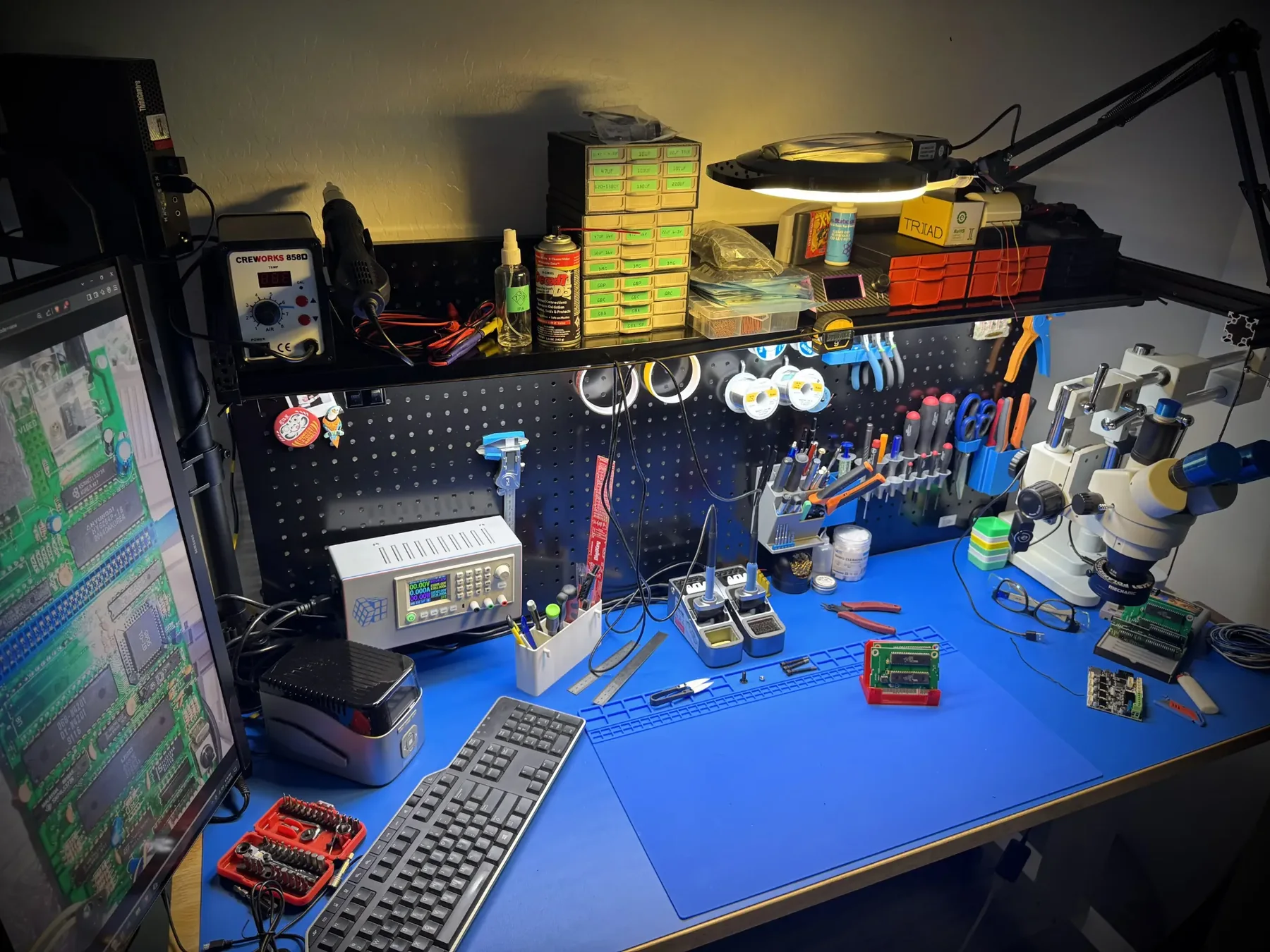
A computer repair quote should be based on the fault, not guesswork. These images support pages about slow computers, boot problems, data recovery, motherboard faults and device repair decisions.
New repair guide
Desktop PC won’t turn on?
If your desktop computer is silent, clicking, showing fans with no display, or freezing before Windows loads, this guide explains how to separate power supply, motherboard, RAM, SSD and Windows faults before buying the wrong part.
Book the inspection
Need help with this repair?
Send your model number, the symptom, photos if possible and your area in Johannesburg. We will advise on the next step and quote pickup if needed.
Content quality promise
Written to help before it sells.
Fix My Gadget repair guides are written from real workshop patterns: cracked screens, failed batteries, liquid damage, no-power faults, slow laptops, data risk and replacement decisions. The goal is to help you understand the likely repair path before you spend money.
We avoid pretending that every device can be diagnosed online. When a fault needs testing, we say so clearly and invite you to send the model, photos and symptoms before booking.
- We explain symptoms, risks and safe checks in plain language.
- We separate repair advice from product-shopping advice.
- We quote after inspection and do not recommend unnecessary parts.
- We keep Johannesburg location, pickup and diagnostic information visible.
Visit or arrange pickup
Fix My Gadget is based in Kibler Park, Johannesburg South
Workshop drop-off is available by arrangement, and paid pickup/delivery can be quoted upfront for Johannesburg areas. Send your device model, photos of the fault and your area on WhatsApp before coming through.