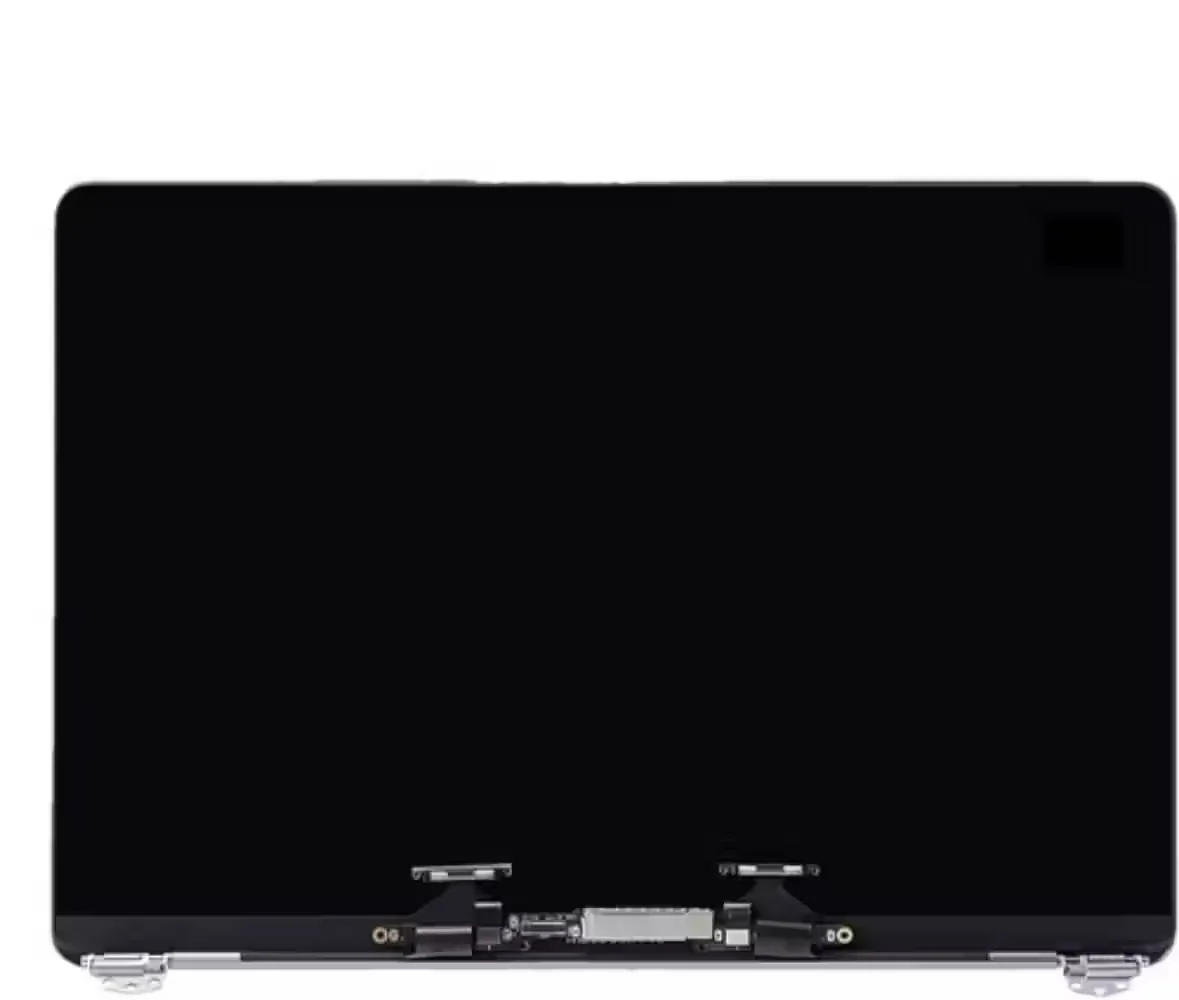
MacBook
MacBook Screen Repair Johannesburg
Screen repair cost, model check and replacement guidance.
Read guide →
Repair guide archive
A properly styled archive page for repair advice, buying guides and Johannesburg service articles. Use these links to reach the strongest live guides.
Screen repair cost, model check and replacement guidance.
Read guide →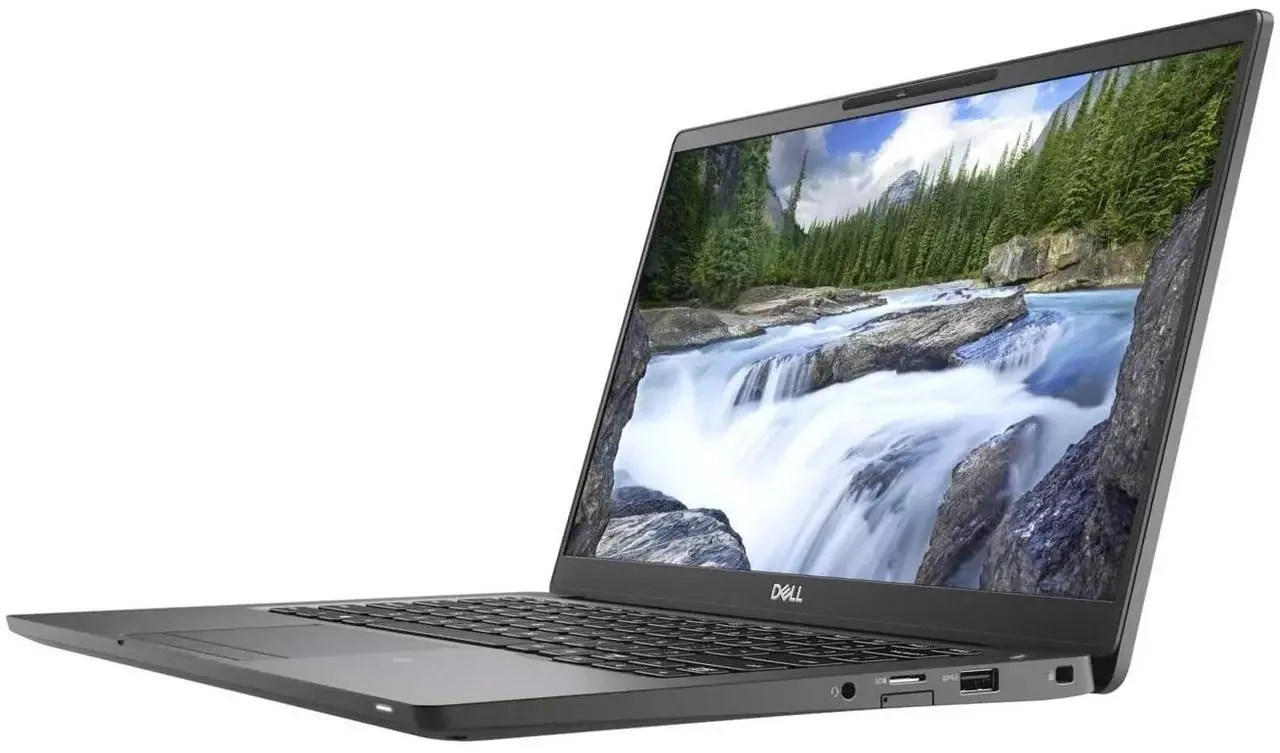
15.6-inch, 14-inch, 30-pin and 40-pin screen repair guidance.
Read guide →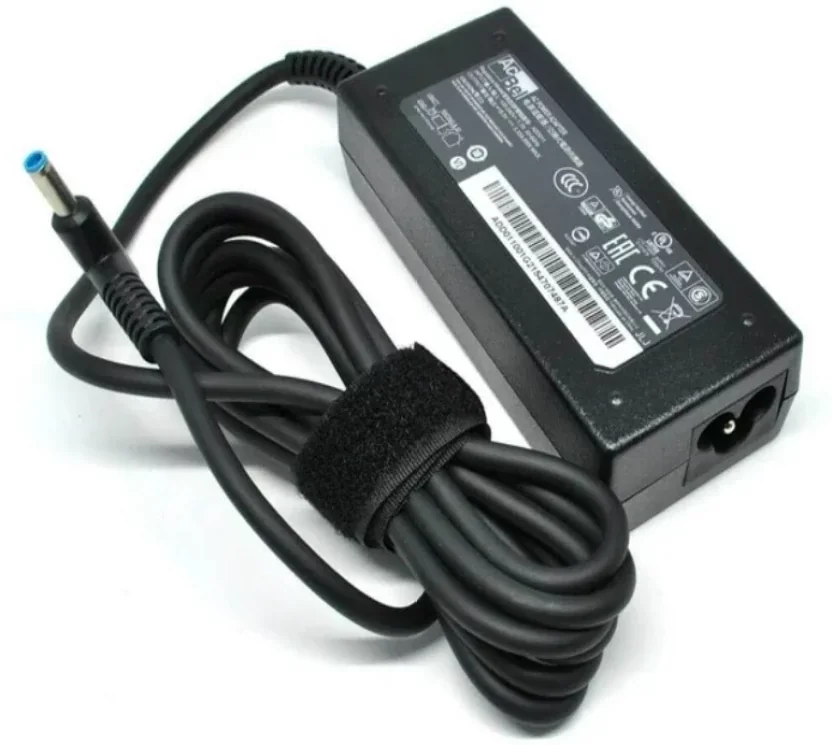
Charging at an angle, USB-C faults and DC jack diagnosis.
Read guide →
Screen damage, touch issues and model-based repair advice.
Read guide →
Student laptop buying advice for South Africa.
Read guide →
Smart TV and monitor repair guidance for Johannesburg customers.
Read guide →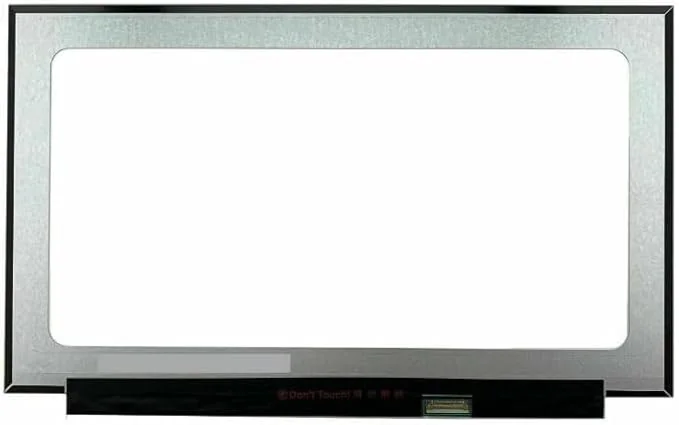
Using this archive
This archive brings together Fix My Gadget repair and buying guides for Johannesburg customers. Some articles help with urgent repair symptoms such as no power, broken screens, battery drain, liquid damage, overheating, slow computers and charging faults. Other articles help with buying decisions, upgrades, refurbished laptops, student laptops, MacBook prices and business IT support.
The goal is simple: understand the problem before money is spent. Many devices look broken in the same way from the outside, but the actual fault can be different. A laptop that does not turn on can be charger, battery, charging port, motherboard, RAM or storage. A MacBook black screen can be screen, backlight, battery or logic board. An iPhone that does not charge can be cable, charging port, battery or board. A TV with sound but no picture can be backlight, main board, power board or panel.
Use the archive to find the closest guide, then move to the correct service page or send photos on WhatsApp. Diagnostics are R400 and are waived when the approved repair proceeds. Pickup and delivery are paid services quoted upfront for Johannesburg areas.
Best way to use the guides
A useful repair archive does more than list articles. It helps customers move from a vague problem to a clear next step. If the laptop is slow, the next step may be an SSD upgrade, RAM upgrade, virus cleanup or Windows repair. If the MacBook screen is black, the next step may be a display test, charging test or logic-board diagnosis. If an iPhone battery drains fast, the next step may be a battery-health check, charger test or charging-port diagnosis. If a TV has sound but no picture, the next step may be backlight or board diagnosis rather than a full replacement.
For that reason, the archive pages support the main repair pages rather than replacing them. Read the guide that matches your symptom, then send the device model, fault description and photos on WhatsApp. The workshop can then advise whether to book a diagnostic, order a part, compare repair versus replacement, or check another page first. This keeps the website useful for Google and useful for real Johannesburg customers.
Fix My Gadget keeps the same repair policy across the site: R400 diagnostic waived when the approved repair proceeds, quote before repair, paid pickup or delivery quoted upfront, and a 3-month warranty on most part replacements such as screens, batteries, keyboards and similar parts.
Practical next step
This page is kept useful for customers who arrive through older links, search results, shared WhatsApp messages or archived URLs. Instead of showing an empty or broken page, it explains the repair decision and points the visitor toward the strongest current service page. That is important because customers often save old links or click older search results long after a website has been rebuilt.
The correct action is still simple: choose the closest service category, send the device model, describe the fault clearly, and request a quote before parts are ordered. If the device is a laptop, include the exact model and photos of the screen, hinge, charger or keyboard. If it is a MacBook, include the model number and screen or charging symptoms. If it is an iPhone, include the model, battery health, charging behaviour and visible damage. If it is a PC or monitor, mention whether data needs to be protected before software or storage work begins.
Fix My Gadget keeps this process consistent across the website: R400 diagnostic waived when the approved repair proceeds, paid pickup or delivery quoted upfront, quote before repair, and a 3-month warranty on most part replacements such as screens, batteries, keyboards and similar parts. The purpose is to protect the customer from guessing, buying the wrong part, or approving a repair that does not match the real fault.